Generative Grid Patches
Bitwig Platform
Generative Grid patches are self-running Bitwig setups that create motion, notes, or sound without a traditional played sequence.
This topic groups posts about generative Bitwig Grid patches and how to control or stop them.
Also matches: generative Bitwig Grid patches, stop generative grid patches, generative grid patches, self-running grid patch, self-running patches
Posts in this topic

In this video, I showed how to build a self-running grid patch in Bitwig Studio. I started by selecting the grid and setting it to monophonic mode. I then connected a trigger to a phaser and an XP filter, and then used a face in to create notes. I added a sample and hold, a dice module, and a reverb to the patch. I also added a pitch signal to switch between an octave higher or lower. Finally, I used a global shuffle to change the pattern.
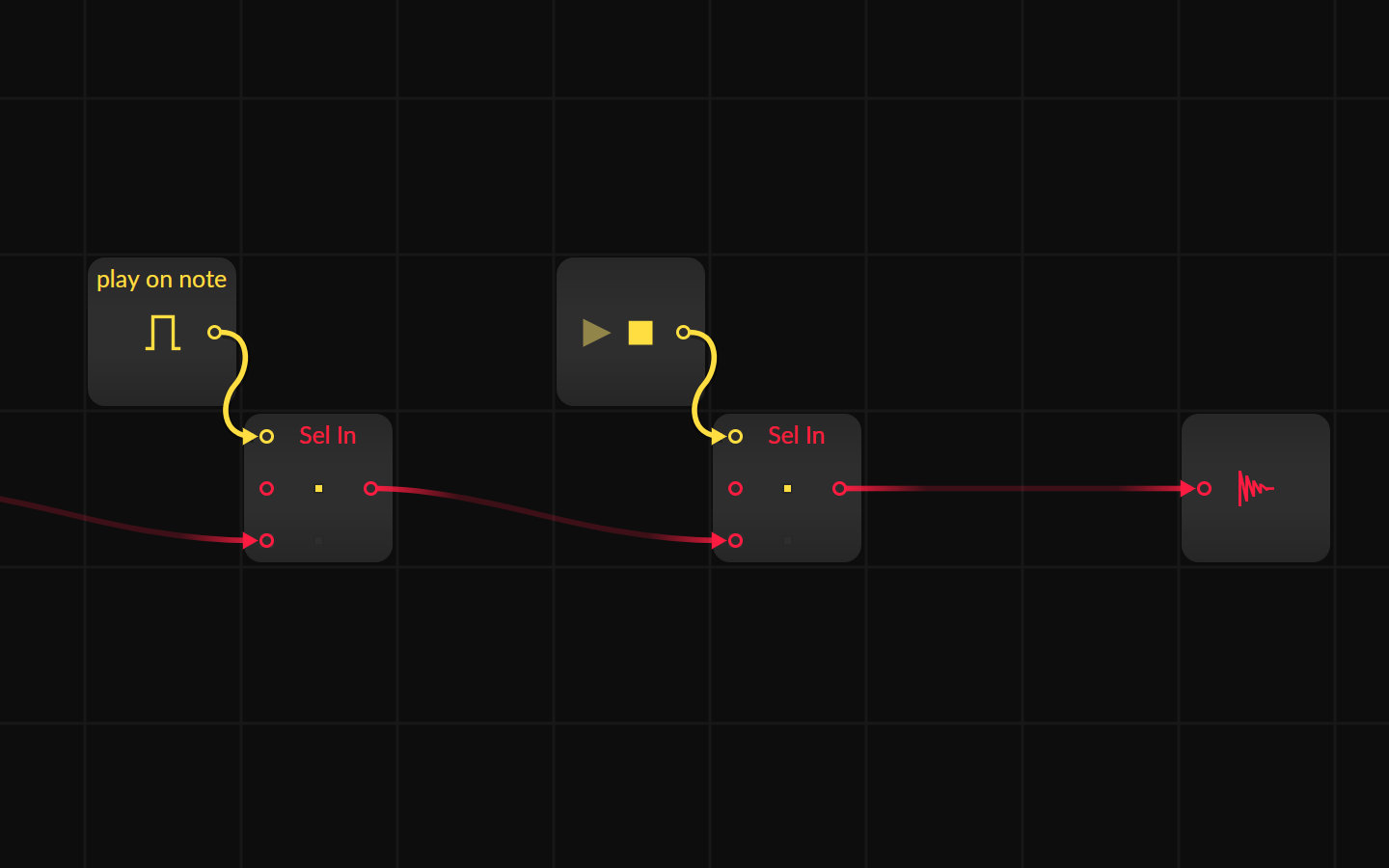
Sometimes you create a generative, self-running Grid patch and want it to stop or play at specific times. Here are some solutions to stop the grid from playing or stop the audio output with gate informations from the piano roll or the transport module.