Music Beginner Courses & Guides
Start here if you want structured courses, focused Bitwig guides, and practical music-production tutorials. The courses give you the long path, and the guides and articles help when you want fast answers.
Courses
These are the three best starting points if you want a structured path instead of jumping around the archive.

Learn how to build synthesizers, note effects, and audio effects inside Bitwig Grid, step by step.
Plan, build, test, and extend larger Grid patches from small connected timing, pitch, sound, and mixing systems.
Learn classic subtractive synth sounds like basses, leads, pads, plucks, and hoovers with clear examples.
Building Bitwig Grids
Long-form patch-building sessions for watching large Bitwig Grid ideas develop from the first routing decision to the final sound.
Build Rain Habitat in Bitwig Poly Grid from a recorded noise sample, then add generative voices, bass, rain-drum textures, and layered all-pass spaces.
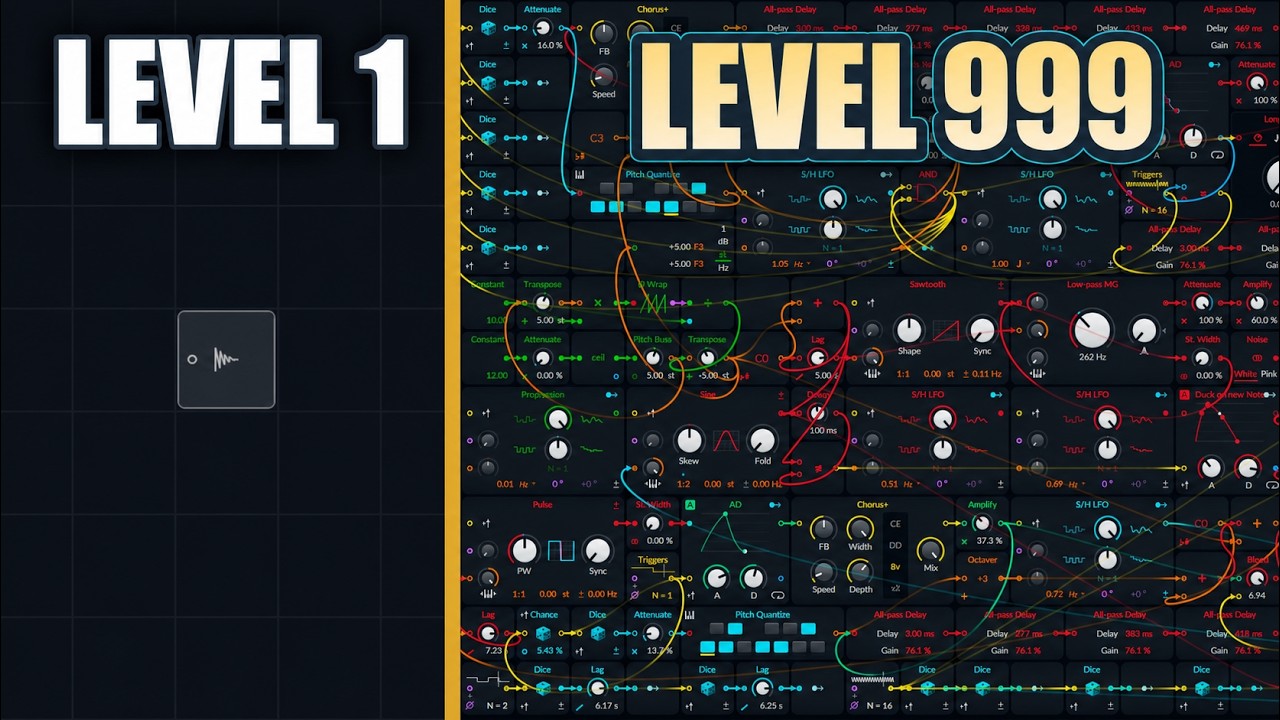
Build a generative ambient Bitwig Grid patch with fifth-based pitch motion, all-pass delays, bass ducking, and noise layers, learning trigger-safe note changes.
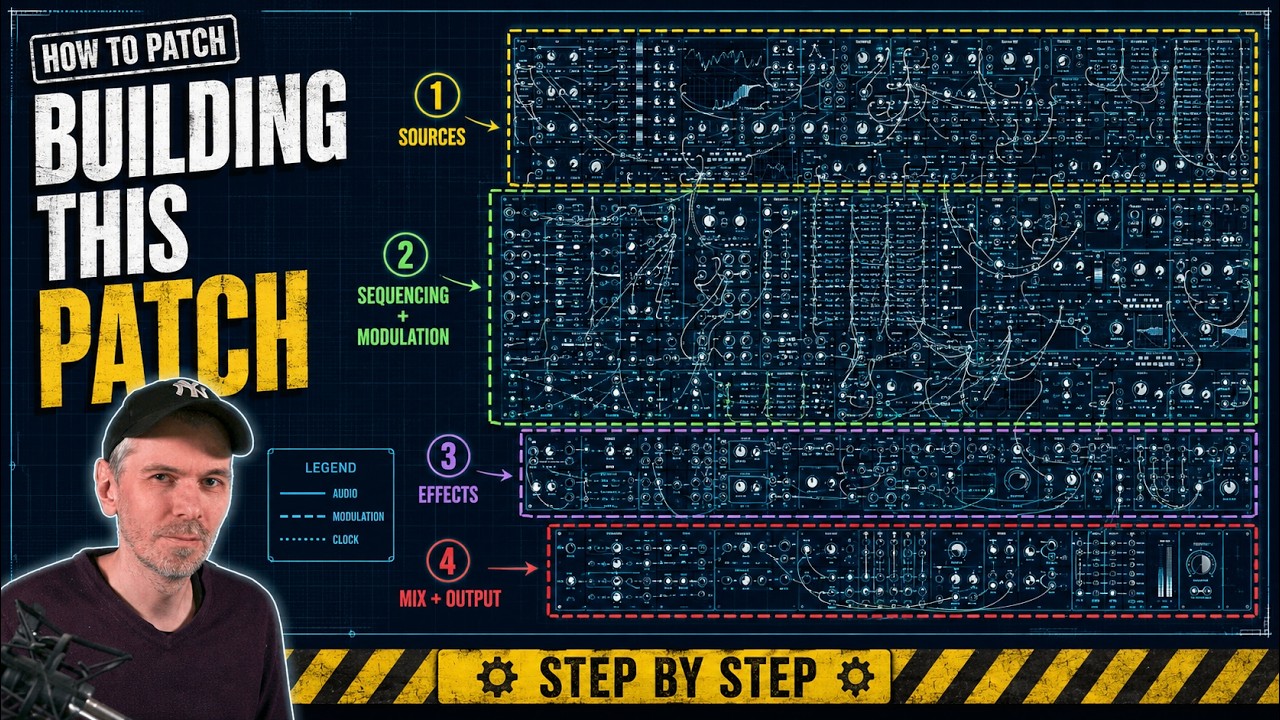
Build a Bitwig Grid additive sci-fi drone and bass patch by replacing low saw harmonics with sine partials and learning layered random modulation workflow.
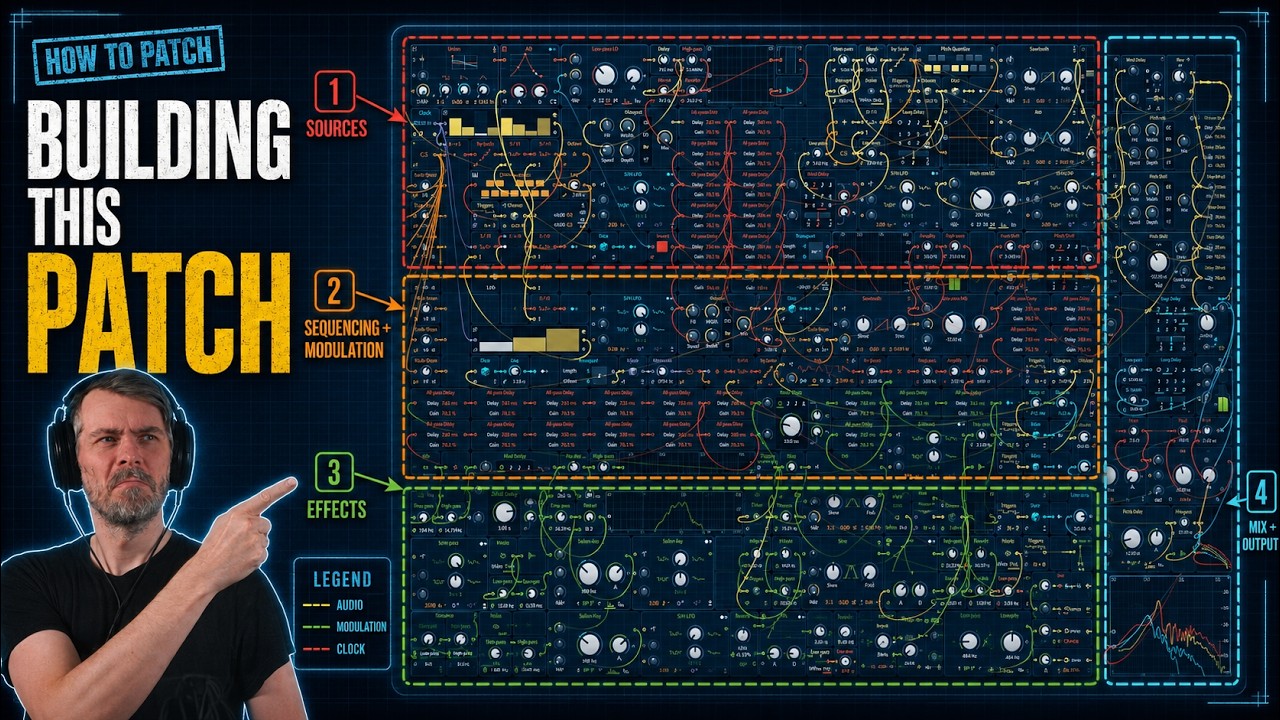
A long Bitwig Grid build of an ambient generative patch with noise-driven note sequencing, all-pass reverb, and layered modulation techniques.
Open the Building Bitwig Grids archive.
Guides
Use these when you want quick, focused help with Bitwig devices, concepts, and workflows.

The AD envelope module in Bitwig Studio's Grid is a versatile tool for shaping sounds, offering attack and decay controls with multiple modes, analog, relative, and digital, that affect timing and curve behavior. It can be triggered in various ways, looped for LFO-like effects, and used together with other envelopes for complex sound design, such as crafting kick drums. The AD module stands out for its simplicity and flexibility compared to more complex envelope modules, making it a go-to choice for quick and effective sound shaping.

The organ device in Bitwig Studio is a simple additive synthesizer that allows you to stack up to nine sine wave partials using sliders, offering pitch, glide, attack, release, gain, and panning controls. While it is not designed to emulate traditional organs, its easy layout and oscillator model options make it versatile for creating pad sounds, bass lines, and experimental textures, especially when combined with modulators and voice stacking. Despite its age and simplicity, it remains a useful tool for creative sound design within Bitwig Studio.

The Filter+ device in Bitwig Studio is a highly versatile and modular audio effect combining distortion and filtering, allowing users to shape and enhance sound in creative ways. It offers extensive customization, from swapping distortion and filter modules to flexible modulation options using built-in or external modulators, and even supports polyphonic processing for advanced sound design. With features like pre- and post-FX slots and the ability to convert to an FX grid for deep editing, Filter+ stands out as a powerful tool for everything from subtle coloring to building complex resonators and synthesizers.

Bitwig Studio's lookup tables in the Grid are versatile modules that map input values (like a phase ramp from a phasor) to corresponding output values based on predefined waveforms, such as sine, triangle, saw, or pulse, enabling highly flexible sound shaping and audio-rate manipulation. These modules work similarly to oscillators but are more modular and allow for precise control, including user-defined arrays and window functions for volume or waveform shaping. By routing different signals or modulating parameters, you can use lookup tables and related modules creatively for tasks ranging from wave shaping to arrangement automation, making them powerful tools for custom sound design within Bitwig.
Need more? Open the full guide archive.
Articles
These written posts go deeper on workflows, production ideas, and broader music-thinking topics.
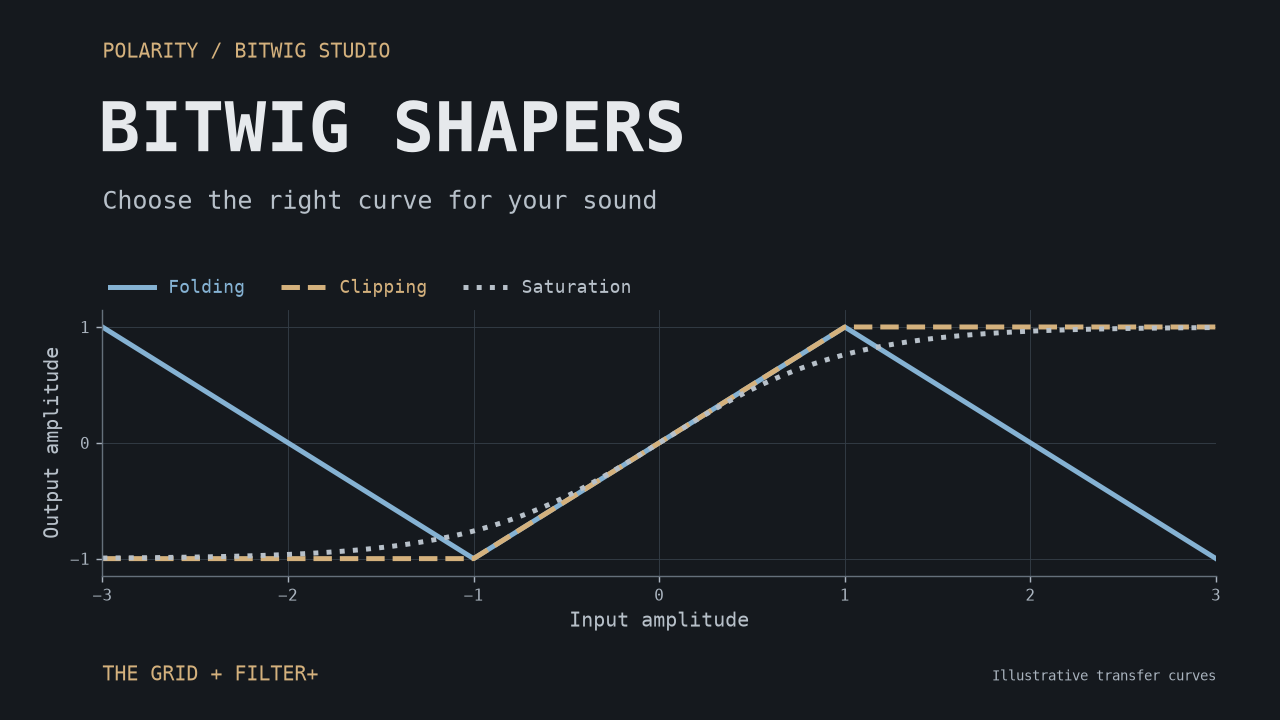
A practical guide to Bitwig's 15 Grid shapers: choose between clipping, saturation, folding, harmonic shaping, and custom curves, with starting points for basses, synths, drums, and modulation.
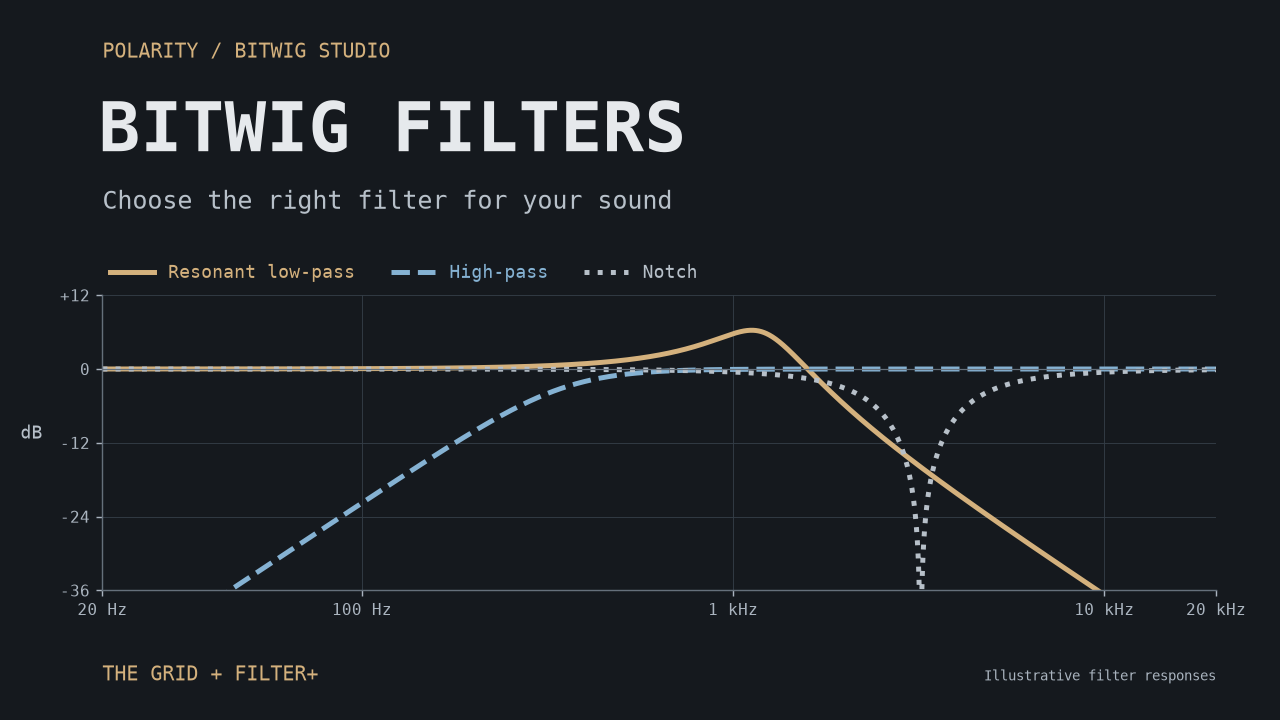
A practical guide to the ten filters shared by The Grid and Filter+: where their ideas come from, what makes them useful, and starting points for basses, pads, percussion, vocal textures, and feedback experiments.
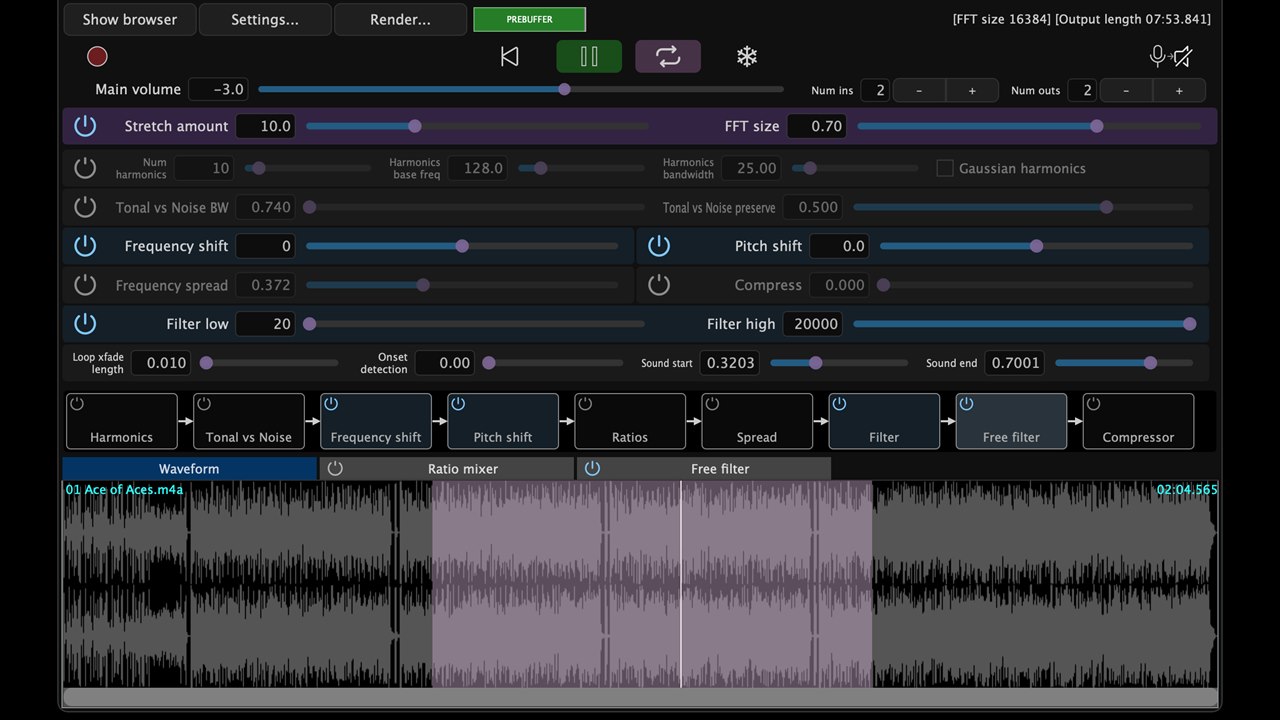
PaulXStretch is not just another granular time-stretching plugin. It is built around the Paulstretch algorithm, which stretches sound in the frequency domain, discards phase information, rebuilds the signal with randomized phase, and turns short recordings into wide, slow, spectral textures.

Oscillator sync is used to force one oscillator, called the Following Oscillator, to stay phase-aligned with another oscillator, the Leading Oscillator. The Leading Oscillator defines the timing and perceived pitch, while the Following Oscillator is periodically constrained so it cannot run freely.
Browse more in the full article archive.
Latest tutorials
If you want the newest practical uploads, this section reuses the latest tutorial stream from the homepage.
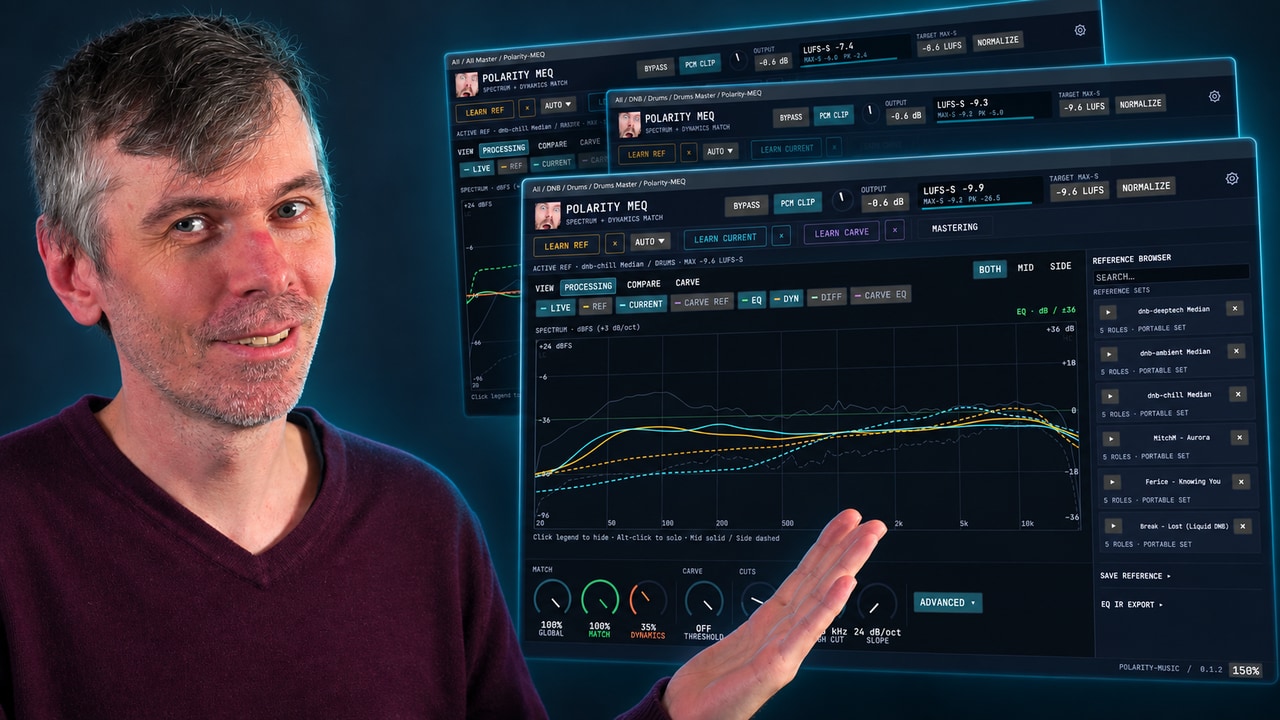
Learn how Polarity-MEQ delivers free EQ matching, loudness and dynamic matching, and sidechain carve EQ for more consistent mixes.
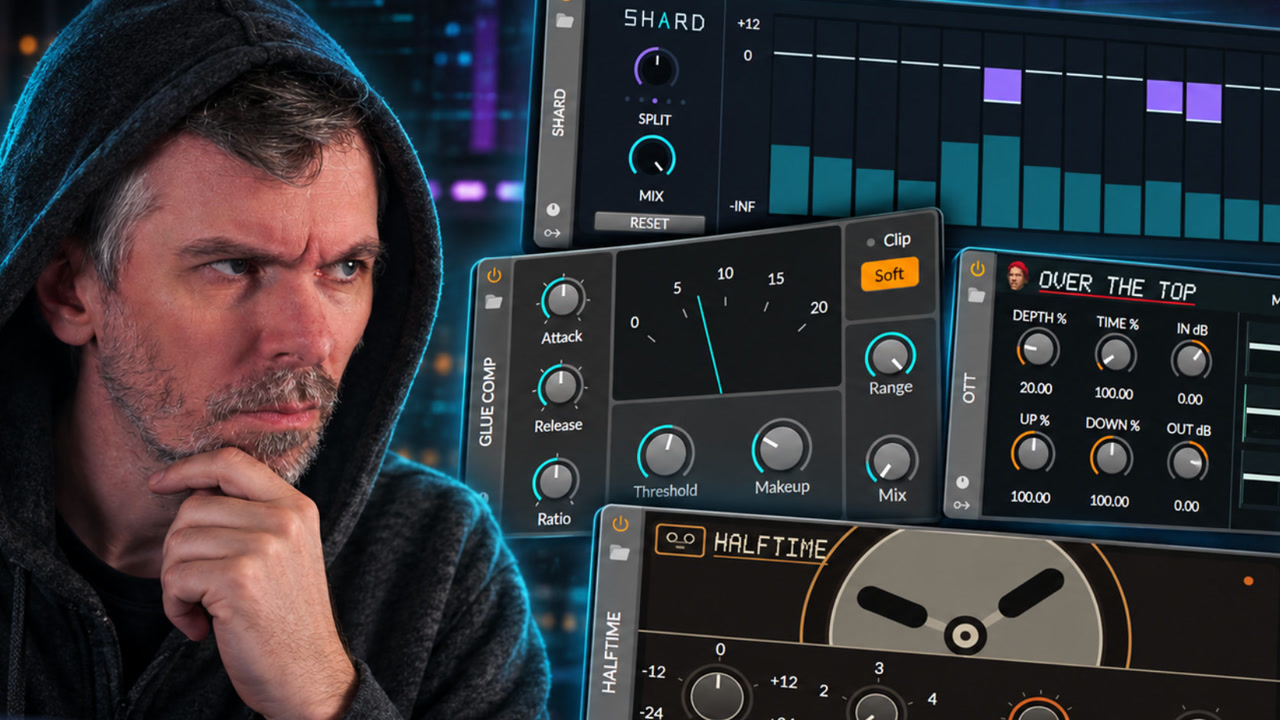
See how reverse engineering and registry patching enable custom native-looking Bitwig Studio devices such as SHARD, Halftime, OTT, Growl, and Glue Comp.
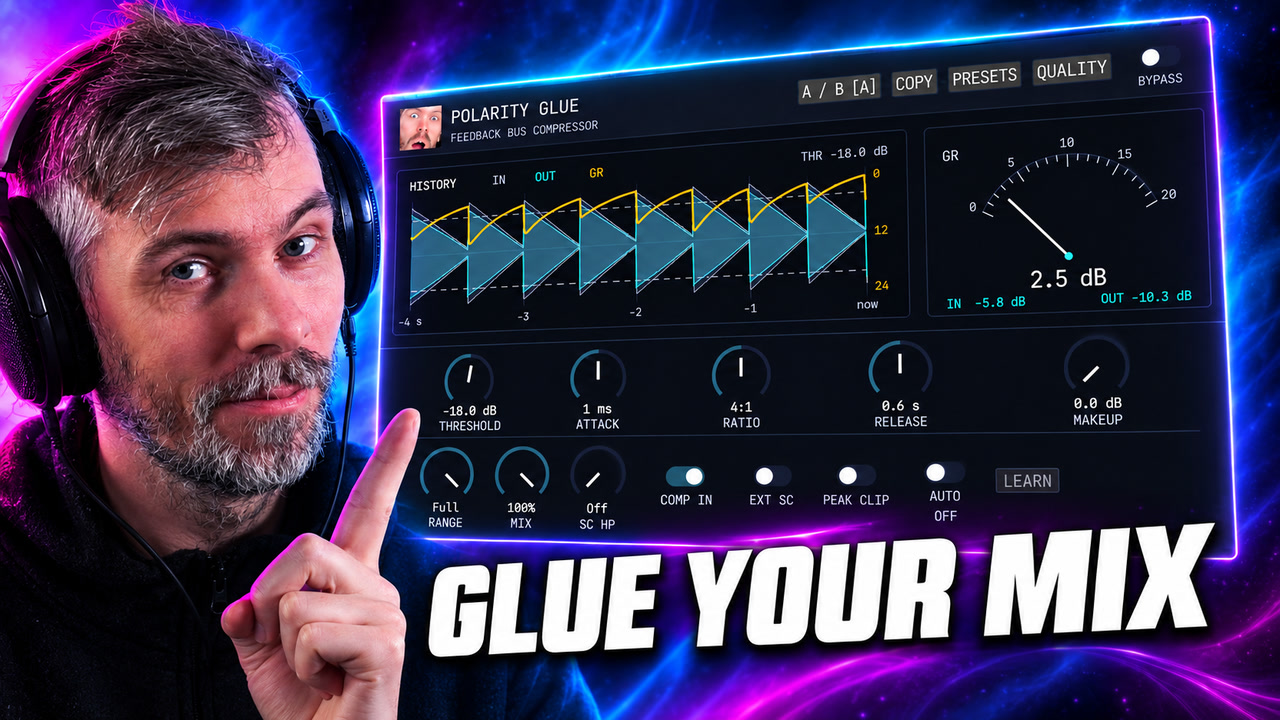
Polarity Glue is a free SSL-inspired feedback bus compressor for Windows, macOS, and Linux, with Auto Makeup, parallel mix, waveform history, sidechain control, and output clipping.
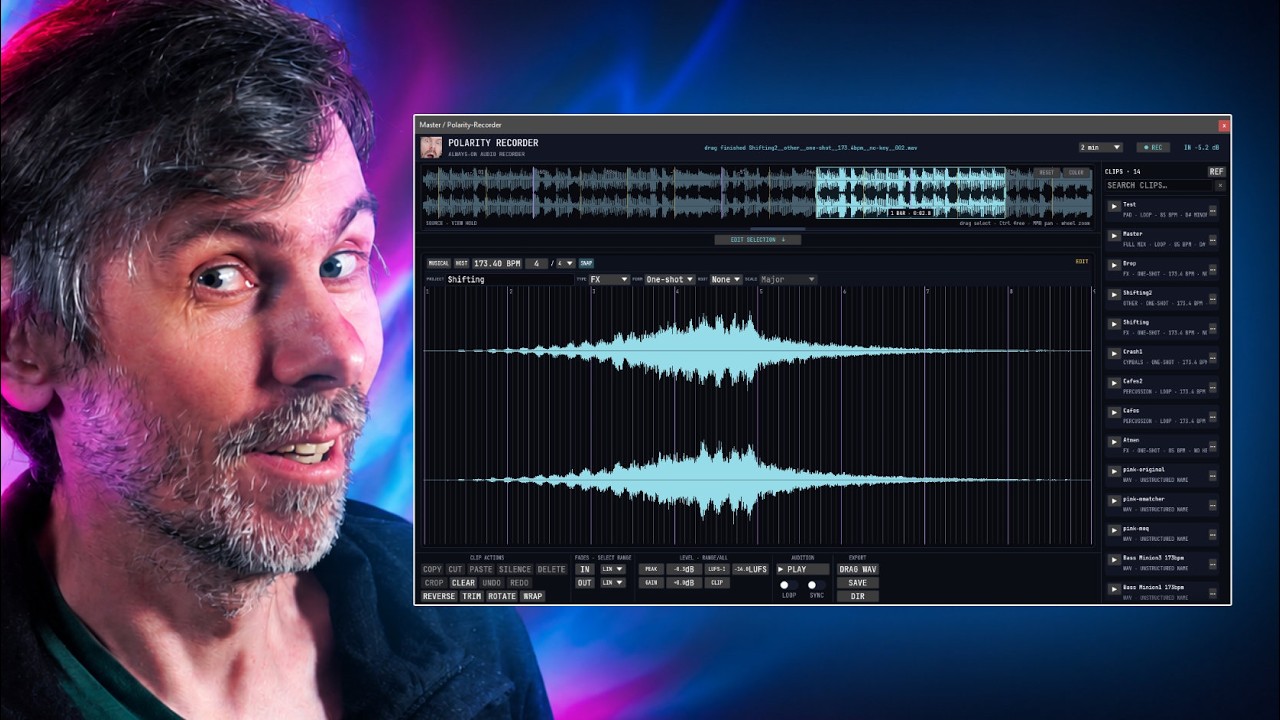
Learn how Polarity-Recorder captures background audio in a DAW to recover ideas, snap loop exports to bars, and build searchable samples fast.
Want the long list? Go to the full backlog.