Sampler
Bitwig Platform

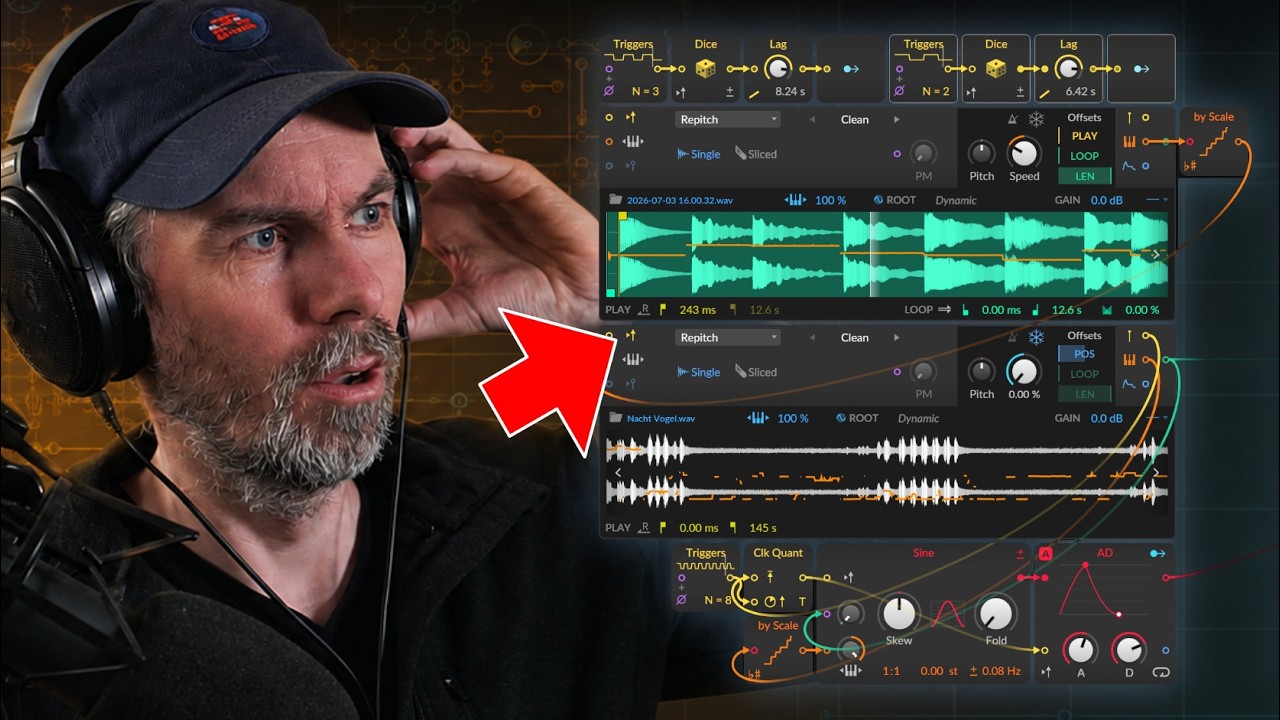
The Grid version of Bitwig's Sampler, with multisample selection and Repitch, Cycles, and Textures playback engines.
What it does
Sampler loads a sample or multisample and turns note, gate, velocity, and selection signals into audio playback. Repitch links speed and pitch like a conventional sampler; Cycles resynthesizes short periodic content with independent formant control; Textures uses grains with adjustable grain length and motion.
Controls and ports
| Control | Label | Official description |
|---|---|---|
gate_in |
Gate In | Trigger/retrigger playback of the selected sample(s) Pre-cord connects device's note gate signals |
pitch_in |
Pitch In | Control input added to the pitch buss (and for sample selection in multisample mode) Pre-cord connects device's note gate signals |
velocity_in |
Velocity In | [Multisample mode] Velocity signal for sample selection Pre-cord connects device's note velocity signals Note: All in ports on this module are mono, using only the incoming left channel. |
zparams |
Zone Parameters 1, 2, and 3 | [Multisample mode] Parameter values for the currently triggered zone(s) |
select |
Select | [Multisample mode] Determines what zone(s) are triggered based on their Select range |
pitch |
Pitch | Playback frequency control (does not affect sample selection) |
play_mode |
Play Mode | Method of audio playback/control: |
speed |
Speed | Controls playback speed. (In Repitch mode, this also affects pitch.) |
formant |
Formant | [Cycles mode] Formant shift as a timbre control |
grain |
Grain | [Textures mode] Length of each audio grain |
motion |
Motion | [Textures mode] Amount of animation added to the playhead |
freeze |
Freeze | Holds the playhead in place, requiring you to control it via Position modulation |
ram |
Load In RAM [toggle] | Allows playhead/loop modulations |
playhead |
Playhead | Offsets the playhead's current position |
position |
Position | Scaled between the sample's start and end markers |
loop_start |
Loop Start | Relatively offsets the position of the loop |
loop_length |
Loop Length | Scales the loop end time |
zone_area |
Zone Controls | Controls specific to the loaded sample(s) |
Practical uses
- Use Repitch for conventional one-shots and pitched sample playback where speed should follow pitch.
- Use Cycles for tonal material when pitch and formant need more independent control.
- Use Textures, Freeze, Position, and Motion for granular pads, scrubbing, and animated sample clouds.
Things to know
- Gate triggers or retriggers playback; its pre-cord follows device note gates by default.
- The module's input ports are mono and use the incoming left channel, including multisample selection signals.
- Pitch controls playback frequency but multisample zone selection also depends on the note-pitch bus and dedicated Select, Velocity, and zone parameters.
- Load In RAM is required for playhead and loop modulation that cannot be served by ordinary streaming.
- No dedicated Sampler engine Nitro mapping is confirmed; automatic matches to upsampler and envelope helpers are unrelated.
Technical details
No Nitro implementation has been confirmed for this visible module. The behavior is described conservatively from module metadata and editorial research.
At a high level, Repitch advances a sample read position by a pitch- and Speed-dependent increment and interpolates stored audio. Cycles and Textures require separate resynthesis paths: the former tracks periodic cycles and formant, while the latter schedules overlapping grains controlled by Grain and Motion. Multisample mode chooses one or more zones from note, velocity, Select, and three zone parameters, including crossfades where ranges overlap. Exact interpolation, stretching, grain windows, zone precedence, and voice-stealing behavior live outside the currently mapped Nitro corpus.
Open questions
- Map the Sampler engine or use controlled renders to document every play mode, interpolation quality, latency, looping, and voice-stealing rule.
- Verify the Pitch pre-cord wording in the installed description, zone-selection precedence, mono input reduction, RAM requirements, and project-state persistence.
Version and sources
Checked against Bitwig Studio 6.0.6. This page combines Bitwig's module metadata, the existing Grid course and guides, and Nitro analysis where the mapping is strong enough to support a technical statement.
Related material
Return to Bitwig Grid Modules or the Grid Modules course lesson.
Also matches: Bitwig Sampler module, Bitwig Grid Sampler, Sampler Grid module