Harmony
Production Techniques
Harmony is about how notes support each other and create a sense of stability, color, or tension. In everyday production language, this usually means intervals, chords, chord progressions, and the feeling that one note or chord acts like "home."
You do not need advanced theory to use harmony well. A few simple ideas already go a long way.
The most useful beginner idea: tonal center
One of the most important points in your posts is that scales alone do not tell the whole story. A set of notes can belong to several different modes or harmonic contexts. What matters is how those notes are used, which note feels central, and where the melody or chord progression tends to land.
That is why simply highlighting a scale in a piano roll does not automatically create musical clarity. The listener hears relationships, emphasis, and resolution, not just a list of allowed notes.
What helps people hear harmony better
- Root note: the note that feels like home
- Third: the interval that often tells you whether something feels major or minor
- Fifth: a stable supporting interval that reinforces the center
- Repetition and placement: the notes you return to usually matter more than the notes you only pass through
These ideas are simple, but they explain a lot about why one chord progression feels grounded and another one feels more ambiguous.
Why this matters in production
Harmony helps you make better decisions when writing melodies, building chords, stacking layers, and arranging sections. It also helps when you want to change the emotional color of an idea without throwing everything away.
The goal of this page is not to teach theory like a classroom. It is to explain harmony in plain language so you can use it directly inside the piano roll, on a keyboard, or while editing existing clips.
Also matches: chord progression, intervals, harmonic, harmony, chords
Posts in this topic

In this video, I explain how to create harmonies using only note intervals or relations. By understanding the relationships between notes and intervals, you can easily build chord progressions and create different chord shapes. With the help of the pitch bus and voice stacking in the note grid, you can manipulate the chord progression and create variations.

In this video, I explore harmony theory beyond the typical diatonic framework, encouraging viewers to use the circle of fifths for a broader understanding of chord progressions. I demonstrate how to create more interesting harmonies by borrowing chords from outside the standard scale and discuss using a visual tool I've developed to facilitate this process. This approach allows for more creative freedom in music composition by enabling experimentation with different scales and chords while maintaining a tonal center.

In today's video, I want to discuss melodies, chords, and scale highlighting features. Somebody commented on my previous video about using a note grid that emits random melodies and modifying it with a key filter to accommodate those who are less familiar with music theory. However, I believe this approach is not feasible because the scale highlighting feature in Ableton Live, for example, can be misleading. When you select the scale feature in Ableton Live, it highlights certain notes in green. For C major, all the white keys are highlighted. However, it also selects other scales and modes such as D Dorian, E Phrygian, and so on.

In this video, I demonstrate how to create an unusual chord progression tool using Bitwig Studio, experimenting with note stacking, transposing, and modulation to generate interesting harmonic structures. By leveraging Bitwig's note grid and modulation features, I show how to keep the chords within a chosen scale, like D# minor, while allowing for dynamic changes in chord shapes and progressions. Finally, I provide the preset for download so viewers can explore and customize their own chord progressions.

In today's video, I demonstrated how to create interesting harmonic ideas using Bitwig's note grid by setting up chords with a pedal tone and fifths, making it simple to form complex chords and EDM sounds. I also added elements like an arpeggiator, reverb, and delay to enhance the sound, and showed how to manage different channels for more intricate compositions. This technique allows for quick and easy creation of harmonies without the need for complex chord progressions.

In this video, I reviewed the court version tool called Ports by VA Productions. I tried out the demo version and gave my impressions of it. I found that it was a nice starting point for inexperienced producers like myself, as it has a pool of chord shapes to select from. However, I found that it was largely a trial-and-error based plugin, with no real guide for constructing a good chord progression. I also noted that you can't see which notes are overlapping with the next chord, and that it would be nice to have a feature that lets you control the rhythm of the chord progression. In conclusion, I found Ports to be a useful tool, but it could benefit from some additional features.

In this video, I demonstrate how to create a chord progression tool using Bitwig Studio 5.1. By utilizing the pitch bus and node grid, I show how to easily create melodies, chords, and inversions while staying within a specific octave range. The preset used in the video is available for download in the video description.

In this video, I talk about the ratio setting feature in Bitwig Studio, and how it can be used to create interesting melodies and chords. I explain how it works and how to use it to create chords by modulating simple ratios. I also discuss how to use the ratio setting with equal temperament, just intonation, and how to use the pitch quantizer to correct the frequency. Finally, I demonstrate how to use the ratio setting to create chord progressions and scales that sound pleasing to the ear.

In this video, I talk about a diatonic transposer that can be used in Bitwig to create chord progressions. By using the diatonic transposer, you can correct wrong notes to the right notes of a scale, making it easier to create chord progressions that stay within a specific scale. I demonstrate how to use the diatonic transposer in Bitwig by choosing a scale and mode, and then using the multi-note function to duplicate the notes to different keys. This allows you to easily find starting chord progressions. I also show how to use the diatonic transposer with an arpeggiator to experiment with chord changes, and how to use it with a bassline by using the note receiver and the arpeggiator. Additionally, I introduce the plugin "Cthulu" which allows you to choose specific notes from a chord to create melody lines. I explain that while diatonic chords can be a good starting point, it's important to break out of the diatonic scale scheme at times to add variation and interest to your compositions. I hope this tutorial provides some ideas for creating interesting melody lines and chord progressions, and I encourage viewers to comment with any questions or tutorial requests.

Welcome to Interactive Piano Chords! This web app allows you to explore various piano chords, visualize them on a virtual keyboard, and even hear how they sound. Click on a chord from the list to highlight its notes on the keyboard and play its sound. You can also see how many notes each chord shares with the currently highlighted chord. Enjoy your musical journey!

In this video, I demonstrate a simple trick to create a modal chord progression in Bitwig Studio. By stacking major chords and using a multi-note, I'm able to create a jazzy, yet smooth chord progression that is not in a set scale. I then use a note wrap preset to create an auto-inversion effect, and use a pitch quantizer to ensure that the notes fit the chords. To add to the jazzy feel of the track, I use a polysynth with a channel filter to create a bass line, and an arpeggiator with note repeat for a more interesting melody.

Bitwig Studio 6’s new scale highlighting feature makes it easy to visualize, create, and modulate melodies and harmonies in different scales and modes, helping both beginners and advanced users make more intentional music. The feature supports global and local scale selection, real-time automation, and integration with tools like arpeggiators and note effects, allowing users to experiment with brightness, darkness, and complexity. While primarily a highlighter rather than a full automatic transposer, it’s a valuable addition for making music theory more accessible and practical in your workflow.

In this video, I explored the Insta Composer plugin and showed how it can be used to generate generic music for background music, streaming, and other projects. I demonstrated how to tweak parameters like chords, scale, population, and key. I also explored how to use the plugin inside Bitwig and how to export the generated music.

In this video, I showed some ways to create court versions with the NoteFX devices of Bitwig Studio. I demonstrated how to use the diatonic transpose to bring chords to a certain scale, and how to use the octave wrapper to move notes within an octave range. I also showed how to use the multi note to create chords with different amounts of modulation and how to mix major and minor chords together. Finally, I showed how to use a macro knob to create inversions with one knob.

Build a Bitwig Grid ambient Dorian drone patch with slow chord progression, bass, shimmer diffusion, and random textures using compact sequencing workflows.

In this video, I demonstrated how to create a code progression tool or preset inside Bitwig Studio. I explained step-by-step how to create quads, change the relationships between notes, introduce rhythmic elements, apply swing and groove, route notes to different instruments, bounce MIDI clips, and tweak further. I also showed how the Poly-Grid device works and how it can interact with VST instruments, synthesizers and external hardware. Finally, I introduced some tips such as using attinuates to scale down the pitch range, creating chromatic chords, quantizing the rhythm with sample and holds, and using a macro knob to change the scale from the outside.

In this video, I successfully replicated Harmony Bloom inside of Bitwig Studio with a few differences. Harmony Bloom is a Polyrhythm generator that allows you to generate notes and control various parameters such as note length, loop length, probability, offset, and more. Although my replication may not be 100% accurate, it provides a similar functionality within the grid of Bitwig Studio.
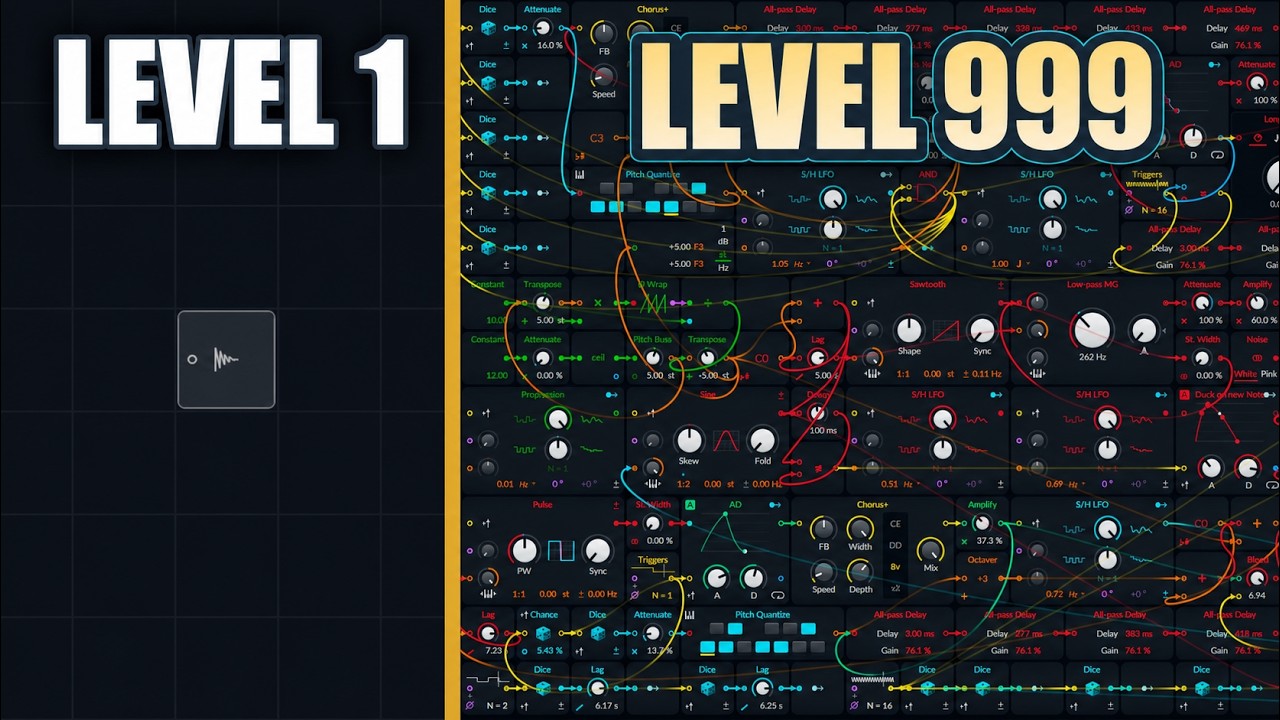
Build a generative ambient Bitwig Grid patch with fifth-based pitch motion, all-pass delays, bass ducking, and noise layers, learning trigger-safe note changes.