Recorder
Bitwig Platform

A volatile one-shot capture buffer whose Record and Play gates define a temporary segment for later playback.
What it does
Recorder writes incoming samples from the start of its temporary buffer while Record is high. After recording stops, Play starts the stored segment from its beginning; the output returns to zero when the captured length ends. It is intentionally a minimal live buffer rather than a persistent sampler.
Controls and ports
| Control | Label | Official description |
|---|---|---|
signal_in |
Signal In | Signal to be recorded |
record_in |
Record In | Sets whether recording is occurring Note: This in port is mono, averaging any incoming stereo signal. |
play_in |
Play In | Sets whether playback is occurring Note: This in port is mono, averaging any incoming stereo signal. |
Practical uses
- Hold Record for exactly one rhythmic slice, release it, then trigger Play to create fills, stutters, or ghost notes.
- Quantize both Record and Play control signals with Grid clocks and logic so capture boundaries land on the beat.
- Use several Recorders with probability, filtering, envelopes, and different trigger patterns for evolving glitch layers.
Things to know
- A controlled Bitwig 6.0.6 pass measured zero output while idle and recording, captured-value output during playback, and zero again at the buffer end.
- Record and Play control ports are mono; the official help says stereo control signals are averaged. The stored audio channel layout still needs a dedicated stereo test.
- The buffer is temporary and is not a sample file or persistent preset asset.
- There are no direct controls for playback speed, direction, loop points, or start offset.
- Older blog workflow notes and the current live pass agree that a new action begins from the buffer start, but early gate release and simultaneous Record/Play still require current-version confirmation.
Technical details
The exact Nitro implementation mapping is currently unknown, so the technical notes are not presented as verified DSP behavior.
No matching Nitro body has been recovered. Current black-box evidence supports a finite volatile buffer with separate Record and Play control state: Record-high captures sequential input while output stays zero; after Record falls, Play starts one-shot reading at the beginning; after the recorded length, output is zero even if the Play control remains high. The richer mod_fx/tape_recorder_module has offset, length, speed, feedback, retrigger, and head-position ports and is therefore rejected as a different effect.
Open questions
- Measure stereo storage versus mono control averaging with independent left/right constants.
- Test early Play release, repeated high gates, rising-edge retrigger, simultaneous Record/Play, record overwrite, and zero-length capture.
- Determine maximum buffer length, allocation/reset behavior, project/preset reload persistence, voice scope, and sample-accurate boundary ownership.
- Locate the real implementation or prove that the buffer is implemented outside the current Nitro image.
Version and sources
Checked against Bitwig Studio 6.0.6. This page combines Bitwig's module metadata, the existing Grid course and guides, and Nitro analysis where the mapping is strong enough to support a technical statement.
Related material
- Grid Modules course reference
- Bitwig Recorder Module - Short Sampler, Looping, and Glitch Techniques
Return to Bitwig Grid Modules or the Grid Modules course lesson.
Also matches: Bitwig Recorder module, Bitwig Grid Recorder, Recorder Grid module, Bitwig Recorder, Recorder module, Recorder
Posts in this topic

This video explains the Recorder module in Bitwig Studio's Grid, showing how it acts as a simple in-memory buffer for recording and playing back audio in real-time, with no permanent storage or advanced controls like speed or offset changes. The tutorial explores creative uses of the module by combining it with logic tools such as gates, latches, quantizers, and random triggers to achieve effects like glitching, ghost notes, and dynamic filtering, especially on drum loops. The presenter emphasizes experimenting with different signal routings and highlights that layering logic around the Recorder can unlock highly creative possibilities for rhythmic and textural manipulation.

In this video, I demonstrate how to create a step recorder within Bitwig Studio using the Note Grid by replicating the functionality of a hardware step sequencer. The process involves using arrays to store pitch information for each step, counters to manage step progression, and some additional logic for recording and playback. I've saved the step recorder as a preset, which you can download and customize further, allowing you to build sequences on the fly more fluidly.

In this video, I talk about some small changes I would like to see in future versions of Bitwig Studio. I acknowledge that Bitwig Studio is already amazing and I have no complaints about it. However, there are some features that I think could be improved upon. One feature I feel needs some love is the recorder module in the grid. It lacks persistence, meaning that when you save and reload a preset or project, any recorded data is lost. I suggest adding a feature to persist data or introduce a module similar to the sample and hold that can save values.
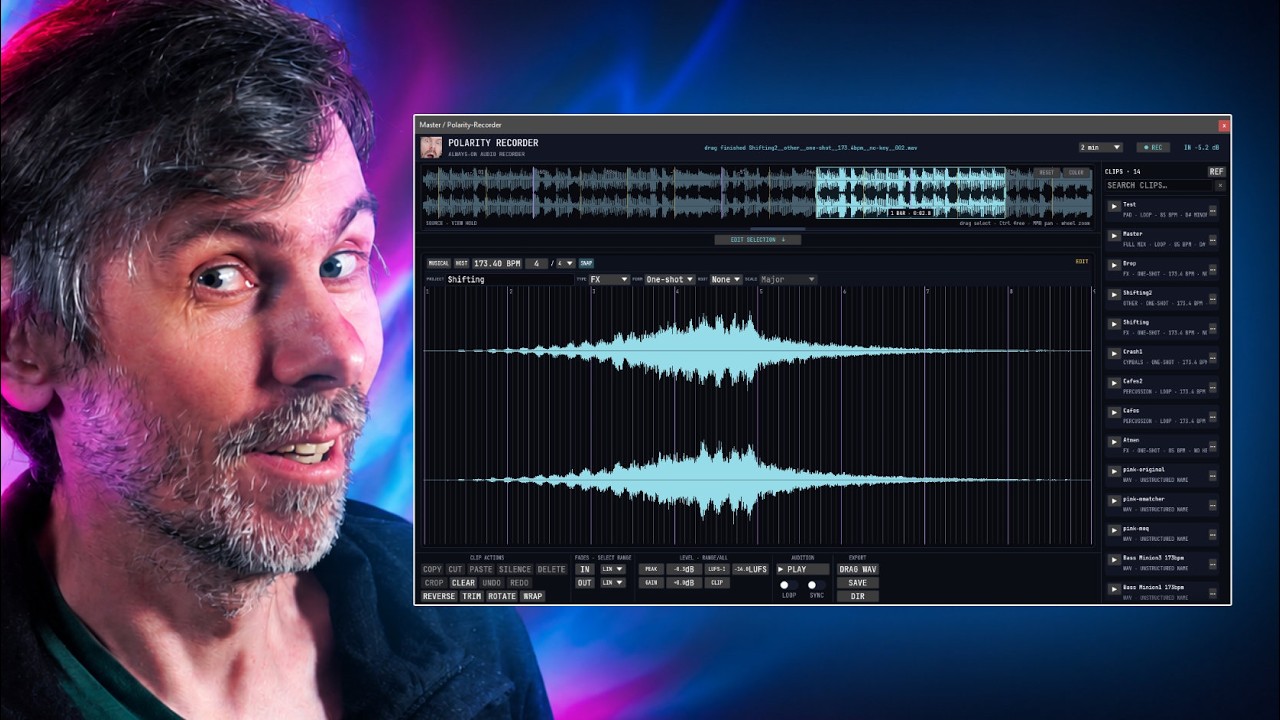
Learn how Polarity-Recorder captures background audio in a DAW to recover ideas, snap loop exports to bars, and build searchable samples fast.

In this video, I showed how to build a melody maker in Bitwig Studio and the Grid. I demonstrated how to use a pitch module, select, max min and probability selector and combined them together to build a melody maker. I also showed how to use a sample and hold, ADSR, face input, scaler, mirror and band, and a recorder to add groove and repetition to the melody. Finally, I showed how to use a clock one ties to synchronize the melody to the beat grid.

In this video I showed how I use audio effects racks to save time and create interesting sounds. I demonstrated how to use a mixer, recorder, step-smoother and attenuator to create ghost notes at the end of a drum loop. I also showed how to use the FX grid and gate modules to create a delay or reverb effect that occurs when the snare is triggered. Finally, I explained how these audio effects racks can be saved as presets and used in other projects.