All-Pass Delay
Bitwig Platform

A delay-based all-pass section that changes phase and time distribution while preserving magnitude in its stable ideal form.
What it does
All-pass Delay combines a delayed internal state with a feedforward and feedback coefficient. A single stage can create phase rotation, ringing, or transient spreading; several stages at unrelated delay times form the diffusion networks used in many algorithmic reverbs.
Controls and ports
Signal In enters the all-pass section, Delay sets the internal delay time, Gain sets the shared feedforward/feedback coefficient, and Signal Out returns the phase-shaped result.
Practical uses
- Cascade several stages with non-multiple delay times to smear transients into a denser reverb-like response.
- Use short times for metallic ringing, resonator color, or moving phase effects.
- Modulate delay times slightly and differently across stages to reduce static ringing and increase diffusion.
Things to know
- All-pass means ideally flat magnitude for the processed path, not unchanged waveform or phase.
- Mixing an all-pass output with a dry copy creates frequency-dependent cancellation even though the wet path alone is magnitude-flat.
- At Gain zero the positive-delay structure becomes a pure delay; as |Gain| approaches one, the phase and time distribution change strongly.
- Simple-multiple delay times reinforce periodic patterns; irregular times usually sound more diffuse in a cascade.
- The zero-delay branch reads the current input directly and should be measured separately from the standard positive-delay transfer.
Technical details
A high-confidence Nitro implementation candidate supports the technical summary, but the visible-module mapping remains inferred.
The exact grid/delay/grid_allpass_delay body reads delayed state r, writes w = x - G*r, and outputs y = r + G*w. For positive delay this gives H(z) = (G + z^-D)/(1 + G*z^-D), whose magnitude is unity for real G in the stable region while phase varies with frequency. Delay seconds become delayTime*sampleRate*4; fractional reads use linear interpolation. Before sufficient history exists, r is zero. For nonpositive delay the body substitutes current input for r, so that edge does not follow the ordinary delayed-state derivation.
| Nitro port | Type |
|---|---|
in |
InputAudioPortType |
delayTime |
InputAudioPortType |
G |
InputAudioPortType |
out |
OutputAudioPortType |
Open questions
- Measure the visible Gain mapping, sign/range, stability boundary, zero-delay response, and exact Delay range.
- Quantify interpolation error, magnitude ripple for fractional delays, group delay, reset transient, and modulation behavior.
- Confirm stereo state, parameter smoothing, and how cascaded stages behave at extreme Gain values.
Version and sources
Checked against Bitwig Studio 6.0.6. This page combines Bitwig's module metadata, the existing Grid course and guides, and Nitro analysis where the mapping is strong enough to support a technical statement.
Related material
- Grid Modules course reference
- Bitwig All-Pass Delay Device - Create Reverbs and Diffuse Signals
- All-Pass Reverb in Bitwig Grid That Sounds Diffused
- How to Build Custom Reverbs in Bitwig Studio FX Grid
Return to Bitwig Grid Modules or the Grid Modules course lesson.
Also matches: Bitwig All-pass Delay module, All-pass Delay Grid module, Bitwig Grid All-pass Delay, Bitwig All-Pass Delay, All Pass Delay, All-pass Delay
Posts in this topic

The video explains how the all-pass device in Bitwig Studio works by passing all frequencies while introducing delay, phase diffusion, and metallic ringing sounds, which are essential for building reverbs and creative sound effects. It demonstrates how the device can be replicated in Bitwig's Grid and discusses its use in artificial reverbs, where many all-pass modules are combined in parallel or sequential arrangements. The creator recommends exploring Valhalla DSP's blog for deeper insights into reverb design using all-pass filters.
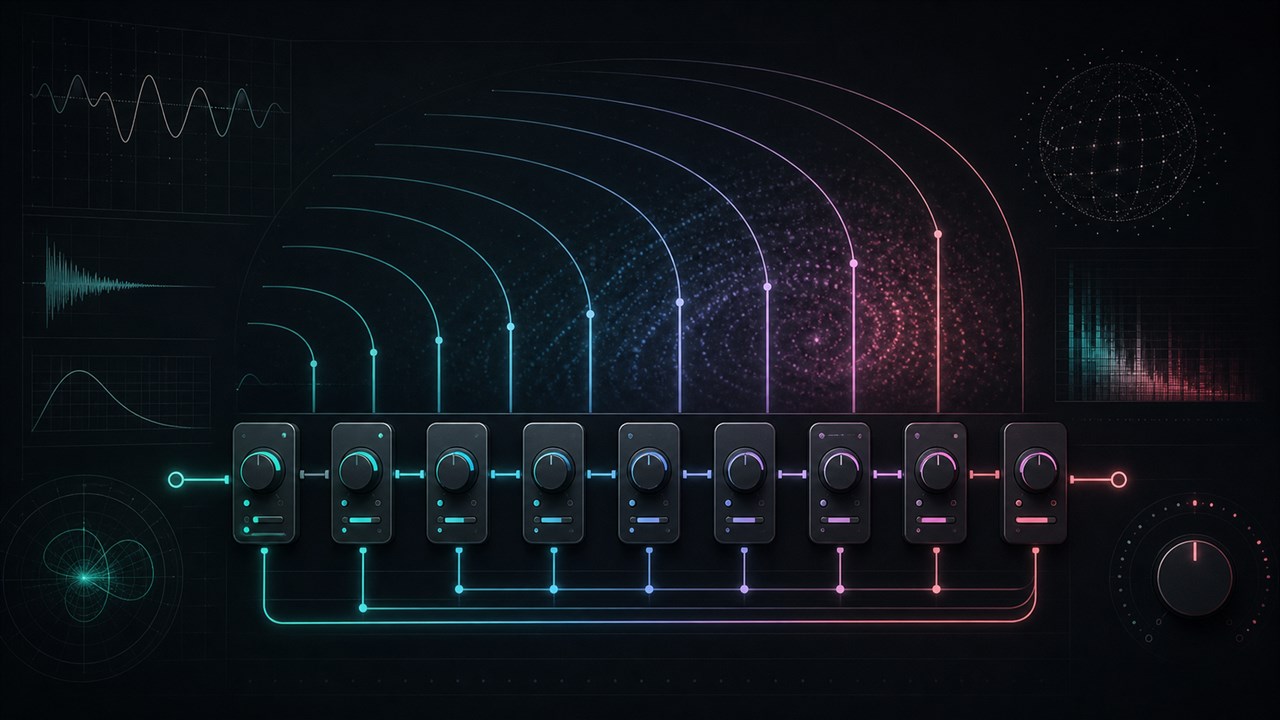
Calculate all-pass delay times for smooth reverb tails. Pick a preset for plate, hall, shimmer, or metallic reverb, set the first and last delay in ms, and the calculator spaces each diffuser stage to avoid clustering and comb filtering.