Music Production Knowledge Backlog
Here you can browse the latest published tutorials, guides, tools, articles, music posts, videos, and releases in one timeline. If you want a smaller overview, start with Polarity Music tutorials, Bitwig guides, Building Bitwig Grids, helpers, articles, music videos, releases, or the music hub. If you want something specific, use the search.

In this walkthrough of Bitwig Studio 6, I demonstrate how to use the new global scale feature to create dynamic and interesting sequences by combining a variety of note effects and MIDI processing tools. By relying on note FX like arpeggiators, randomizers, and quantizers, you can quickly generate complex basslines, melodies, and pads that always stay in key, making generative and experimental music workflows much more accessible. This approach allows you to break out of repetitive habits and explore fresh melodic ideas without being tied to manually drawing notes, harnessing the power of modulation and scale quantization for creative results.

I haven't released any tracks here on Bandcamp in a long time, and that's about to change today. I've got four new tracks for you, all Drum'n'Bass, and they're all pretty groovy, funky, and minimal. The spark was definitely the Funk Phenomenon track with Auralbee, and I just got inspired to update three more tunes and throw them onto the album or EP. I hope you like it! Feel free to drop a comment here, maybe leave a review, or just keep on browsing. The Project Files are available on my Patreon page, if you're interested.

This video reviews the Infinite plugin, a free AI-powered tool, likely made by Google, that generates an endless stream of music based on user prompts and context, allowing detailed control over the composition process. The creator acknowledges concerns about AI, such as data usage from artists and environmental impact, but is interested in exploring its creative potential and hopes for future open-source or local versions. Overall, the plugin inspires fresh ideas and background textures for musicians while letting them directly shape the generated output, despite some technical limitations and the broader uncertainties about AI in music creation.

In this video, I demonstrate how to recreate the functionality of the popular hardware device, the High Court, inside Bitwig, allowing you to play and modify diatonic chord progressions using your keyboard instead of spending hundreds on the physical unit. I showcase how to set up and use my Bitwig preset for easy chord selection and modification, and how to record the results into a MIDI track. You can download my free preset from GitHub, and I'm open to feedback or requests for additional features or Bitwig Studio 5 compatibility.
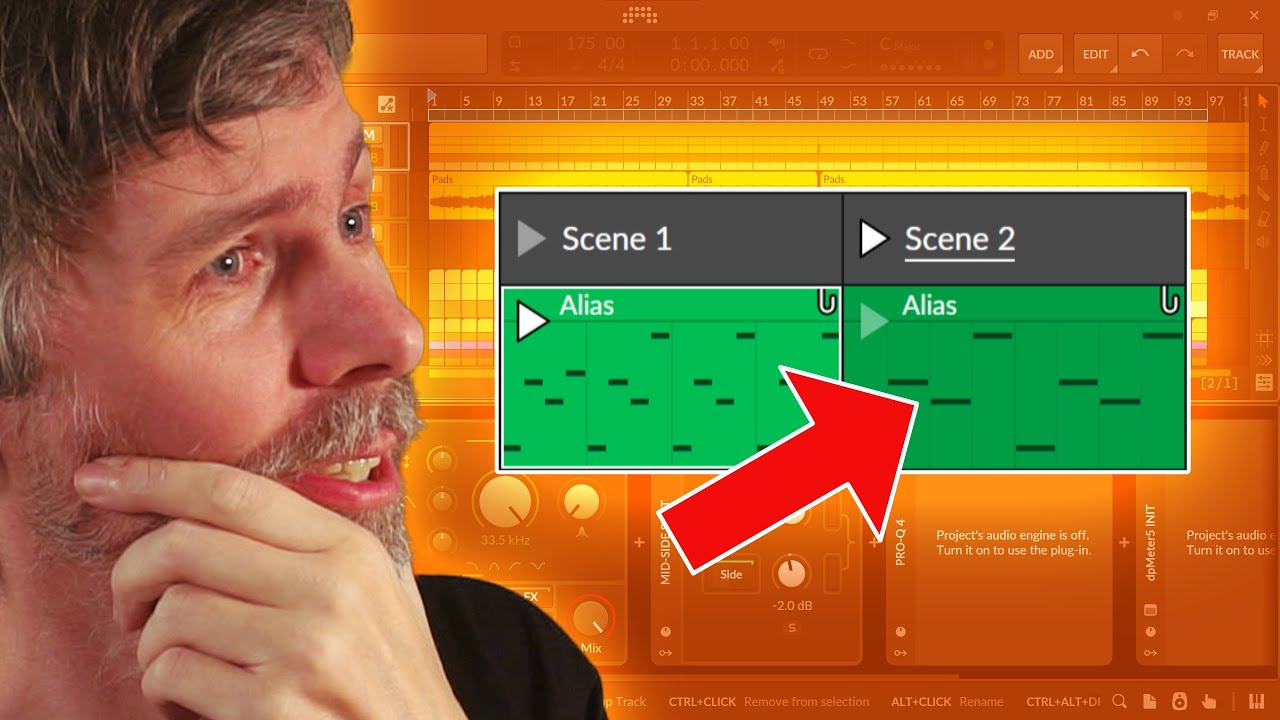
This video explores the alias clip feature in Bitwig, which allows users to copy and link clips so that changes to one affect all linked versions, but highlights potential issues with accidental changes in complex projects. The presenter appreciates the flexibility of being able to alter container properties like length or start position without changing the clip's contents and sees potential if alias clips could span across different tracks. They suggest improvements such as more inspector controls and cross-track aliasing, but personally prefer working with unique clips rather than relying heavily on the alias feature.

In this guide, I demonstrate how to use Bitwig Studio 6’s global scale and a custom preset to automatically transpose notes to the correct root when switching scales, solving the tedious process of manual transposition. By leveraging the note grid and new modules like root key and pitch class, you can easily adapt your melodies and harmonies across changes in key signatures. This method lets you freely compose in different scales without worrying about root note adjustments, making scale modulation seamless and creative.

Automation in Bitwig Studio 6 introduces improved visuals and helpful new tools, but the workflow changes, like moving buttons and making it harder to see MIDI notes or quickly add/delete automation lanes, can be frustrating, especially for users familiar with Bitwig 5. Despite some minor design annoyances and added clicks in the process, the enhanced features such as randomization, smarter node handling, and flexible clip-based automation are genuinely powerful and enjoyable. Overall, the automation system is much improved, though small fixes to workflow consistency would make it nearly perfect.

Bitwig Studio 6’s new scale highlighting feature makes it easy to visualize, create, and modulate melodies and harmonies in different scales and modes, helping both beginners and advanced users make more intentional music. The feature supports global and local scale selection, real-time automation, and integration with tools like arpeggiators and note effects, allowing users to experiment with brightness, darkness, and complexity. While primarily a highlighter rather than a full automatic transposer, it’s a valuable addition for making music theory more accessible and practical in your workflow.

How to use the scales and the Modes in a music production context.

Explore the main new features in Bitwig Studio 6, including alias clips, automation upgrades, scale tools, editing changes, and workflow improvements.

Bitwig Studio 6 has finally arrived, bringing a host of powerful new features, especially major automation improvements like automation clips, aliasing, and advanced editing tools that put automation on par with audio and note editing. The update also introduces global key signatures, enhanced note expression capabilities, and an updated dark interface, making both workflow and creative possibilities much more flexible and efficient. Overall, this release delivers numerous small and large improvements across the board, ensuring a snappier, more inspiring experience for all users.

After a year-long break, I'm back with a test stream to prepare for the highly anticipated launch of Bitwig 6, making sure my setup and chat integration work smoothly. The Bitwig community is buzzing with excitement for new features, and I'm ready to go live as soon as the beta drops to showcase and discuss everything in real time. Personally, I'm most interested in improvements to modularity, the grid, and workflow enhancements, and I enjoy the interactive, niche atmosphere we share here.
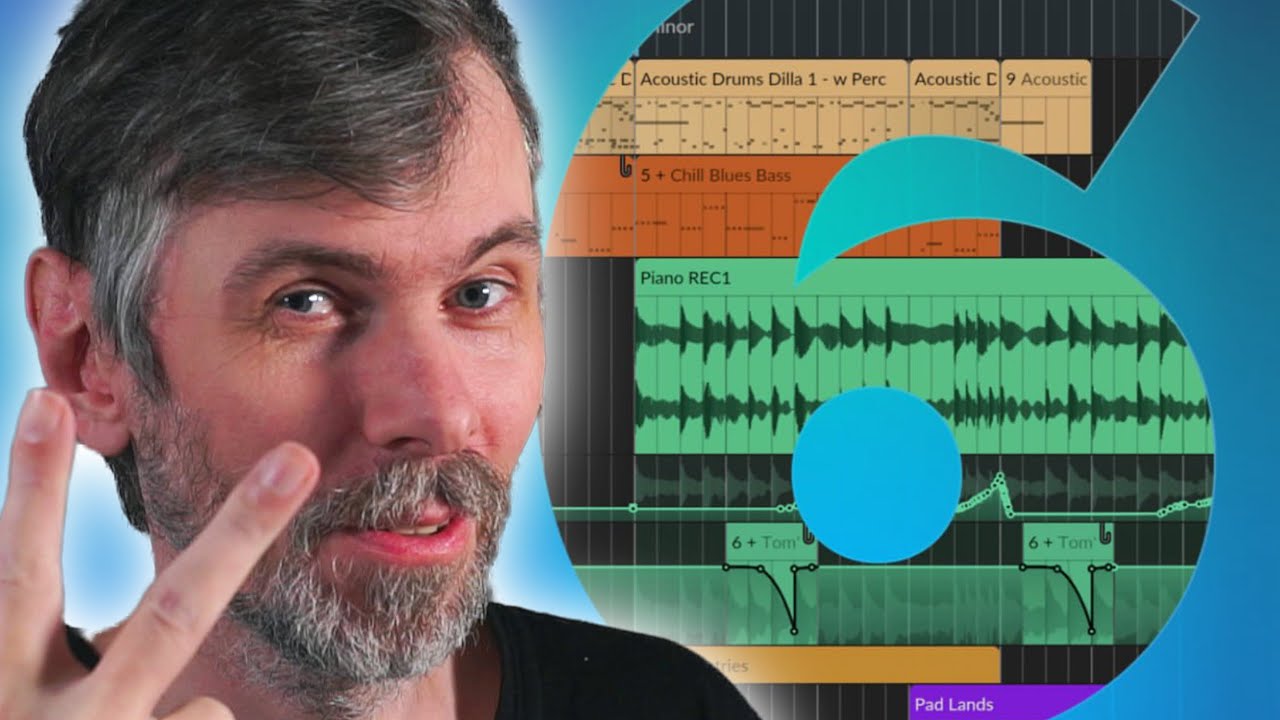
How much does Bitwig Studio cost, what does the upgrade plan include, is Bitwig free, and when should you renew or upgrade? This guide explains Bitwig pricing and licenses in plain English.

Today I compared three spectral compressors, DSEQ3, Spectral Compressor, and Spectraft, explaining my preferences, typical use cases, and cautioning against overuse due to their potential to strip music of its character. I prefer DSEQ3 for its smart AI features, custom threshold curves, and affordability, but use Spectral Compressor mostly for spectral sidechaining and find Spectraft to be the most versatile, albeit pricey. Ultimately, I advise subtlety with these tools, emphasizing that a well-balanced mix done at the track level always sounds better than heavily processing the master.

I'm sharing a free Bitwig preset called BND Wave Cycle Bender, inspired by Colugo's BND device for Reaktor, which applies pitch-tracked phase modulation to audio for unique distortion effects. This tool allows you to add new harmonics and character to your audio samples by tracking pitch and modulating them with a sine oscillator, with adjustable delay and modulation settings for creative results. You can download the preset from my Patreon or GitHub and experiment with it on your own sounds to discover interesting textures and effects.

In this video, I discuss how to use the free and open-source spectral compressor plugin in Bitwig for precise sidechaining and frequency ducking, especially when working with combined drum loops and bass tracks. I demonstrate how its audio-rate processing and flexible attack and release times make it uniquely effective for not just kick and bass, but also for managing overlapping frequencies in pads and leads, allowing for detailed mix control without needing separate drum tracks. While powerful, the plugin requires careful adjustment to avoid overly digital or unnatural results, and I encourage viewers to experiment and share their own use cases.