Polarity Music Tutorials
This is the full archive for Polarity music-production tutorials, Bitwig videos, patch ideas, and workflow notes.
If you want the combined timeline with guides, helpers, articles, music videos, and releases, go back to the full backlog.
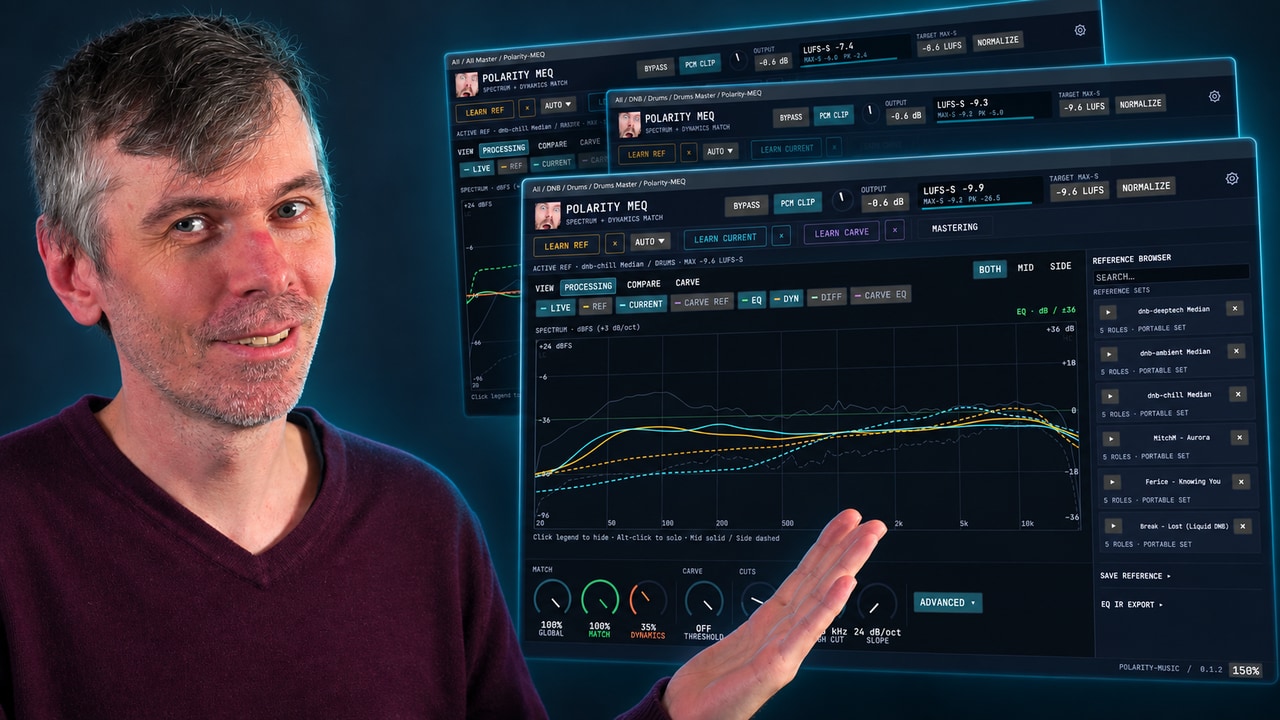
Learn how Polarity-MEQ delivers free EQ matching, loudness and dynamic matching, and sidechain carve EQ for more consistent mixes.
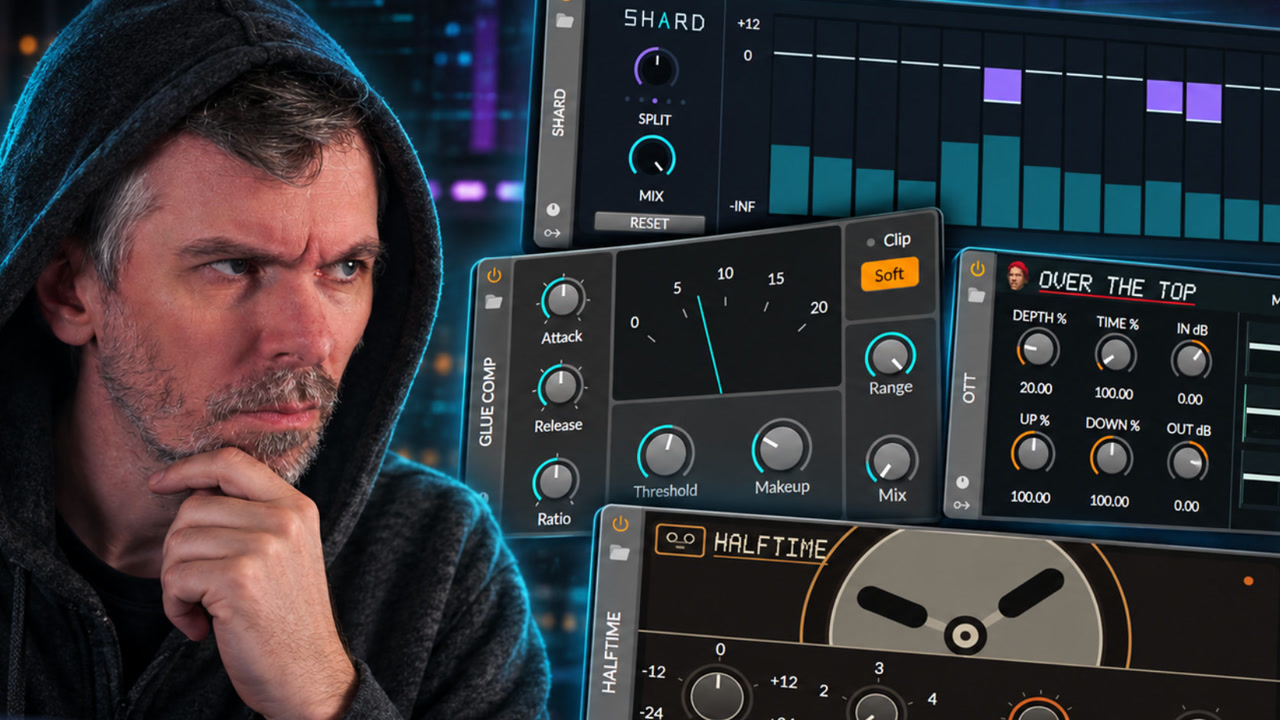
See how reverse engineering and registry patching enable custom native-looking Bitwig Studio devices such as SHARD, Halftime, OTT, Growl, and Glue Comp.
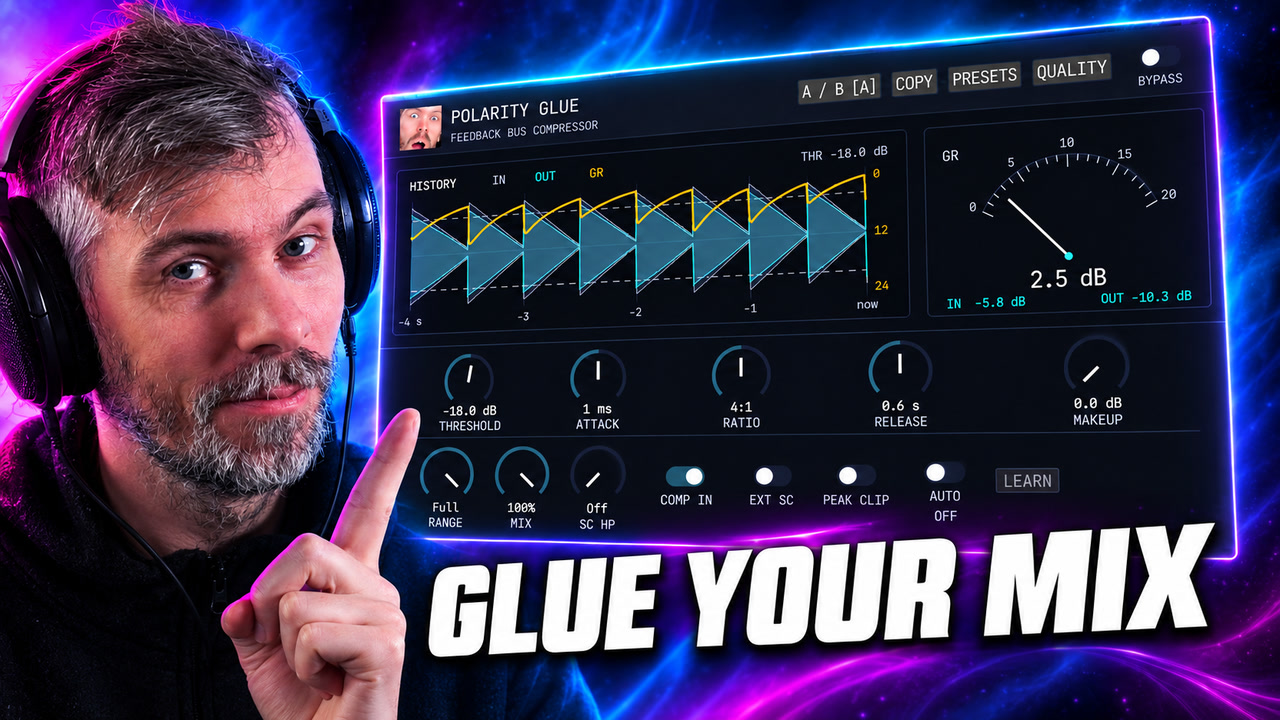
Polarity Glue is a free SSL-inspired feedback bus compressor for Windows, macOS, and Linux, with Auto Makeup, parallel mix, waveform history, sidechain control, and output clipping.
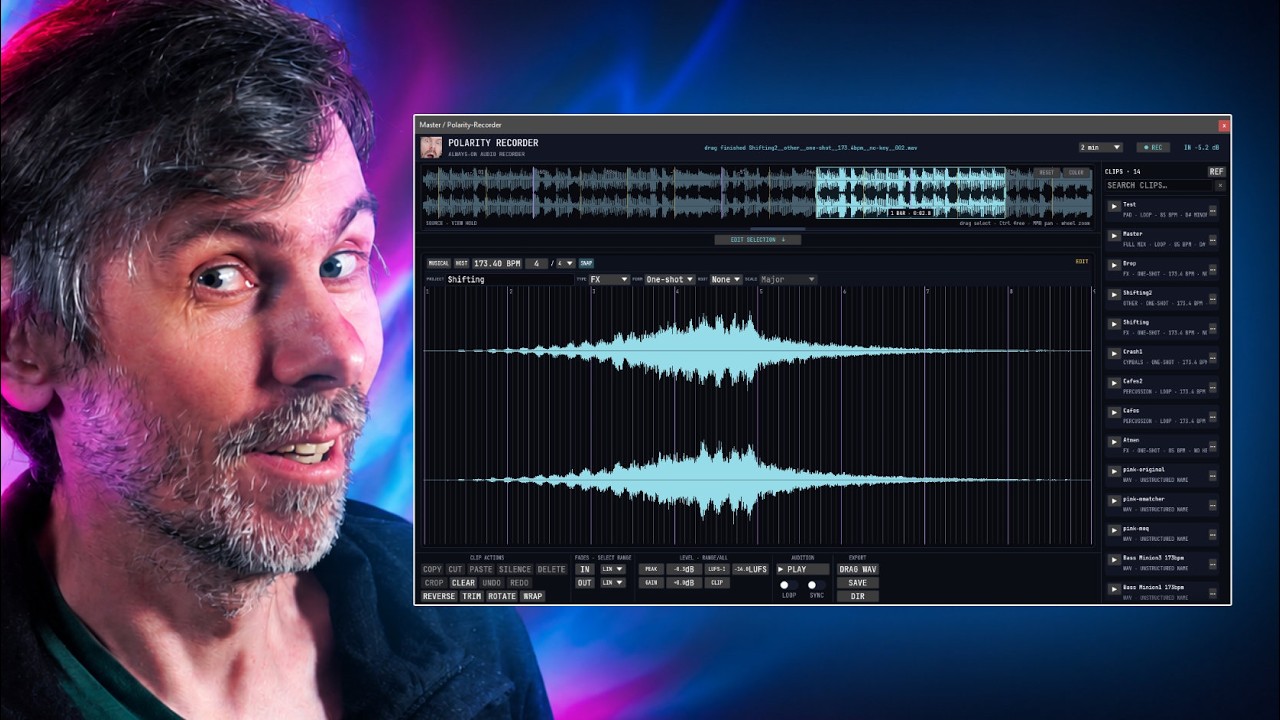
Learn how Polarity-Recorder captures background audio in a DAW to recover ideas, snap loop exports to bars, and build searchable samples fast.

Learn how to use Polarity Res, the free spectral resonator, to build resonant drums, drones and playable synth tones with MIDI, MPE and noise.

Learn how to use Bitwig Studio Grid with the Probabilities module and Sample and Hold to create weighted random modulation and note sequencing.

Learn Bitwig Studio Poly Grid bass sound design with a random wavetable and PM generator, then render stable bass patches for drums and basslines.
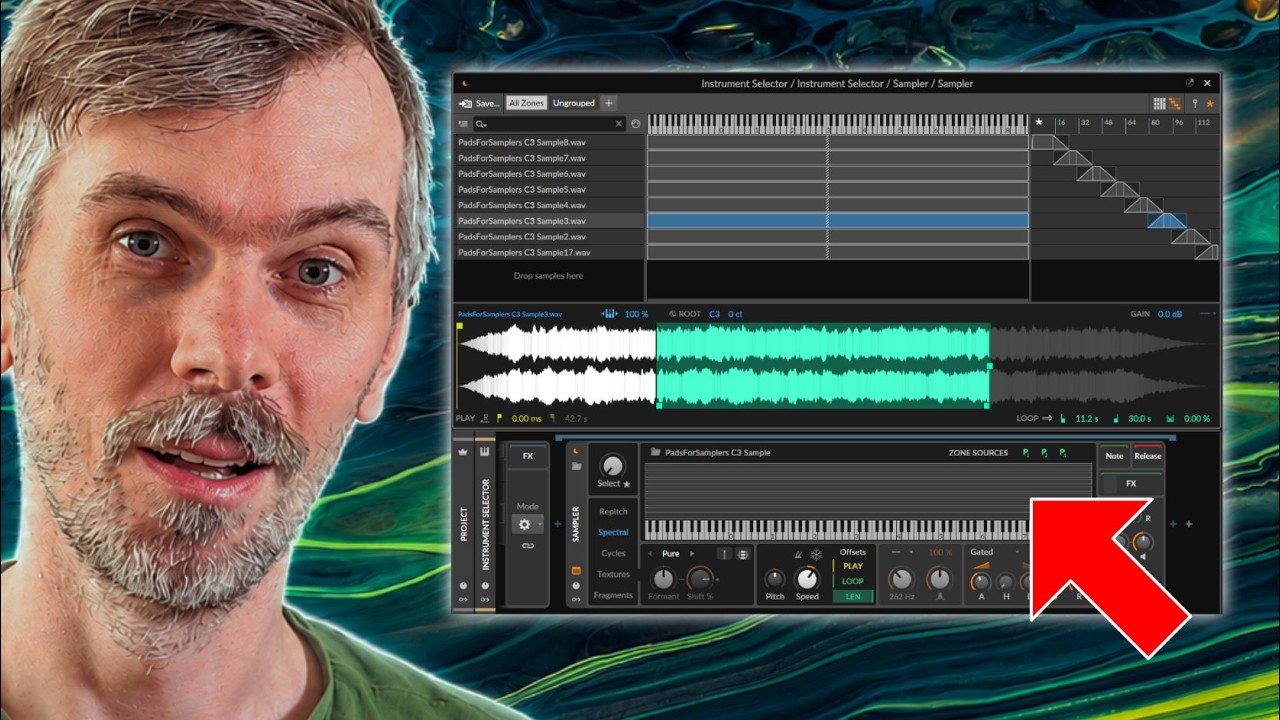
Learn how Bitwig Studio 6.1 Sampler Live Select Updating enables smooth multisample crossfades for strings, pads, and expressive custom libraries.
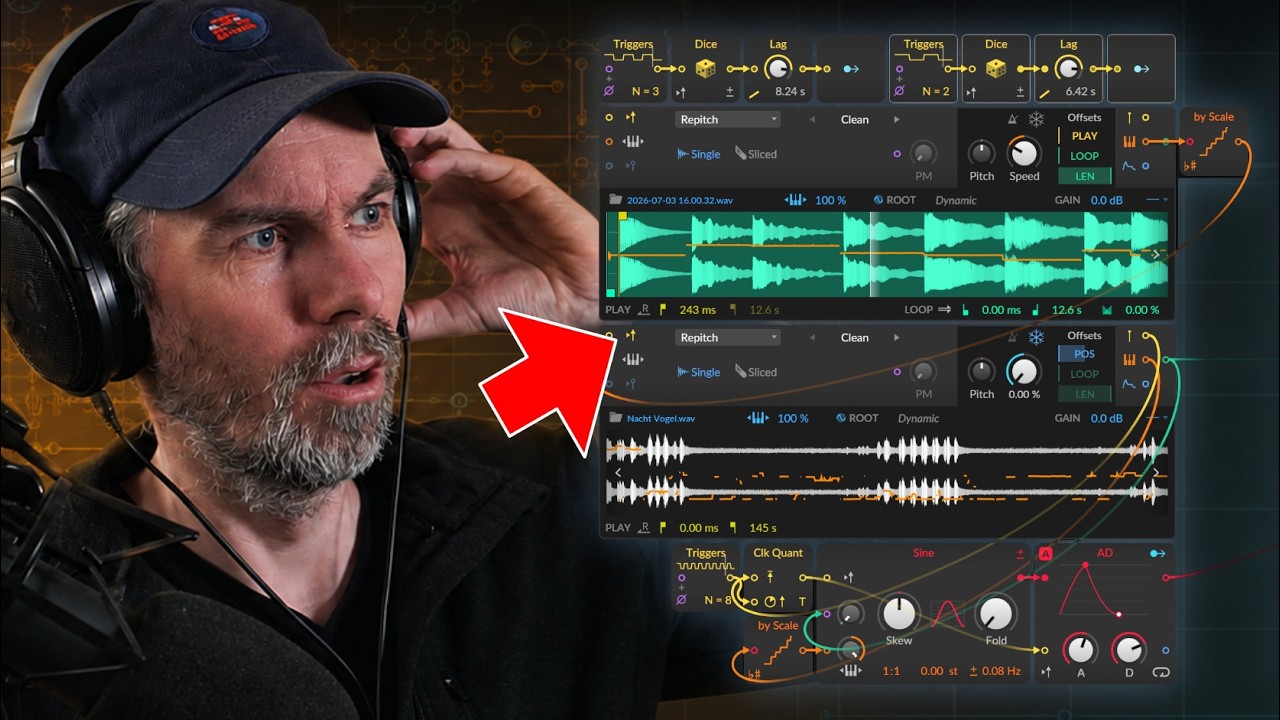
Learn how to use Bitwig Studio 6.1 Grid Sampler analysis out ports to extract pitch, onsets, and envelope for sample-based sequencing and pitch correction.
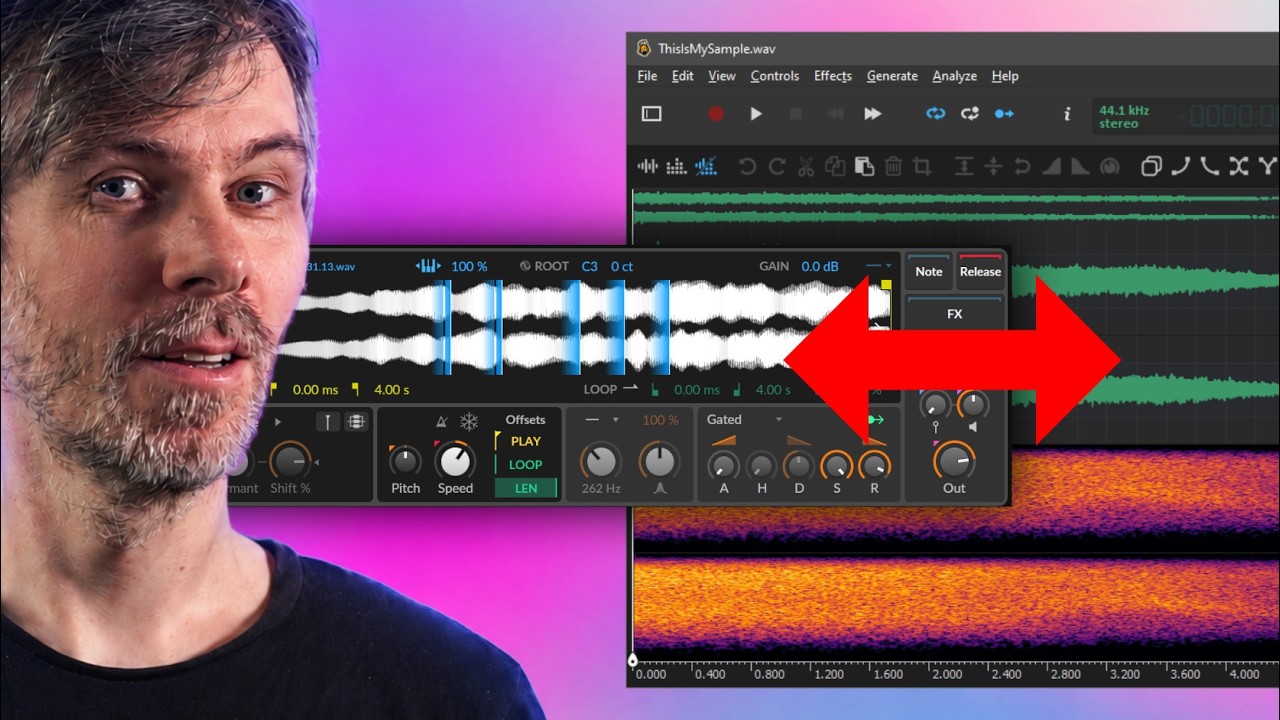
Edit Bitwig Studio 6.1 samples live in Ocenaudio and update Sampler instantly; use Collect and Save to avoid changing original files.

Learn how Sonic Charge Synplant 2 Phenotype turns text prompts into usable synth patches, giving fast sound design starting points with full synth quality.

Recreate Serum Hyper/Dimension in Bitwig Studio or VCV Rack with Chorus+, FX Grid micro-delays, panning, and modulation for wide stereo unison.

Learn how Polarity SC spectral compressor uses threshold curve presets, curve matching, and a corrected pink-noise analyzer to tame resonances fast.

Learn what Mesh is, how it compares to VCV Rack and FL Studio Patcher, and how to build VST feedback, modulation, and sampler patches fast.

Download Polarity-RES, a free resonator plugin for Mac, Windows, and Linux, to build bandpass filters, learn harmonics, and create drones.

Download the updated Polarity SC spectral compressor to fix dry/wet output gain, add smoothing and custom spectral curves, and control harshness.
Previous | Next