Generative Music
Production Techniques
Generative music uses systems instead of fixed note-by-note writing. You set rules, limits, probabilities, or signal relationships, and then let the music produce variation on its own.
That does not mean the result is random in a useless way. A good generative setup still has structure. It just creates that structure through interaction, timing relationships, and controlled uncertainty.
Why people use it
Generative techniques are useful when you want motion, surprise, and variation without drawing every event by hand. They are especially strong for evolving textures, ambient pieces, rhythmic experiments, and idea generation.
They also teach a useful lesson: composition is not only about choosing notes. It is also about designing systems that produce interesting outcomes.
A simple way to think about it
Most generative setups answer three questions:
- What can happen?
- When can it happen?
- How much variation is allowed?
If those limits are clear, the result usually feels musical. If everything is random all the time, it often feels unfocused. Good generative music is usually guided randomness, not chaos.
Also matches: self running patches, self-running patches, self-running music, generative music, generative
Posts in this topic

In this video, I show how I combine sub-patterns to create a larger generative pattern. I demonstrate how to use the probability module in Bitwig Studio, and how to combine different sequences in a meaningful way. I also show how to use a sample and hold module, a transport playing module, and a compare function to create a trigger signal to reset the chance module. This technique can be used to create generative drum patterns, and it is a great way to exclude what you don't want and focus on what you do want in your track.

In this video, I showed how to create generative music in Bitwig Studio without using the grid. I showed how to use the Grid Node Out preset, which can be used to get node information out of the grid into the Bitwig world. I also showed how to use a Polymer synth and a small delay, as well as how to use the steps mode, the LFO, and the Key Filter to modulate the pitch and gate. Finally, I showed how to use a Node Clip and an ABit Creator to generate random nodes.

This video covers how to create generative or randomized music with Bitwig Studio’s Grid module. It covers how to create an oscillator, envelope, volume, and gate module as well as using dice modules, a merge module, and a pitch scaler to generate a melody. It also explains how to use triggers, phase signals, and plant modules to randomize settings and create a unique sound.

In this video, I explained what Polisphere is and how it works in Bitwig Studio. It's a library of musical sounding presets that can be used to create generative music with the clip launcher. I showed how to set up the clip launcher and how to add Polisphere's pad sounds to create a big atmosphere. I also talked about how this idea came from other producers and how they use presets to create their music.

In this video, I create a generative patch using a Poly-Grid instrument track in monophonic mode. I experiment with feedback for pitch generation and incorporate audio pitch modulation. I add various effects like delay, chorus, filter, and reverb to shape the sound, and create a complex and evolving composition.

This is the generative grid 2024-12-08 with some additional tracks. you can download the project or just the generative grid on my patreon, as always. Download Generative-2024-12-08-Forces for free: https://bit.ly/4gs68Me Download the Bitwig Project: https://bit.ly/3VzDn89 Watch the Tutorial: https://youtu.be/px1UuUyGieI

In this video, I create a generative ambient patch from scratch using Bitwig Studio. I start by creating a drone sound using polygrid and adding pitch modulation to create different pitches on the left and right sides. I then add effects like chorus and filters to add depth and modulation to the sound.

In this video, I demonstrate a generative techno patch using a sequencer and various modules. The patch allows for the creation of unique kick drums, melodies, and snare sounds while keeping the hi-hats consistent. I also explain how I used modulation and filtering techniques to add variety and create different sounds for each iteration of the track.

In this video, I started with an empty project in Bitwig Studio and used a random module to generate pitch and gate information. I dialed the speed to 85 BPM, and used an attenuator to limit the pitch, followed by a quantizer to bring it to a scale. I then used a clock to sync the pitch and rhythm and added a delay modulator. I then added an oscillator and a noise source to create a drone and used an LFO to add sequencing. Finally, I added some drums, a clap, and a piano sound to give the generative track some meaning.

In this video, I demonstrate how to create a generative music patch in Bitwig using the Polygrid module. I start by generating a melody using a step module and modulating the pitch with the dice module. I also use a quantizer to ensure the melody is played in a specific scale. To create percussion, I use a noise module and trigger it with a step module as well, using a filter and distortion to shape the sound. I then combine the melody and percussion patches together and also add a bassline using a filter and octaver. Finally, I show how to export the MIDI data from the patch and use it in another plugin like Polycent. The patch is available for download in the video description.
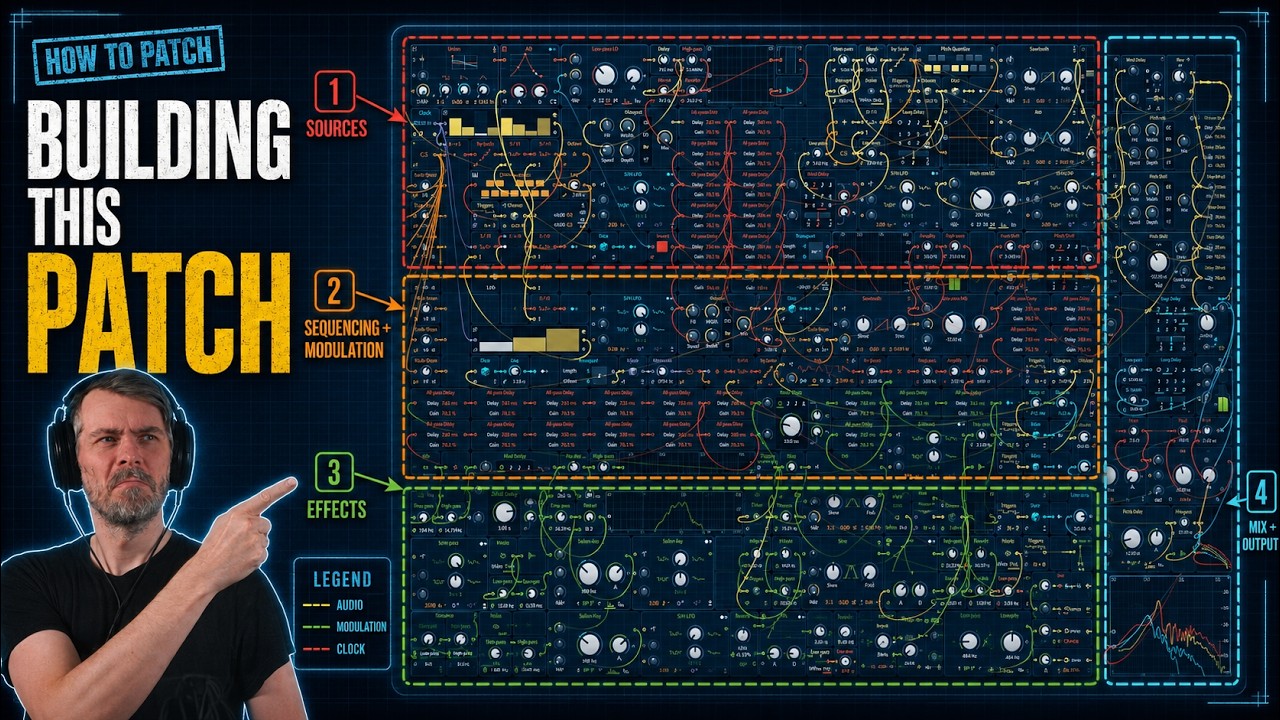
A long Bitwig Grid build of an ambient generative patch with noise-driven note sequencing, all-pass reverb, and layered modulation techniques.
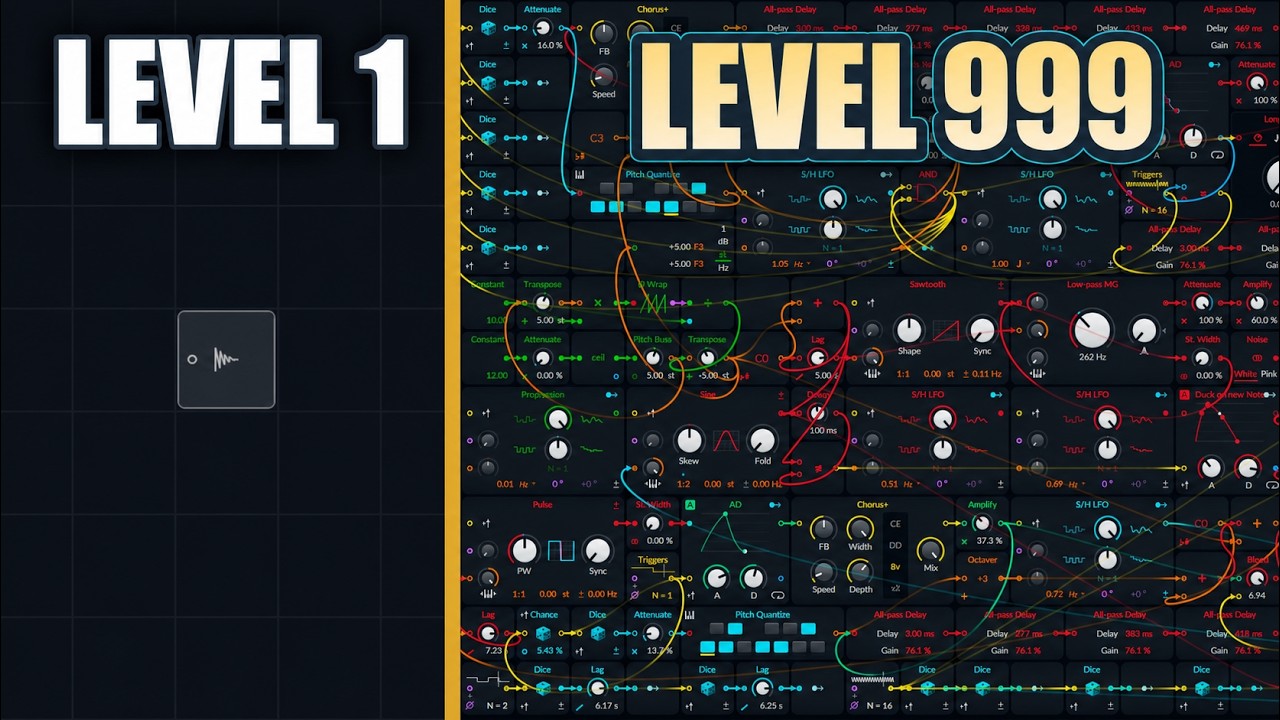
Build a generative ambient Bitwig Grid patch with fifth-based pitch motion, all-pass delays, bass ducking, and noise layers, learning trigger-safe note changes.

In this video I explained the basics of the grid system in Bitwig Studio, exploring the pre-cords, pitch in/out modules, ADSR, oscilloscope and how to create a generative patch within the grid. I explored how to modify the pitch signal and how to trigger the ADSR envelope with a gate input. I also discussed how to use the pitch quantizer and the gates module to create a self-playing system and how to use random modulators and transpose modules to add more dynamics.

In this video, I wanted to create a generative grid patch using samples instead of oscillators, which I had never done before. I recorded a kalimba using my microphone and then cleaned it up with a loud split and an outer leveler. I then used it in a polygrid and triggered it with a dice module in free mode, adding notes with a step mode and quantizer. I also added modulation, filters, and delays to the sound. I then added a bass shot and a melody using a sample note. Finally, I randomized the melody and adjusted the balance and frequency using a cool force. I created a backdrop for an ambient tune and provided a link to the patch in the description.

In this video, I explained how to use the Generative Meat to create your own unique track. You can use the Generator to generate a new sequence every 16 bars and then add your own kick drum, hi-hats, drums and other melodic parts. You can also adjust the note range and the sequence will always be in D sharp minor. Finally, you can add a side chain at the end and use samples from your hard drive to create a whole one hour set.

In this video, I explain how to get different sound sources from within the Bitwig Studio grid onto separate channels for mixing. I start with a generative patch with multiple sound sources mixed together, and demonstrate how to separate the percussion and funky bass onto separate channels. To do this, I use a hack that involves cutting off the percussion audio output, creating an FX layer for the rest of the sum, using a stereo split, and then utilizing modulation to transfer audio signals to separate channels. By creating separate audio tracks for each sound source, I can mix and manipulate them individually. I provide step-by-step instructions and a downloadable audio output preset for ease of use.

In this video, I demonstrate how to create a quick generative patch using Bitwig. Starting with a simple setup, I gradually make it more complex over time, showing easy steps for everyone to follow. By utilizing modules like the polygrid and counter, you can create unique melodies and rhythms, and further modulate them to add variation and interest to your patches.

I created a generative grid patch using a ramp signal and a Wavetable to generate sound. I used a sample and hold, a filter, a reverb, a unison, a dice, and a step mod to modulate the sound and add some randomness. I used a mixer and added a feedback loop and a delay to create more interesting textures. I also used a pitch quantizer to make sure all the notes were in tune. Finally, I added a piano and kick drum to bring the patch to life.