Music Production Knowledge Backlog
Here you can browse the latest published tutorials, guides, and music-production posts. If you want something specific, use the search.
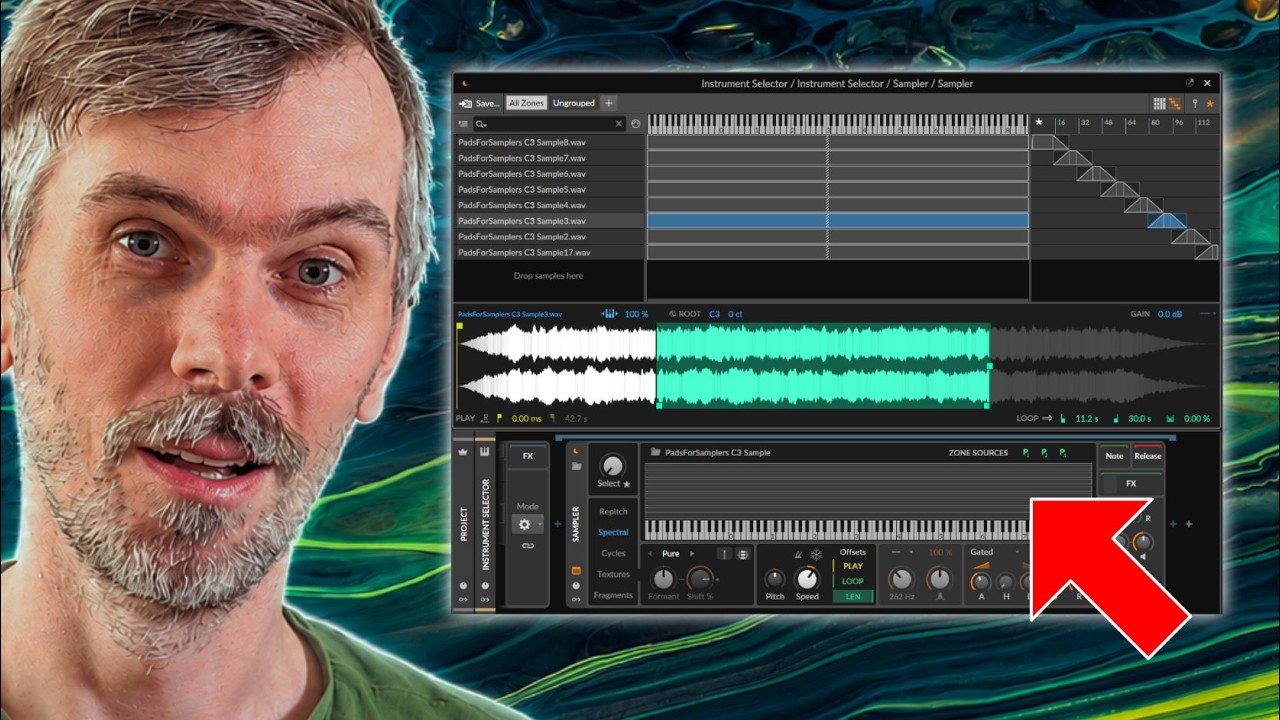
Polarity MD is a powerful, free multi-band dynamics plugin featuring four bands with downward and upward compressors, a clipper, and a range of global controls, now updated with oversampling, linear phase crossovers, normalization, and improved output matching features. This version offers expanded compatibility with various Linux distributions and enhancements like soloing bands, accessibility improvements, and resizable interface with saved window states. Users are invited to test the latest Beta 9, report bugs or requests, and enjoy a robust mastering tool without registration or cost.
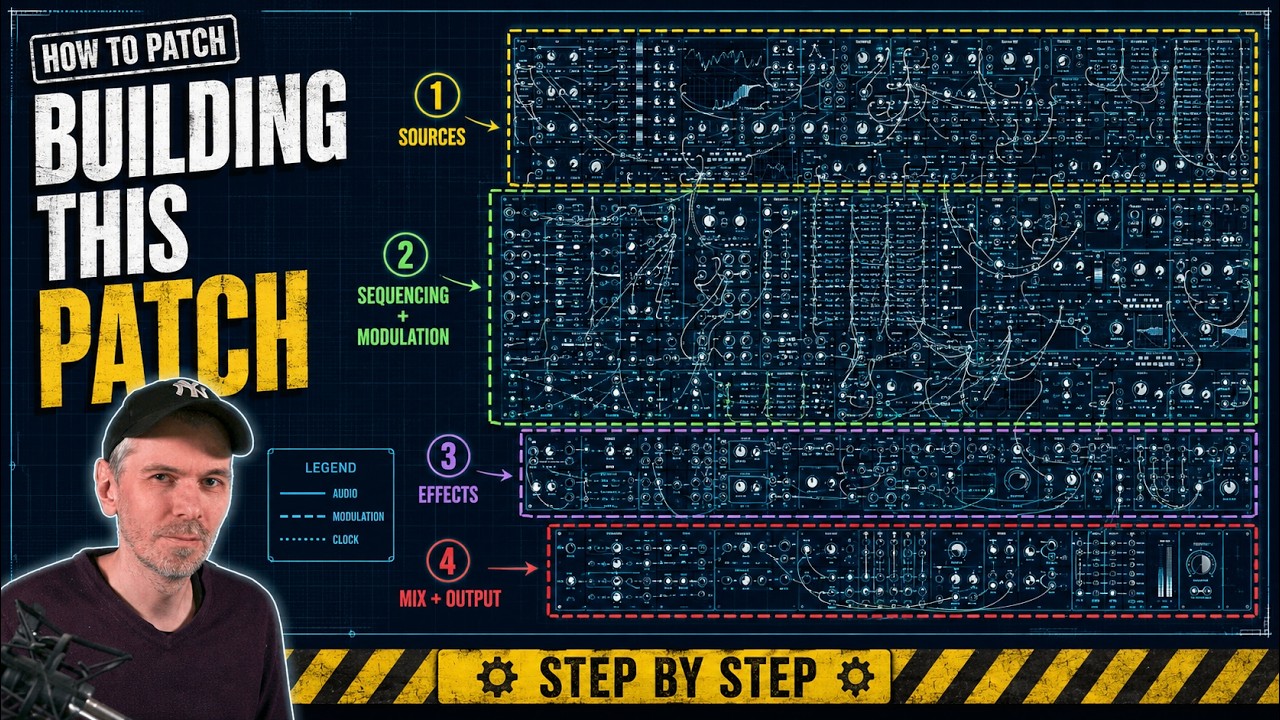
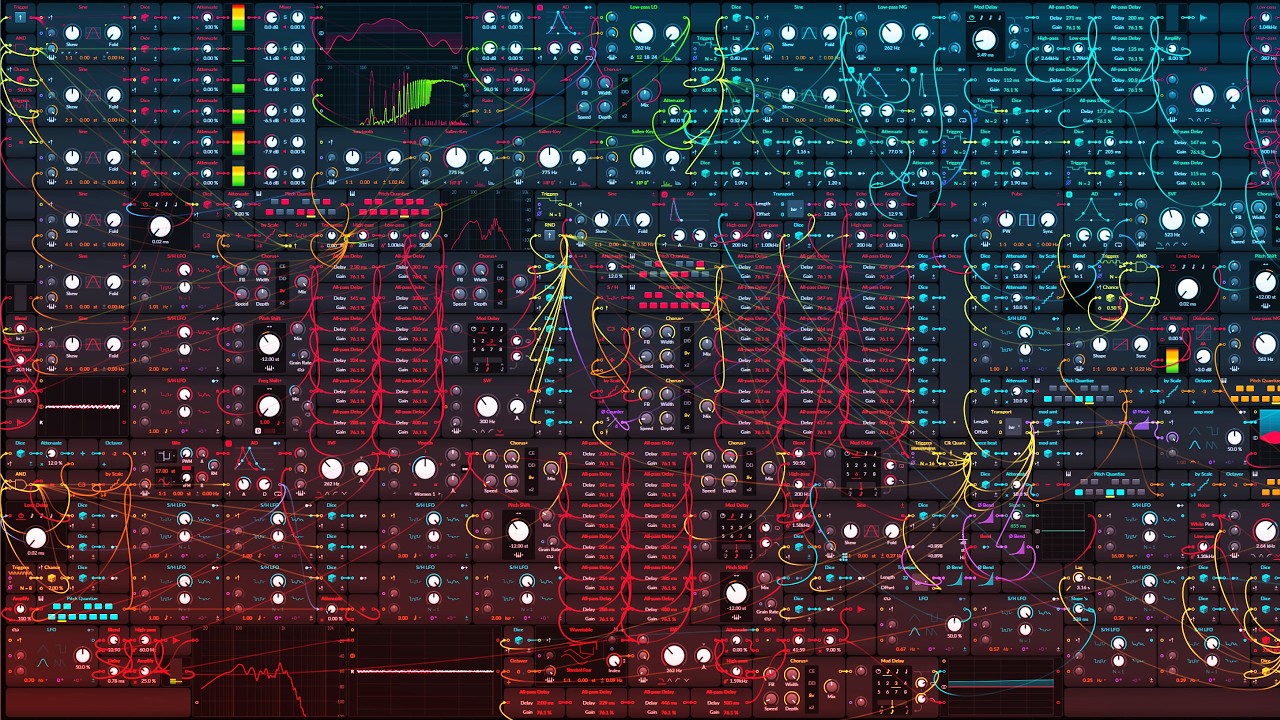
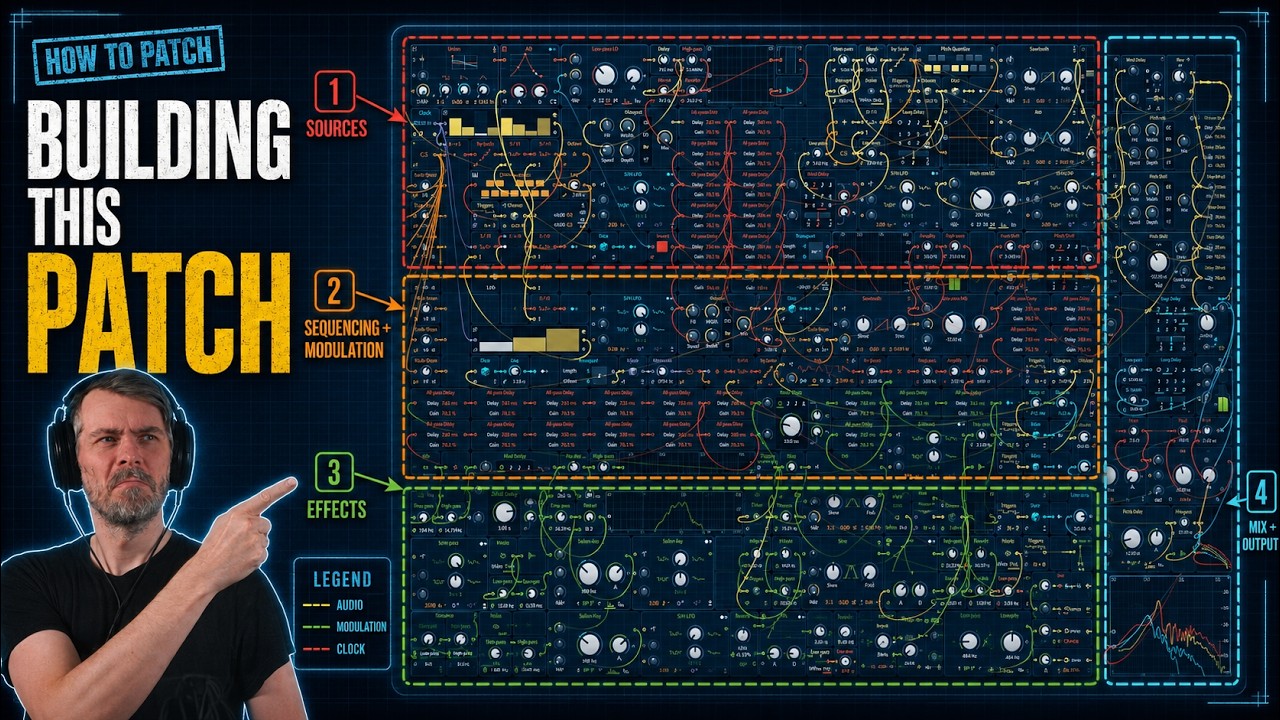
Alright, in this Bitwig Grid patch, I tried to randomly generate a new track every 32/16 bars. It's all based on randomness noise generators, so it's basically a Melodic Techno track generator (sort of). Of course, it can be expanded further, but you can already see my CPU is really pushed to its limits at the end. I’d love to add more, like percussion generators and stuff. There’s definitely more potential there.
Polarity MD is a newly released, completely free multiband dynamics plugin featuring four-band OTT-style compression with both upward and downward compression, as well as clippers on each band and the input and output. Compatible with all major platforms and plugin formats, it has a user-friendly, web-based interface and is designed to make tracks louder and more controlled with minimal setup. The plugin is currently in beta, available for download, and the developer welcomes feedback and suggestions to improve its performance and features.
The AD envelope module in Bitwig Studio's Grid is a versatile tool for shaping sounds, offering attack and decay controls with multiple modes, analog, relative, and digital, that affect timing and curve behavior. It can be triggered in various ways, looped for LFO-like effects, and used together with other envelopes for complex sound design, such as crafting kick drums. The AD module stands out for its simplicity and flexibility compared to more complex envelope modules, making it a go-to choice for quick and effective sound shaping.
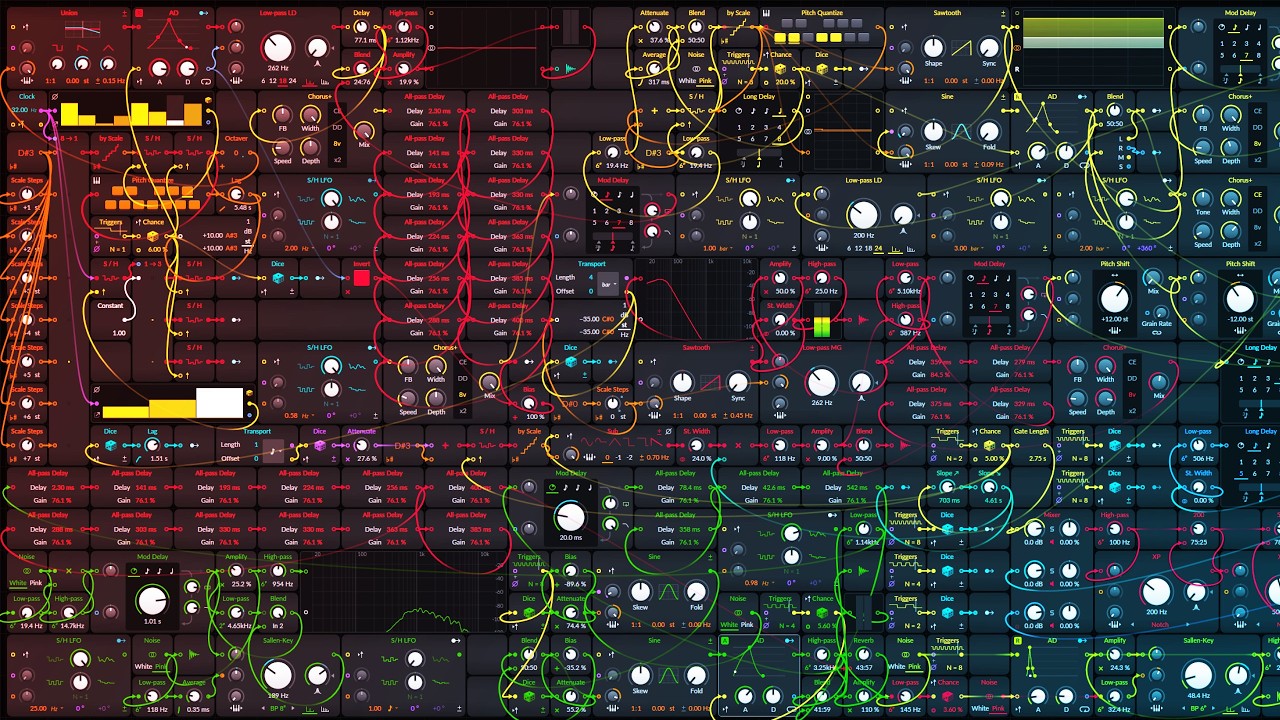
I just built a cool drone in the Grid again, with a ton of pads and a lead sound that randomly plays every now and then. There are also some random FX sounds, plus a little wind and rain machine.
The organ device in Bitwig Studio is a simple additive synthesizer that allows you to stack up to nine sine wave partials using sliders, offering pitch, glide, attack, release, gain, and panning controls. While it is not designed to emulate traditional organs, its easy layout and oscillator model options make it versatile for creating pad sounds, bass lines, and experimental textures, especially when combined with modulators and voice stacking. Despite its age and simplicity, it remains a useful tool for creative sound design within Bitwig Studio.
This video explains how to easily create lush, spacey ambient drone music in Bitwig Studio using the Grid, focusing on stacking sine oscillators tuned to the root, fourth, and fifth notes of a scale with voice stacking, modulation, randomization, and effects like reverb and chorus. The presenter demonstrates building evolving harmonies and textures, adding sampled keyboard sounds and a simple bass, and shows how to keep everything musical while allowing flexible sound design. The result is a rich ambient soundscape perfect for long YouTube videos, with a workflow that can be adapted and expanded creatively.
This Math based generative grid creates pad sounds, little bleeps, a bass line, drums, kicks, snares, and the snare sounds a bit like a rimshot (phaser+), and yeah, it’s all more or less generative. You can draw your own melody in the Scrawl oscillator up top, and then it behaves totally differently. Have fun with it and let me know what you think! ps: you can change the scale/mode of Bitwig and the Grid changes notes / root pitch!
The Filter+ device in Bitwig Studio is a highly versatile and modular audio effect combining distortion and filtering, allowing users to shape and enhance sound in creative ways. It offers extensive customization, from swapping distortion and filter modules to flexible modulation options using built-in or external modulators, and even supports polyphonic processing for advanced sound design. With features like pre- and post-FX slots and the ability to convert to an FX grid for deep editing, Filter+ stands out as a powerful tool for everything from subtle coloring to building complex resonators and synthesizers.
The Melda MMatcher EQ plugin is a powerful tool for achieving consistent frequency balance across tracks by allowing you to create and use custom reference curves, including separate processing for mid and side channels. It excels at quickly identifying mix issues and ensuring a uniform sound, especially when working with albums or EPs. The plugin can be applied not just on masters but also on individual buses like drums or bass, and you can create more reliable reference curves by averaging multiple tracks, with advanced features for fine-tuning and analyzing by stem if desired.
Bitwig Studio's lookup tables in the Grid are versatile modules that map input values (like a phase ramp from a phasor) to corresponding output values based on predefined waveforms, such as sine, triangle, saw, or pulse, enabling highly flexible sound shaping and audio-rate manipulation. These modules work similarly to oscillators but are more modular and allow for precise control, including user-defined arrays and window functions for volume or waveform shaping. By routing different signals or modulating parameters, you can use lookup tables and related modules creatively for tasks ranging from wave shaping to arrangement automation, making them powerful tools for custom sound design within Bitwig.
In this video, I create a new track from scratch in Bitwig Studio 6 beta, showcasing the new automation improvements and demonstrating my workflow for building sounds, melodies, and drums step by step. I experiment with vocals, synths, and various effects to craft an atmospheric vibe, while balancing and mixing each element live as the track evolves. The project is left unfinished, focusing on creative exploration rather than perfection, and the session will be available for download on my Patreon.
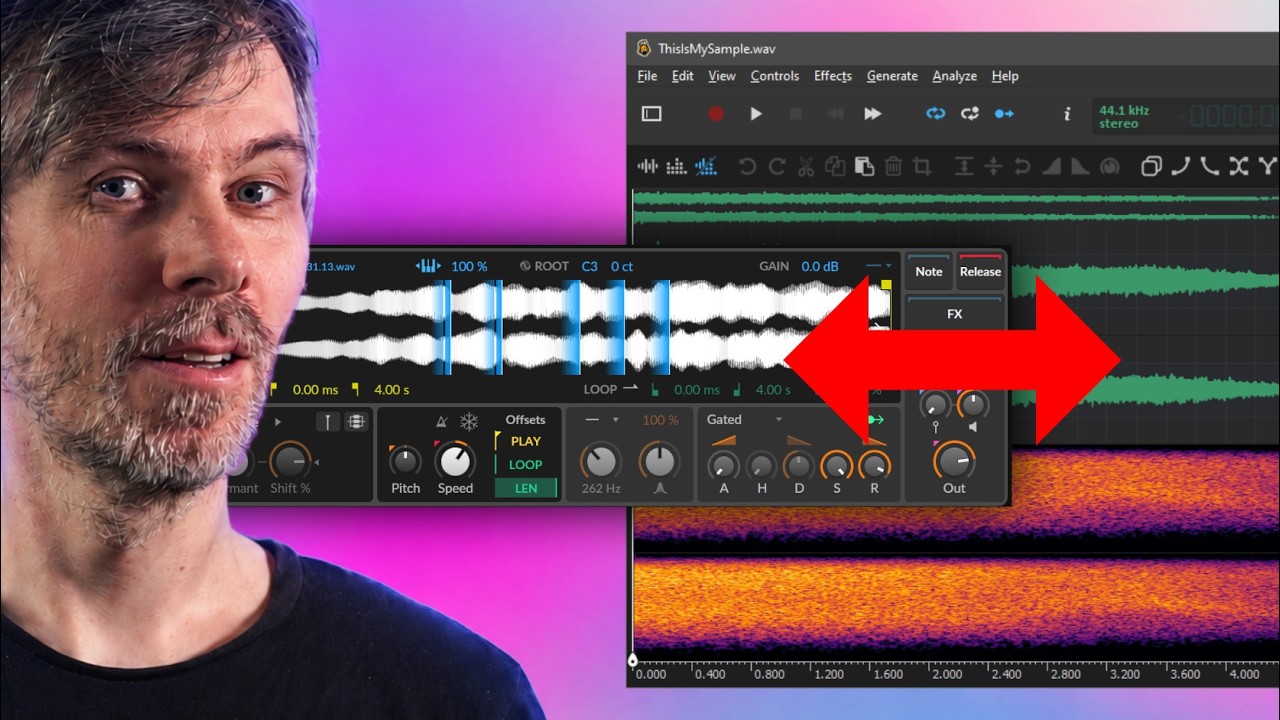
Oscillator sync is used to force one oscillator, called the Following Oscillator, to stay phase-aligned with another oscillator, the Leading Oscillator. The Leading Oscillator defines the timing and perceived pitch, while the Following Oscillator is periodically constrained so it cannot run freely.
This transcript explores how warp modes and phase manipulation in synthesizers like Vital, Zebra, and Bitwig’s Grid can greatly expand the sound possibilities beyond the basic wavetable or sine oscillators. By creatively altering the phase or ramp signal with effects and modulators, you can transform simple waveforms into diverse and complex sounds, even simulating unison and adding rich movement without using traditional wavetable oscillators. The process is accessible, flexible, and allows for the export and reuse of custom waveforms, encouraging experimentation and sound design beyond standard limitations.
In this first video of 2026, I demonstrate a powerful workflow in the yet-to-be-released Bitwig Studio 6.0, showing how to transfer recorded automation into device modulators like Phase-4's segments modulator for more flexible, note-triggered modulation. This technique allows you to create dynamic, evolving sounds that are not tied to specific MIDI clips, making it easy to trigger complex parameter movements with each note. I also discuss wishing for a dedicated on-the-fly recording modulator and encourage Bitwig to add such a feature in future updates.
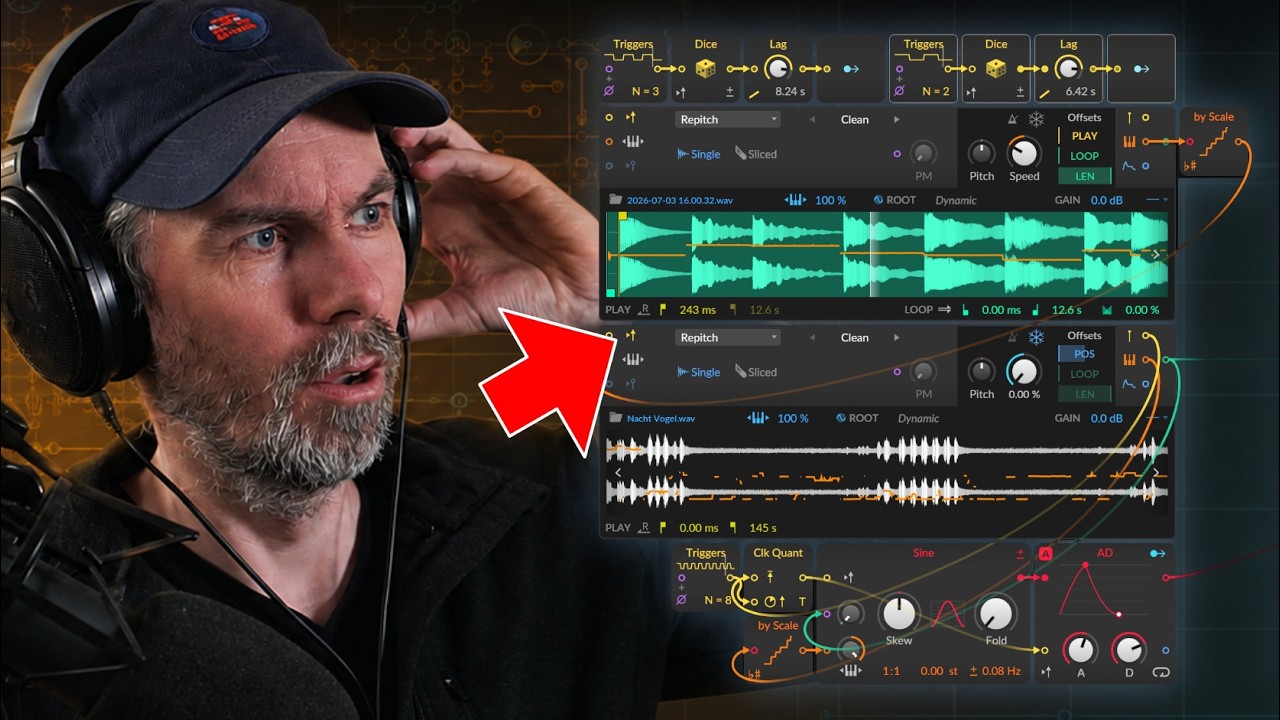
This video explores how to recreate and expand on Bitwig Studio's granular sampler textures mode using note repeat and modulation devices, allowing for more creative control over grain shape, pitch, and playback position. By combining multi-samples, note effects, randomization, and step modulators, you can achieve evolving and complex granular textures well beyond the limitations of the default sampler. These techniques enable richer sound design possibilities, easily adjustable and even better visualized within the Bitwig Grid for advanced users.