Music Production Knowledge Backlog
Here you can browse the latest published tutorials, guides, tools, articles, music posts, videos, and releases in one timeline. If you want a smaller overview, start with Polarity Music tutorials, Bitwig guides, Building Bitwig Grids, helpers, articles, music videos, releases, or the music hub. If you want something specific, use the search.

In this video, I explain how the order and rhythm of overtones are crucial in determining whether a sound is perceived as a single note or a chord. By using devices like the comb filter, we can manipulate and organize overtones to create harmonious sounds when playing chords. I demonstrate various techniques for improving sound quality and harmony, especially when using noise samples and synthesizers, and show how these approaches can lead to better-sounding pads and textures.

In this video, I attempted to replicate the Newfangled Audio's Elevate plugin using Bitwig Studio by creating a similar mastering setup with a filter bank, compressor, and clipper. I utilized impulse responses for band splitting, which helped maintain CPU efficiency, and included modular options for compression and limiting to tailor the audio to personal taste. The project file is available for download in the description for viewers to try and provide feedback.

In my video, I discussed the new features and improvements in Bitwig Studio 5.3 Beta 5, including enhancements to the audio system and fixes for issues like infinite loops in the audio engine. I demonstrated how to use note FX selectors effectively with key switches and channel filters for layering and transposing notes. Finally, I expressed hope that this would be the last beta version before the stable release and encouraged viewers to download and try it out.
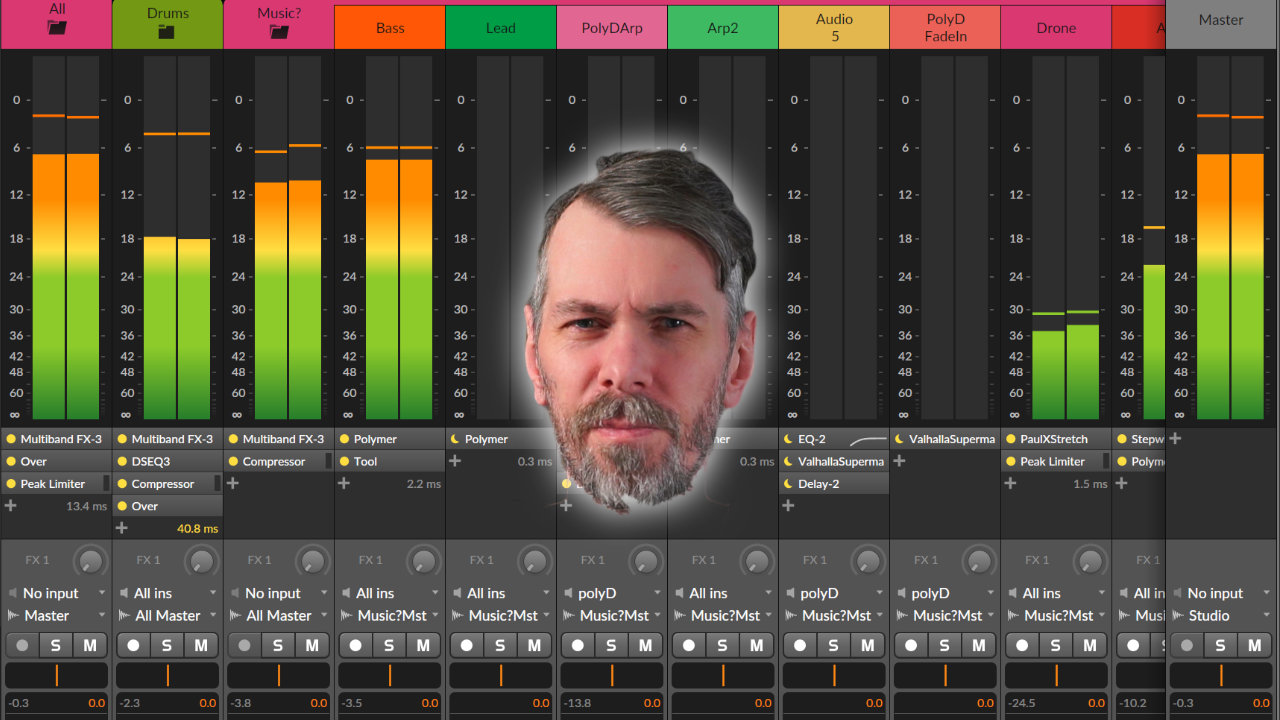
I shared tips to help ease the frustration of mixing and mastering music. I focused on simplifying the process, using reference tracks, prioritizing kick and bass, and embracing the challenges as part of the journey.

In this video, I delve into creating a melodic track in Bitwig Studio, starting with a foundational drone and building up with various synths and effects to craft a unique sound. Throughout the process, I experiment with different instruments, modulation techniques, and external gear, while explaining my choices and techniques as I go. Although the track isn't fully polished, I demonstrate how I develop ideas and lay the groundwork for further refinement and mastering.

In this video, I discuss my thoughts on the recent updates to Bitwig Studio, including the release of Bitwig Studio 5.2 and the upcoming 5.3. I express my frustrations with certain features that seem disconnected and my wish for a more modular and integrated approach, especially in the areas of interface design and note handling. Lastly, I invite viewers to share their thoughts and desires for future Bitwig updates in the comments.

I made a video about the new Bitwig Studio 5.3 Beta 4 release, highlighting the significant fix in how Note FX Selector, InstrumentSelector, and FXSelector devices now switch to the correct layer before sending a note. I demonstrated the previous issue with note layers not switching correctly and encountered a new bug where the audio engine crashes, which I hope will be addressed soon. Despite the issues, I showcased how to switch between chord layers using key switches, though there's still a problem with note triggering that needs fixing.

In this video, I demonstrate how to create an unusual chord progression tool using Bitwig Studio, experimenting with note stacking, transposing, and modulation to generate interesting harmonic structures. By leveraging Bitwig's note grid and modulation features, I show how to keep the chords within a chosen scale, like D# minor, while allowing for dynamic changes in chord shapes and progressions. Finally, I provide the preset for download so viewers can explore and customize their own chord progressions.

In this video, I explore harmony theory beyond the typical diatonic framework, encouraging viewers to use the circle of fifths for a broader understanding of chord progressions. I demonstrate how to create more interesting harmonies by borrowing chords from outside the standard scale and discuss using a visual tool I've developed to facilitate this process. This approach allows for more creative freedom in music composition by enabling experimentation with different scales and chords while maintaining a tonal center.
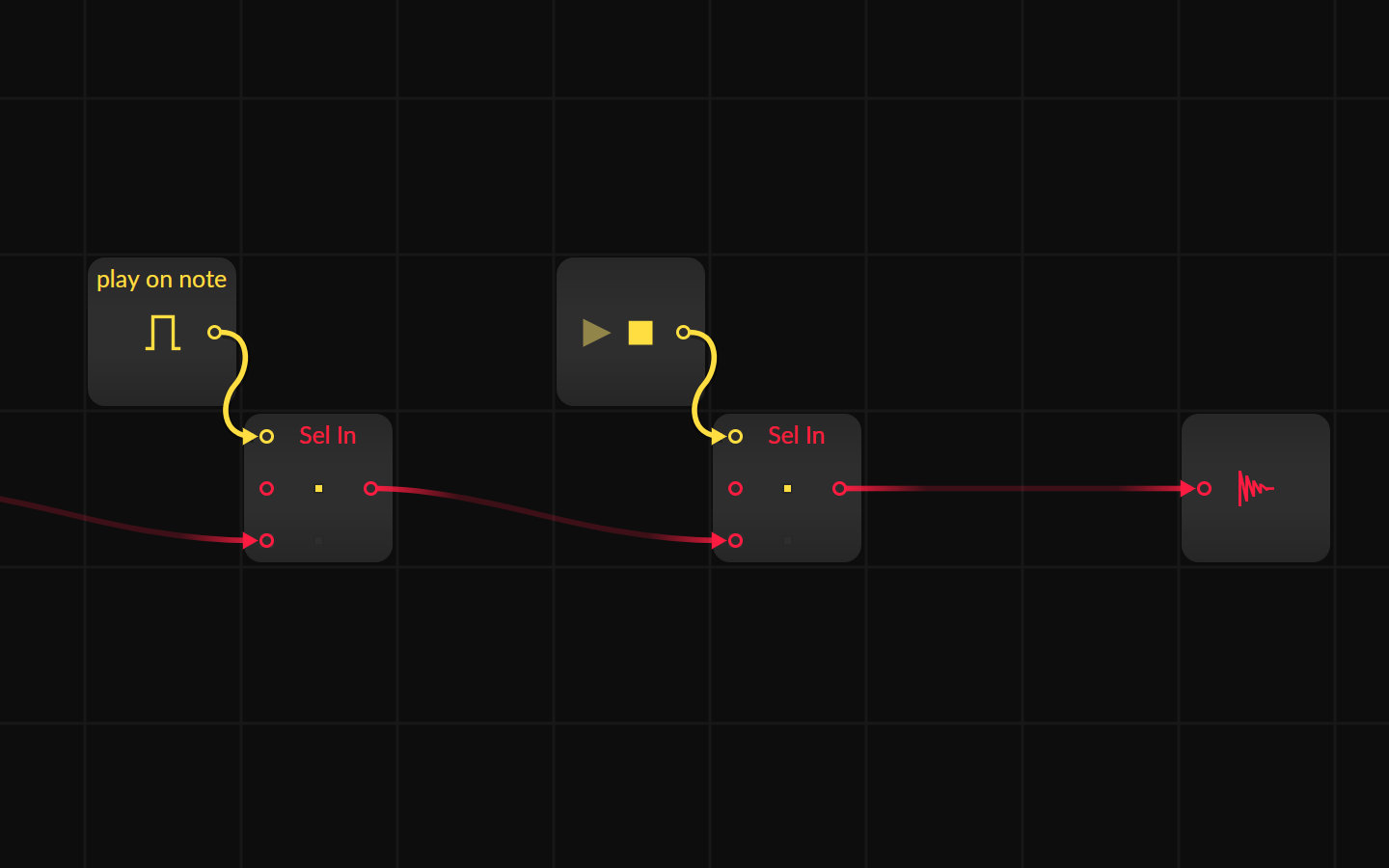
Sometimes you create a generative, self-running Grid patch and want it to stop or play at specific times. Here are some solutions to stop the grid from playing or stop the audio output with gate informations from the piano roll or the transport module.
Here all a collection of super short ideas what you can do with Bitwig

In this video, I demonstrate how to create a step recorder within Bitwig Studio using the Note Grid by replicating the functionality of a hardware step sequencer. The process involves using arrays to store pitch information for each step, counters to manage step progression, and some additional logic for recording and playback. I've saved the step recorder as a preset, which you can download and customize further, allowing you to build sequences on the fly more fluidly.

Learn how to use Bitwig Note Grid for inversion, chord generation, pitch multiplication, and probability-based melody ideas. This tutorial focuses on creative note transformations, not just piano-roll editing.

OSCI-Render is a pay-what-you-want plugin for encoding SVG, LUA, text, and 3D shapes into sound so they appear as visuals inside any oscilloscope.

In this video, I demonstrate a technique for creating melodies and chord progressions using a note grid and virtual instruments, allowing for the layering of sounds with minimal input by playing single notes and adding static pedal tones. This approach enables improvisation with one note to generate complex harmonic textures, which can later be refined or altered. The method is versatile, suitable for various music styles, and emphasizes creativity and experimentation to inspire new musical ideas.

What is PlugData, and why are so many people interested in it? This guide explains the open-source patcher, how it can build VST and CLAP plugins, browse patches, and work as a more accessible Pure Data environment.