Music Production Knowledge Backlog
Here you can browse the latest published tutorials, guides, tools, articles, music posts, videos, and releases in one timeline. If you want a smaller overview, start with Polarity Music tutorials, Bitwig guides, Building Bitwig Grids, helpers, articles, music videos, releases, or the music hub. If you want something specific, use the search.

The Expressions modulator in Bitwig Studio allows you to control multiple sound parameters individually for each note using keyboard velocity, MPE controllers, or by painting modulation curves directly in the note clip. This per-note expression makes your music more dynamic and organic, as every note can have unique modulation for factors like filter cutoff, timbre, or detuning. Features like smoothing and relative note start add further control, ensuring your performance or programming feels alive and responsive.

In this video, I explored the differences between the native Bitwig devices like EQ Plus and Flanger Plus, compared to the grid devices like Delay Plus and Polymer. I speculated that in the future, we may get container devices that allow us to build our own devices with DUI interfaces without having to hassle with the DUI designer. I demonstrated how to construct a Delay Plus-like device in the FX Grid, using a diffusion network, EQs, and a ducking knob. I concluded that while we can't replicate the Delay Plus exactly in the Grid, it is possible to create something similar in its place.
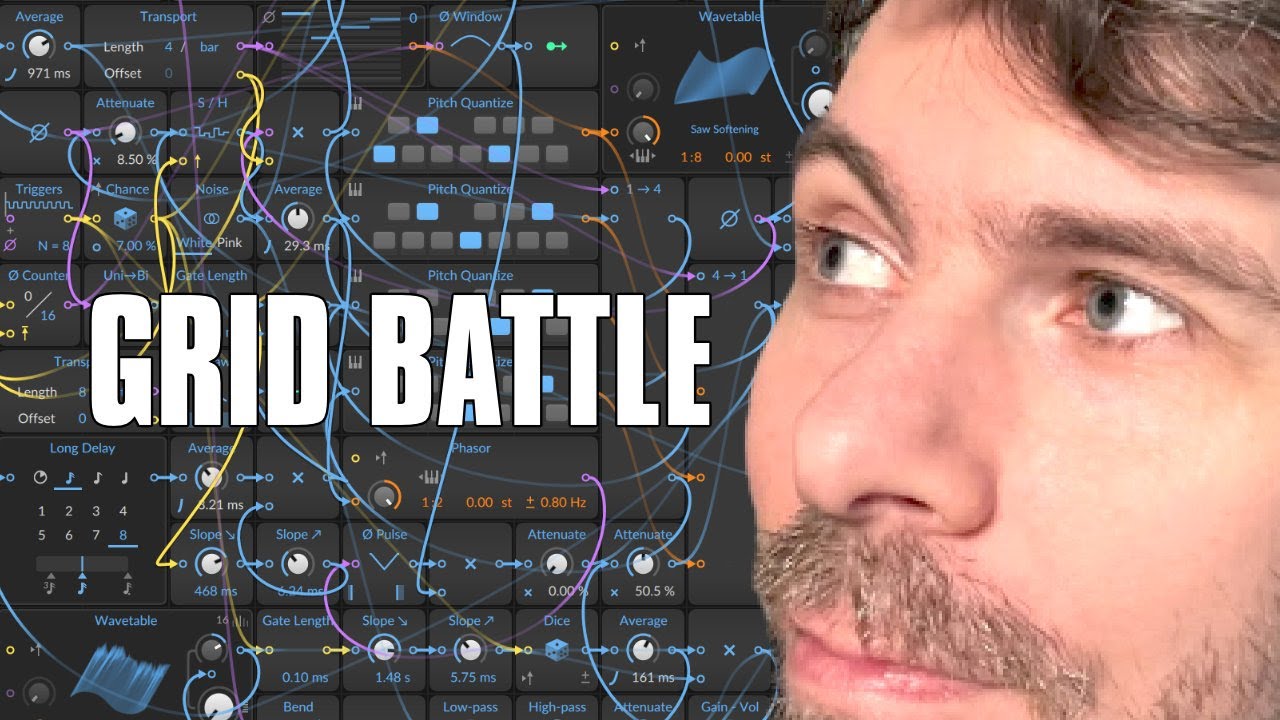
I participated in the first Bitwig Beat Battle from two weeks ago and would like to thank all participants for their great work. I introduced all the patches submitted, from Xenophish's masterpiece completely dipped in blue to Art Sense's full sounding patch. I praised everyone for their creativity and encouraged everyone to join in the second beat battle, as it is great fun.

In this video, I showed some tricks and inspirations for using convolution reverb. I explained that it can be seen as an Instagram filter for your sounds and can be used to replicate hardware devices, effect chains, and even create interesting rhythmic effects. I also showed how to use impulse responses from external hardware devices and VST plug-ins, as well as using a noise burst and an ADSR to create a fake diffusion network. All of this can be done in a CPU-efficient way, making convolution reverb a very versatile effect.

In this video, I show off the new Delay+ device in Bitwig Studio 3.4.## I demonstrate how it behaves like a tape echo or delay plug in, and show off its features, like ducking, repitching, cross-feed modulation, and diffusion networks. I also show how it can be used for sound design, and give some ideas on how to use it.

The Bitwig Studio Polysynth features two identical oscillators with flexible waveform shaping, unison, sync, blend operators, and the ability to blend with noise and modulate filter parameters. It offers robust filtering options, two envelope generators for amplitude and filter shaping, and extensive modulation and voice control for a highly customizable sound. Additional options and voice modes can be accessed through the inspector panel, providing versatile sound design capabilities.

The Button Modulator is a simple tool that lets you instantly apply a preset value to parameters like cutoff or enable switches in your device or preset. You can assign labels and stack multiple buttons for cumulative effects, and use the smoothing option to prevent abrupt changes or clicks by creating a gradual transition. This makes the Button Modulator particularly useful for toggling effects like reverb or quickly adjusting key sound parameters in your music setup.

In this video, I discussed the importance of limitation in creativity. Limiting yourself to a certain set of options can help to minimize your load in the head and to relax the brain in a certain way to use it at important tasks. This can help to maximize learning and stimulate the brain to come up with creative solutions. It can also help to get to know what you already have and to become more creative with fewer resources. I also suggested that it may be beneficial to set up rules or sell your unused equipment to save money and get creative.

The Beat-LFO syncs its speed to the project tempo, allowing you to blend smoothly between different beat divisions instead of making hard switches, keeping your modulation perfectly in time with your music. It offers flexible shaping options, bipolar mode, timing offsets, and even integrates with global shuffle settings for a groovy, dynamic feel. This makes it ideal for precise, tempo-locked modulation, and you can use other LFOs to modulate its speed without ever losing sync.

An Audio-Sidechain takes an audio signal, such as a kick drum, and transforms it into a modulation signal that can control various parameters on another track, like the volume or filter cutoff of a bass sound. This technique is commonly used to duck the bass when the kick hits, but it can also modulate many other aspects of a sound for creative effects. Using Audio-Sidechain modulation allows for dynamic and interesting sound design, making your music more lively and expressive.
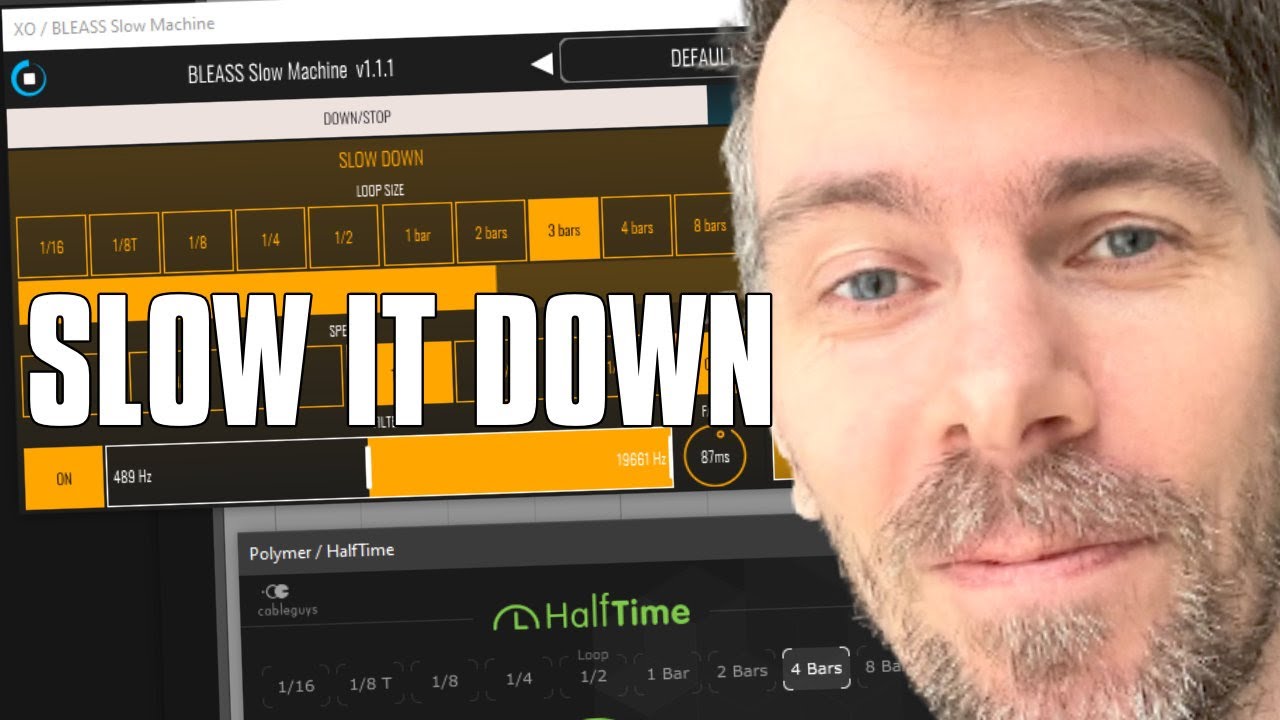
In this video, I showed how powerful the plug-ins half-time and slow machine by Bleass can be. These plug-ins slow down audio by half the speed and pitch it one octave lower. I demonstrated how to use the plug-ins to create a full, lush sound by combining the original audio with the slowed-down audio. I also showed how to use the plug-ins to create interesting rhythms and melody loops as well as how to use them on drums. Finally, I showed how to use the plug-ins to add texture and grit to synthesizers.

The Envelope-Follower modulates parameters by tracking the volume shape of incoming audio, using settings like rise, fall, RMS, or peak to fine-tune its response. It only processes direct audio input, not audio from other tracks, unless you use additional tools like an audio receiver. For true sidechaining with external sources, it's best to use an audio sidechain modulator.

The new Channel-16 modulator in update 4.2 lets you assign different MIDI channels to various nodes, allowing for unique modulation of parameters like filter cutoff or waveform shape depending on the channel. This enables creative possibilities by making melodies more dynamic and expressive, as you can control both synth and effect parameters per channel. Additional features like global modulation amount and lag time help fine-tune transitions for smooth and versatile sound design.

In this video, I explained the process of creating a percussion loop from scratch. I used a kick drum, e-kick by Bitwig and a bass sound made with a polymer. I then layered high heads from Bitwig Studio and XO on top. I then used a Wavetable oscillator combined with a flanger with a lot of feedback and an envelope to create a metallic sounding percussion. I then used a gate repeater and an LFO to create rolls and shape the sound. I then used an XO module to ensure only one sound was active at a time. I also used Valhalla delay, distortion delay, and halftime to give it an extra metallic room sound with a bit of distortion. Finally, I used a Newfangled Elevate, some ducking, and a limiter to finish off the sound.

The Classic-LFO is a versatile modulation tool offering multiple waveform shapes, including random and smoothed random, with adjustable speed, phase, and amount settings for precise control. It supports both free-running and beat-synced modes, and can be used creatively for generative music or cross-modulation with per-voice modulation options. Features like node retriggering, phase offset, and key tracking allow for complex, dynamic sound design tailored to each note or synth voice.

In this video, I discussed how to approach the Bitwig's grid differently. I explained how to use the filter as an oscillator, how to create kick drums with it, and how to deform envelope signals with a phase signal module. I emphasized that knowledge alone is not everything and that categories can be a barrier to further progress. I encouraged viewers to practice every day, to challenge themselves, and to think of small tasks to complete.