Music Production Knowledge Backlog
Here you can browse the latest published tutorials, guides, tools, articles, music posts, videos, and releases in one timeline. If you want a smaller overview, start with Polarity Music tutorials, Bitwig guides, Building Bitwig Grids, helpers, articles, music videos, releases, or the music hub. If you want something specific, use the search.

In this video, I showed how to use Bitwig Studio to play the piano like a pro. I demonstrated how to set up the instrument tracks and use the quantized input preset to synchronize the MIDI input with a 16th grid. I also showed how to record the quantized input so you can create interesting rhythms and melody lines. Lastly, I mentioned that this setup only works for monophonic MIDI input.


In this video, I demonstrated how to create deterministic melodies with the sign mode in the Polygrid. It starts with setting up a face input to get a steady signal. I then used a sign mode to transform the signal, followed by an oscillator and amplifier to produce sound. I also used a pitch scalar, pitch quantizer and sample and hold to create a pitch signal that is within an audible range. I then used a clock quantizer to synchronize the signal to the transport, and a trigger module to create a static pulse. Finally, I showed how to use random modulators to create evolving patterns and an average module to even out the signal.

I tried out the sign mod in Bitwig, which is a modular approach to making music. It is possible to use the grid for traditional music production, but the grid is where most of the modular magic happens. I experimented with the sign mod to create a melody, and I used the modulation capabilities to add some variations. I also experimented with using a wave table to shape the sound, as well as using an AD loop and random modulators. I concluded that the grid is a lot of fun to play with, and that the team behind Bitwig needs some time to focus on certain sections of the application in order to make it more feature-rich.

In this video, I showed how easy it is to side chain in Bitwig Studio. I demonstrated four different methods of side chaining, which include using a compressor plug-in, an audio sidechain modulator, a note sidechain, and an EQ plug-in. I also showed how to use the sidechain FX box to apply audio effects to the sidechain signal before it hits the analyzer. Lastly, I showed how to use the transient control to amplify or reduce the attack and sustain phases of a signal using a sidechain signal. Side chaining is not only for reducing the volume of a bass sound, it can be used for many creative effects.

In this video, I showed how to build a melody maker in Bitwig Studio and the Grid. I demonstrated how to use a pitch module, select, max min and probability selector and combined them together to build a melody maker. I also showed how to use a sample and hold, ADSR, face input, scaler, mirror and band, and a recorder to add groove and repetition to the melody. Finally, I showed how to use a clock one ties to synchronize the melody to the beat grid.

In this video, I'm showing off the Zenzel Moff and the nice Glitch preset I built for the grid in Bitwig Studio. This Glitch preset is multi-functional and can be used to repeat parts of an audio stream, use multiple keys at the same time to change different settings, and create lead and pad sounds from an audio import. It's free so anyone can use it to create some cool MPE polyphonic sounds. I explain how to use it, including how to use the Ultra Reservoir, the controller input, the comp filter, and the pitch shifter. I also describe the features of the preset, such as the resonator and source gain knobs. I'm excited to share this preset with everyone so they can play around with it in the grid of Bitwig Studio.

In this video, I showed how to use BitwigStudio's new FX Fader and Instrument Fader container devices to combine multiple instruments, audio FX and VSTs. I demonstrated how to use the modulator curves to create smooth transitions between layers and how to use the devices to add different effects to a hip hop loop and a synth patch. I also highlighted how to use the FX Fader to add random preset layers to a polygrid. Finally, I encouraged viewers to download the free presets and leave comments with any questions.

I tried to create a reverb by using an all-pass stage as the foundation. I used a stereo split and placed one all-pass on the left channel and the other on the right. I used a long delay and a blend knob to fit the original signal back into the patch, and then I added a modulation amount to the delay to give the reverb a more metallic feel. I then added a low pass and high pass filter to remove any low end frequencies and experimented with adding multiple all-pass devices to create a more complex reverb.

In this video, I showed how to make a patch that I created in the last video more fancy. I demonstrated how to use modulators, audio effects, and sequencing techniques in Bitwig Grid. I discussed how to use the DC offset device in the NoteFX channel and how to create a reverb and phaser inside the grid. Lastly, I showed how to use an LFO to create sequences that go beyond the 32 bar limit.

In this video, I'm using a drum machine to create a beat. I'm using four hi-hats and a clap, and then I'm experimenting with quantizing and layering different sounds in order to create a more natural and chilled out beat. I'm also using a synthesizer to create a kick drum and I'm adjusting the levels and the speed to create the exact sound I'm looking for.

I created some presets for 3.3, which I think will be released in a few weeks. I included 9 mid-range sounds, some pads and some plugs, with 4 knobs for remote controls. I also included some modulations and ADSRs with different repeating and timing, so you can get different tonalities and movements out of it. I also included some bass lines for drum bass and dub7, so that you can have more fun playing around with them.

In this video, I showcased the TEOTE plug-in by Voxango and explained why I think it's useful. I showed how I use it to reduce and push frequencies on my drum bus and how you can change the profile and bands. I also explained the dynamic section, with the FX knob and Mastering button, as well as the low cut and high cut, room dip and boost threshold. Finally, I shared my experience using the plug-in on drums and the master bus, and why I think it is great for rougher estimations or matchings.
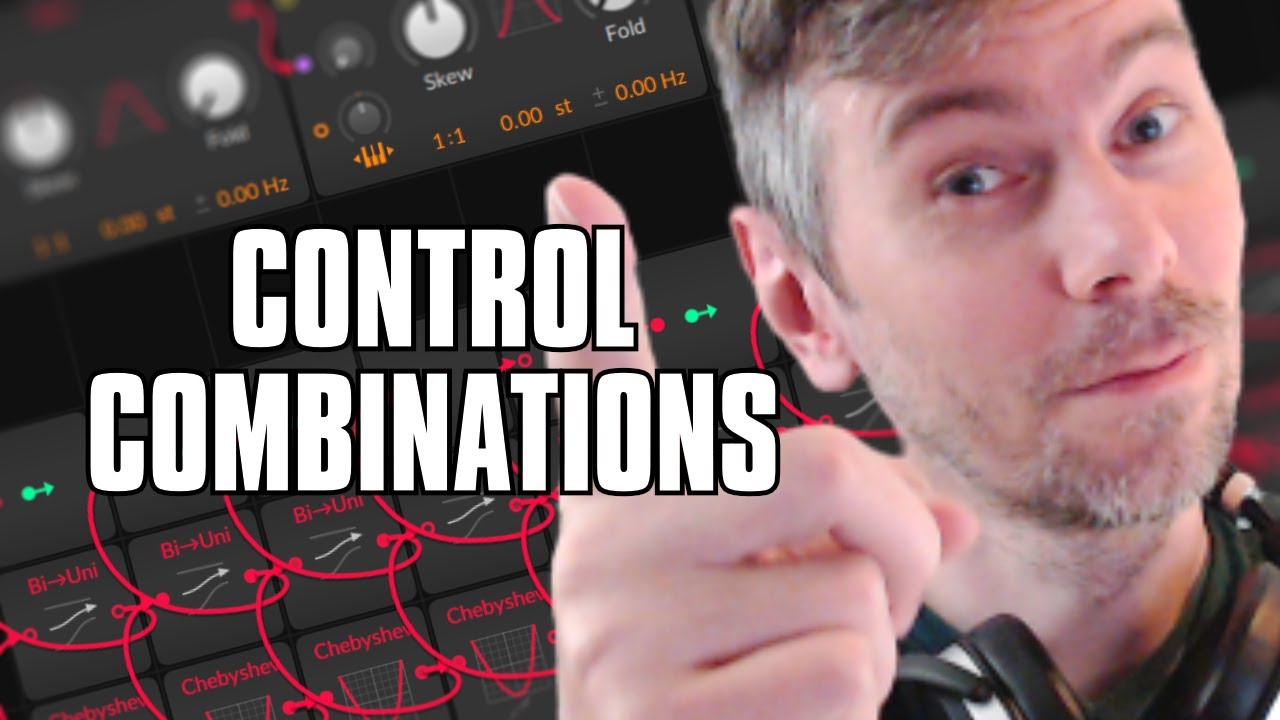
In this video, I explain how to solve a problem of controlling multiple knobs and parameters in a grid patch. My solution is to use a value module and three of them, then dial in different values to create multiple combinations. I then use a chappy chef and oscilloscope to modulate the first value, and then modulate the second and third values in different speeds. I show how to use a B to Uni converter and a Module Lator Out to count all possible combinations, and then replace the value modules with a sine oscillator and ADSR. I explain how to use a macro modulator and a remote control modulator to control all the knobs in the grid, and how to use a random modulator with each voice. In the end, I show how to slowly fade between all the states instead of switching between them in a quantized manner.
I have been producing less dancefloor suitable music lately, but two tunes came out anyway. Zaxx & Kaleun are a bit deeper and more restrained but still work well in a club context. The two tunes are completely produced in Bitwig and if you have a Patreon (10 bucks) membership you can download the projects there.

In this video, I showcase my three new presets - Berlin City, Berlin Verb and Berlin Tape - that I created for my five bug subscribers on YouTube and Patreon. I sampled noises from the streets of Berlin to analyze certain things, and I used a special method to create random multiple values in the grid with chapicef modules. I also mapped some MPE sensors to some knobs so you can use your MPE devices for this preset. With the remote controls and the snob, you can change the noise texture, the timing, the envelope, the stereo width, the pitch drift and the reverb. Berlin Tape is a tape emulation that you can bring in a lot of dirt and change the speed of the noise sample. I hope this video was helpful and I look forward to hearing your feedback.