Music Production Knowledge Backlog
Here you can browse the latest published tutorials, guides, tools, articles, music posts, videos, and releases in one timeline. If you want a smaller overview, start with Polarity Music tutorials, Bitwig guides, Building Bitwig Grids, helpers, articles, music videos, releases, or the music hub. If you want something specific, use the search.

In this video, I explain how to replicate the functionality of Corpus in Bitwig Studio. Corpus is essentially a resonator with specific frequencies, and by adjusting parameters like type, resonance, and in-harm, you can create different resonances and effects. I also provide a preset that emulates Corpus within Bitwig Studio and offer the option of using AAS's Object Delay if you want to achieve the exact same sound.

In today's video, I show a trick for using the segments module in the grid. By misusing the modules and drawing in waveforms, you can create unique sounds like kick drums and percussion. This method allows for persistence and the ability to save presets, making it a versatile tool within the grid.

The Moog Spectravox is a new vocoder/filter bank with limited features, but the sound quality is what sets it apart. While it's possible to replicate it in Bitwig Studio, it doesn't make sense to do so because the hardware device has a unique sound that can't be replicated in software. However, I've created a preset in Bitwig Studio that mimics the functionality of the Moog Spectravox for those interested in exploring it further.

In this video, I discuss the new features and improvements in Bitwig Studio 5.2 Beta2. I focus on the issues and improvements in tempo detection, highlighting the need for it to work in raw mode and suggesting the inclusion of pitch settings in the "Repitch" mode. Additionally, I showcase the new wavetable oscillatum, which allows for the removal of the fundamental frequency and the integration of a sub oscillator.

In the video, I announced the winners of the Bitwig Studio giveaway, with the Essential version going to Donc8295, the Producer version to Bull Noble, and the Studio version to T-Borban9556. I also shared some of the comments I received from viewers, who expressed their gratitude for Bitwig's support of Linux, the user support provided by the developers, and the fun and creativity that Bitwig Studio allows for. Lastly, I mentioned that I will be attending Super Booth and invited viewers to join me there.

In the video, I share my experience with discovering and using Bitwig Studio over the past 10 years. I talk about how it brought back the joy in making music for me, the power and flexibility of the software, and how it inspired me to start my YouTube channel and Patreon community. I also announce a competition where viewers can win the full version of Bitwig Studio or other prizes by commenting the year the software was released.

In this video, I discuss the All-Pass filter module in Bitwig Studio 5.2. While it may not seem like much, this module is actually quite powerful as it allows for phase shifting at specific frequencies without altering the frequency content. This module can be used for tasks such as phase aligning sounds or creating custom filters within the Bitwig Grid.

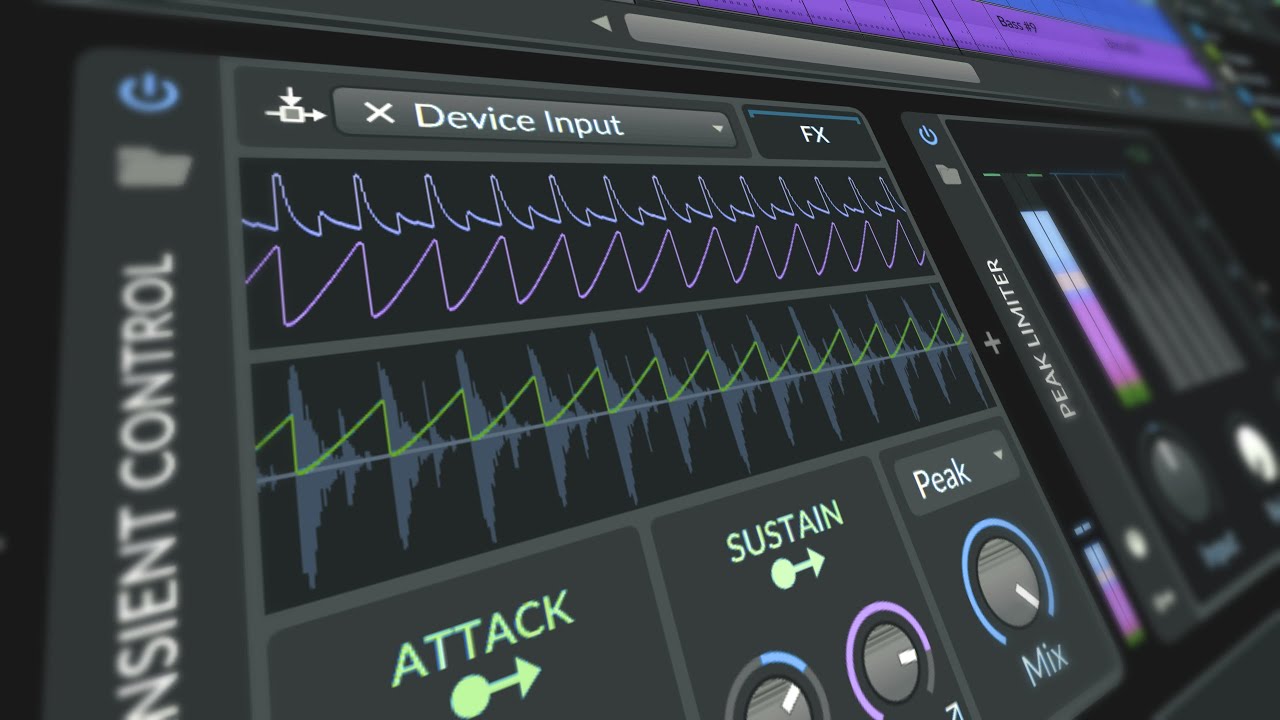
In this video, I discuss the Compressor Plus in Bitwig Studio 5.2 Beta 1 and clear up some confusion around its functionality. I explain that while it appears to have multiple bands, it is actually a single-band compressor with the ability to adjust intensity and timing for different frequencies. I also provide some tips and insights on using the Compressor Plus in combination with other plugins like the Over Clipper and explore its potential for creating step sequencing effects in the note grid.

In this video, I demonstrate how to use the Reshade tool with Bitwig Studio Beta 1. By installing Reshade and selecting the appropriate API, users can apply various graphical filters and effects to Bitwig Studio, similar to how one would modify games with Reshade. However, it is important to note that this is an experimental plugin, so caution should be exercised when using it.

In my live stream, I showcased the new features of Bitwig 5.2, which included a new compressor and EQs, timeline editing features, improved GUI rendering on the GPU, and the ability to undo changes made within VST plugins. I also explored the new "clipping" device and discussed the quality-of-life improvements implemented in this update. Overall, Bitwig 5.2 is a minor update with significant additions that enhance the user experience and offer more creative possibilities.
In this video, I demonstrate how to create a Trance track in Bitwig Studio from scratch, without relying on samples or loops. I provide step-by-step instructions for creating the drum pattern, bassline, melodies, and adding effects. Although the sounds may need further refinement, it shows that it is possible to create a good-sounding Trance track using only Bitwig Studio.

Here you can see a real DJ set by a guy (a real man) who's spinning because he's got skills. Not like Grimes, who just presses buttons!!! This is about skill, authenticity, and stuff like that. (irony off) Today, there's another little Sunday Drum & Bass mixtape with both new and old tracks.

Learn a fast drum and bass workflow in Bitwig: sketch drums with Addictive Drums, bounce and repitch the loop, layer synthetic hits, and add a bass sound that fits the groove quickly.

In this video, I share my process for creating ambient music using samples from YouTube. I demonstrate how to record audio from the Windows output and use it in a granular sampler to create unique pad sounds. I also incorporate a minimal beat, piano melodies, and effects like reverb and delay to build a chill-out tune.

In dem Video geht es um den Unterschied zwischen professionellem Musikmachen und privatem Musikmachen. Der Sprecher erklärt, dass er als Komponist und Musiker zwar professionell arbeitet, aber auch gerne einfach rumdödelt und Musik für sich selbst macht. Er spricht auch über die Veränderungen in der Musikindustrie und die Auswirkungen der KI-Technologie auf die Musikproduktion.

In this video, I explain how to replicate some of the features of the Amiga sampler in Bitwig Studio. The Amiga computer in the 90s had limitations in terms of sampling quality and space, resulting in a distinct sound with artifacts. By using the bit reduction, sampling rate, and key tracking features in Bitwig Studio, you can achieve a similar sound and even simulate slicing and stretch modes.