Music Production Knowledge Backlog
Here you can browse the latest published tutorials, guides, tools, articles, music posts, videos, and releases in one timeline. If you want a smaller overview, start with Polarity Music tutorials, Bitwig guides, Building Bitwig Grids, helpers, articles, music videos, releases, or the music hub. If you want something specific, use the search.

The Steps module in Bitwig Studio 3.2, now with interpolation mode, looks similar to a multi-stage envelope generator but is more limited, as you can only interpolate between steps without flexible curve adjustments or additional point insertion. Despite these limitations, the Steps module is highly versatile and can be used as a drawable oscillator, for wavetable synthesis, phase modulation, and inventive sound design when combined with other Grid modules. The video demonstrates creative ways to use the Steps module within musical contexts, emphasizing the limitless potential of combining Grid devices in Bitwig Studio.

The Zero Crossings module in Bitwig Studio's Grid is a simple pitch estimator that measures the distance between zero crossings of an audio waveform to determine pitch or frequency, working best with simple signals like sine waves. Filtering options, both inside the module and externally, help make complex signals easier to analyze for more accurate pitch detection. While not precise for complex audio, it is a handy tool for generating pitch signals from audio input, which can then be processed or quantized further within Bitwig.

This video thoroughly explains the Scaler module in Bitwig Studio's Grid, demonstrating how it controls and manipulates phase signals to change synchronization speeds, trigger devices, and shape audio creatively. It highlights practical uses such as altering playback speed, creating polyrhythms, wavefolding audio, and deterministic modulation of multiple parameters with one knob. The tutorial also shares useful tricks and encourages viewers to experiment, ask questions, and explore further possibilities with modular approaches in Bitwig.

This video explains the Recorder module in Bitwig Studio's Grid, showing how it acts as a simple in-memory buffer for recording and playing back audio in real-time, with no permanent storage or advanced controls like speed or offset changes. The tutorial explores creative uses of the module by combining it with logic tools such as gates, latches, quantizers, and random triggers to achieve effects like glitching, ghost notes, and dynamic filtering, especially on drum loops. The presenter emphasizes experimenting with different signal routings and highlights that layering logic around the Recorder can unlock highly creative possibilities for rhythmic and textural manipulation.

This video explains how basic math operations like addition and subtraction are used in audio signal processing within the Grid, demonstrating concepts like DC offset, phase alignment, and volume changes by combining oscillators. It also shows how these operations relate to common audio tasks such as mixing, phase inversion, and extracting mid-side information from stereo signals. While the tutorial uses the Grid, the principles discussed apply broadly to audio programming and signal processing in various environments.

This video explains the logic modules in Bitwig Studio's Grid, focusing on their basic binary operations and how they can be creatively used in signal processing, sequencing, and audio manipulation. The presenter demonstrates essential modules like buttons, triggers, gate repeat, comparators, and logic gates, highlighting that their power comes from flexible combinations within patches rather than complexity. Practical examples show that while each module is simple on its own, their true potential shines in creative setups, enabling unique and unexpected results.

Started as a tutorial on my main channel ( https://youtu.be/ON2dc6_PA84 ) but added some bits off video and made it a whole ...

In this video, I demonstrate a simple trick to create a modal chord progression in Bitwig Studio. By stacking major chords and using a multi-note, I'm able to create a jazzy, yet smooth chord progression that is not in a set scale. I then use a note wrap preset to create an auto-inversion effect, and use a pitch quantizer to ensure that the notes fit the chords. To add to the jazzy feel of the track, I use a polysynth with a channel filter to create a bass line, and an arpeggiator with note repeat for a more interesting melody.


get Soulmates here: https://distrokid.com/hyperfollow/polarity4/soulmates #drumandbass #deep #liquid my main channel, tutorials ...

The video explains how the all-pass device in Bitwig Studio works by passing all frequencies while introducing delay, phase diffusion, and metallic ringing sounds, which are essential for building reverbs and creative sound effects. It demonstrates how the device can be replicated in Bitwig's Grid and discusses its use in artificial reverbs, where many all-pass modules are combined in parallel or sequential arrangements. The creator recommends exploring Valhalla DSP's blog for deeper insights into reverb design using all-pass filters.

Some deeper and more soulful drum and bass tunes. Lying around on my hard drive for some time, finally finished. Enjoy!

You can download the #Bitwig grid patch on my github for free: https://bit.ly/3A0CBFF think about a subscription on patreon to get ...

In this video, polarity explains how to use voice stacks to create interesting textures, melodies, and atmospheres in Bitwig Studio. The speaker demonstrates how to use a note grid, multiple MIDI channels, a polysynth, chorus, reverb, delay, and a note repeat to create a bass pattern. They also explain how to modulate the voice stack modulator with a random mod, pitch, transpose, and LFO classic to get different frequencies and textures in key.

Polyphony in Bitwig Studio lets you control how many notes or voices a synth can play at once, with options for monophonic and polyphonic modes, each affecting envelope behaviors differently. Voice stacking multiplies each note by several layers or "stacks," allowing you to uniquely shape sound by applying modulators to different stacks for more movement and detail. This powerful system works not just on instruments but also in device grids and effects, making Bitwig's modulation and sound design extremely flexible and creative.
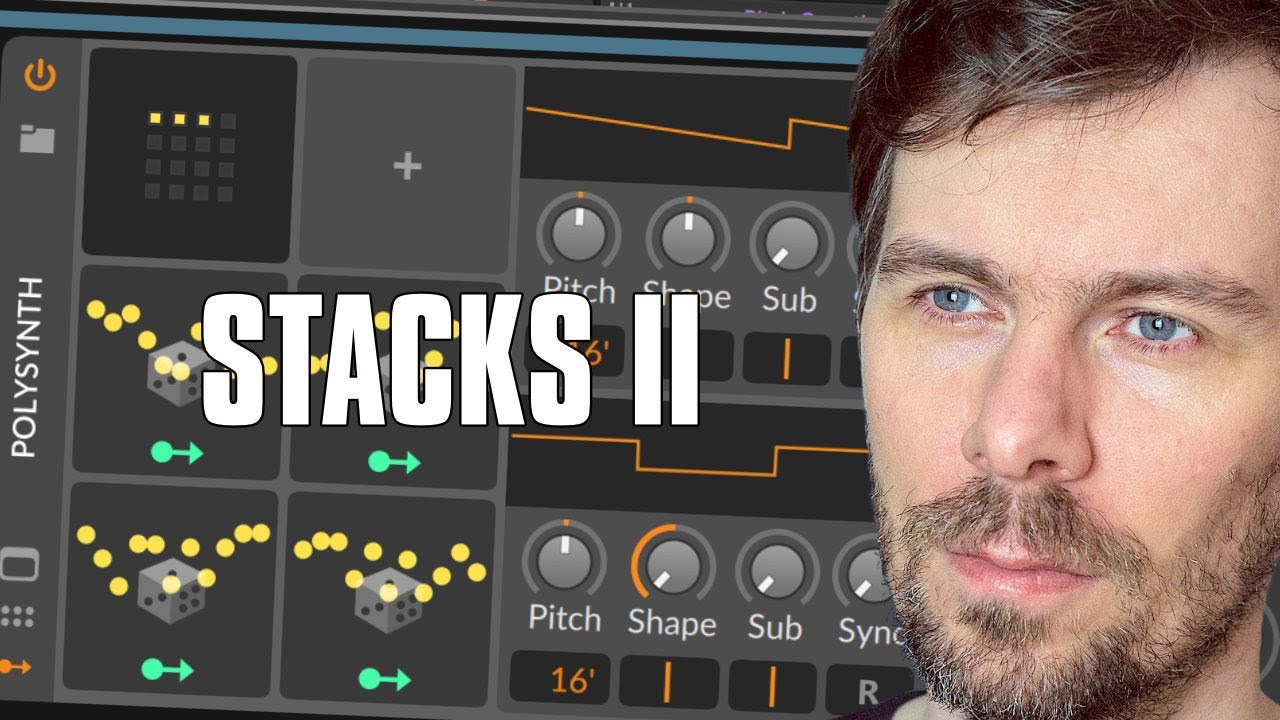
In this video, I showed how to use voice decks on monophonic grids and create different settings for each voice deck. This can be used to create chords, delays, chorus and reverb effects. I also showed how to use multiple random modulators and panning settings to create a lush sounding effect. Finally, I demonstrated how to use a channel filter to create a bass line, as well as how to use a step modulator to create a longer and more interesting melody.