Sidechain
Production Techniques
Sidechain is the technique of letting one signal influence another. The most famous example is a kick making a bass dip in level, but the idea is broader than that.
Any time one part of the project controls the behavior of another part, you are working with sidechain logic.
Why sidechain matters
It helps sounds share space. Instead of permanently carving everything apart, you can make room only when it is needed.
That is why sidechain is useful for:
- kick and bass separation
- pumping movement in electronic music
- dynamic effects that react to another track
- cleaner mixes without static over-processing
The bigger idea
Good sidechain work is not only about the famous pumping sound. It is about interaction. One sound responds to another in a way that improves clarity, rhythm, or musical movement.
That makes sidechain both a mixing technique and a creative tool.
Also matches: sidechain compression, side-chain, sidechain, ducking
Posts in this topic

In today's video, I discuss the importance of high precision and latency-compensated sidechain compression on the bass for bass music producers. I explore different methods, such as audio sidechain, note sidechain, and segments, and demonstrate their effectiveness in achieving precise sidechain compression. However, I also highlight a bug when introducing latency within the FX chain of a device.

In this video, I showed how easy it is to side chain in Bitwig Studio. I demonstrated four different methods of side chaining, which include using a compressor plug-in, an audio sidechain modulator, a note sidechain, and an EQ plug-in. I also showed how to use the sidechain FX box to apply audio effects to the sidechain signal before it hits the analyzer. Lastly, I showed how to use the transient control to amplify or reduce the attack and sustain phases of a signal using a sidechain signal. Side chaining is not only for reducing the volume of a bass sound, it can be used for many creative effects.

The Note-Sidechain modulator allows you to use MIDI input or note clips to modulate parameters like volume or filter cutoff, making it perfect for tasks like ducking a bass to a kick drum. You can easily route MIDI from any channel and customize the envelope's timing, depth, and sensitivity, offering flexible control over your modulation targets. By saving the Note-Sidechain on a utility device as a default preset, you can quickly apply ducking across multiple tracks without repetitive setup.

In this video, I discuss how to use the free and open-source spectral compressor plugin in Bitwig for precise sidechaining and frequency ducking, especially when working with combined drum loops and bass tracks. I demonstrate how its audio-rate processing and flexible attack and release times make it uniquely effective for not just kick and bass, but also for managing overlapping frequencies in pads and leads, allowing for detailed mix control without needing separate drum tracks. While powerful, the plugin requires careful adjustment to avoid overly digital or unnatural results, and I encourage viewers to experiment and share their own use cases.

An Audio-Sidechain takes an audio signal, such as a kick drum, and transforms it into a modulation signal that can control various parameters on another track, like the volume or filter cutoff of a bass sound. This technique is commonly used to duck the bass when the kick hits, but it can also modulate many other aspects of a sound for creative effects. Using Audio-Sidechain modulation allows for dynamic and interesting sound design, making your music more lively and expressive.

In this video, I explain the concept of ring mod sidechain modulation and demonstrate how to achieve it in Bitwig Studio. I discuss the potential for distortion using this method and suggest using Bitwig's audio sidechain modulator as a cleaner alternative. Additionally, I provide a more advanced setup in Bitwig's FX Grid for precise control, with both presets available in the video description.

In this video, I start with a completely empty project in Bitwig Studio and build a track from scratch. I start by creating a loop with a melodic kick drum using a Grid patch. I then add variation to the pattern by using a note delay effect. Next, I add hi-hats and claps using the E-Hat device and XO plugin. I create a drone sound using PianoTek and Supermassive, and then add melodic lines using the Polymer synth and a note grid step sequencer. I also use various modulators to add movement and variation to the melodic lines. Finally, I create a bassline using the Polymer synth and apply sidechain compression to the bass and the entire music bus.

Polarity SC is a free open-source spectral compressor for Windows, macOS, and Linux (VST3 & CLAP) with spectral ducking, resonance suppression, freeze, and IR export.

In this video, I take samples from the Intimate Noise page and try to create a track. I download the free sample pack and explore the different folders, including pads and drones, one shots, and sequences. I start by using the kick samples and creating a drum loop. Then, I incorporate some of the pad samples to add texture to the track. I manipulate the sounds using different effects and plugins, such as the Hornet plugin and the Sonable smart compressor. I also create a baseline using the notes provided by the pad sample. I continue to build the track by adding more elements, including chords, FX sounds, and melodies. I use a pitch shifter and random modulators to add character and variation to the sounds. I group the different elements together and apply sidechain compression using the kick drum to create a pumping effect. Finally, I do a quick mastering using the Allzone Elements tool to ensure the track reaches the desired loudness. Overall, the goal is to create a deep house track using the samples from the Intimate Noise sample pack.

In this video, I'm showing viewers how to create music from scratch using tools such as the polygrid, kick drum synthesis, noise module, filter, distortion, chorus, mod delay, step mode, auto level, ducking, wave folder, reverb, dice, clap, white noise, envelope follower and diva. I'm also demonstrating how to sprinkle samples on top for an organic sound. At the end, I offer viewers the chance to download the track on my Patreon page.

In today's video, I show you how to create a music track in Bitwig Studio. I start off by using various modules and sequencers to generate a melodic sequence. Then, I add convolution and delay effects to create depth and ambiance. Finally, I layer in drums and bass, apply sidechain and modulation, and add some additional melodies to complete the track.

The Envelope-Follower modulates parameters by tracking the volume shape of incoming audio, using settings like rise, fall, RMS, or peak to fine-tune its response. It only processes direct audio input, not audio from other tracks, unless you use additional tools like an audio receiver. For true sidechaining with external sources, it's best to use an audio sidechain modulator.

This detailed walkthrough shows how to start making drum and bass music in Bitwig Studio by building up drums, bass, and pads from scratch using mostly stock devices and sampling techniques. The process focuses on developing the core groove and sound design through continuous tweaking, resampling, and simple processing rather than overthinking or getting caught up in technical perfection. The most important lesson is to keep moving forward, rely on your instinct and style, and make creative adjustments until you are satisfied with the result.
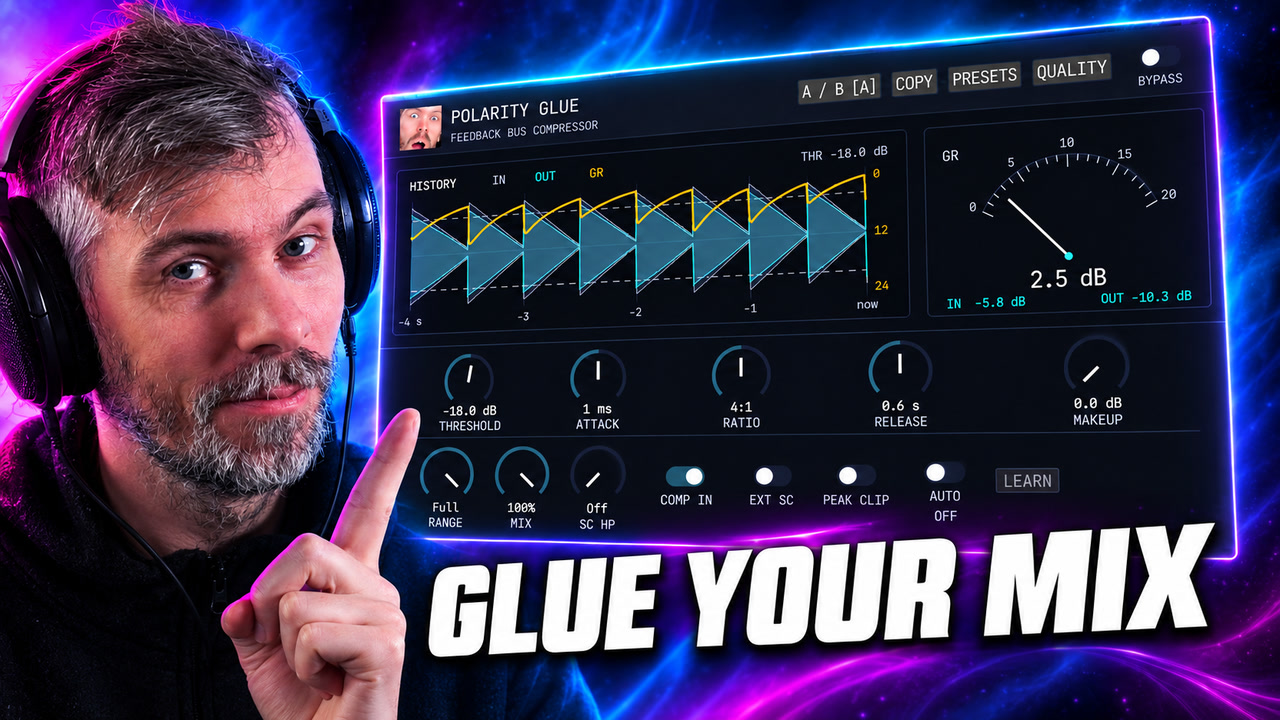
Polarity Glue is a free SSL-inspired feedback bus compressor for Windows, macOS, and Linux, with Auto Makeup, parallel mix, waveform history, sidechain control, and output clipping.
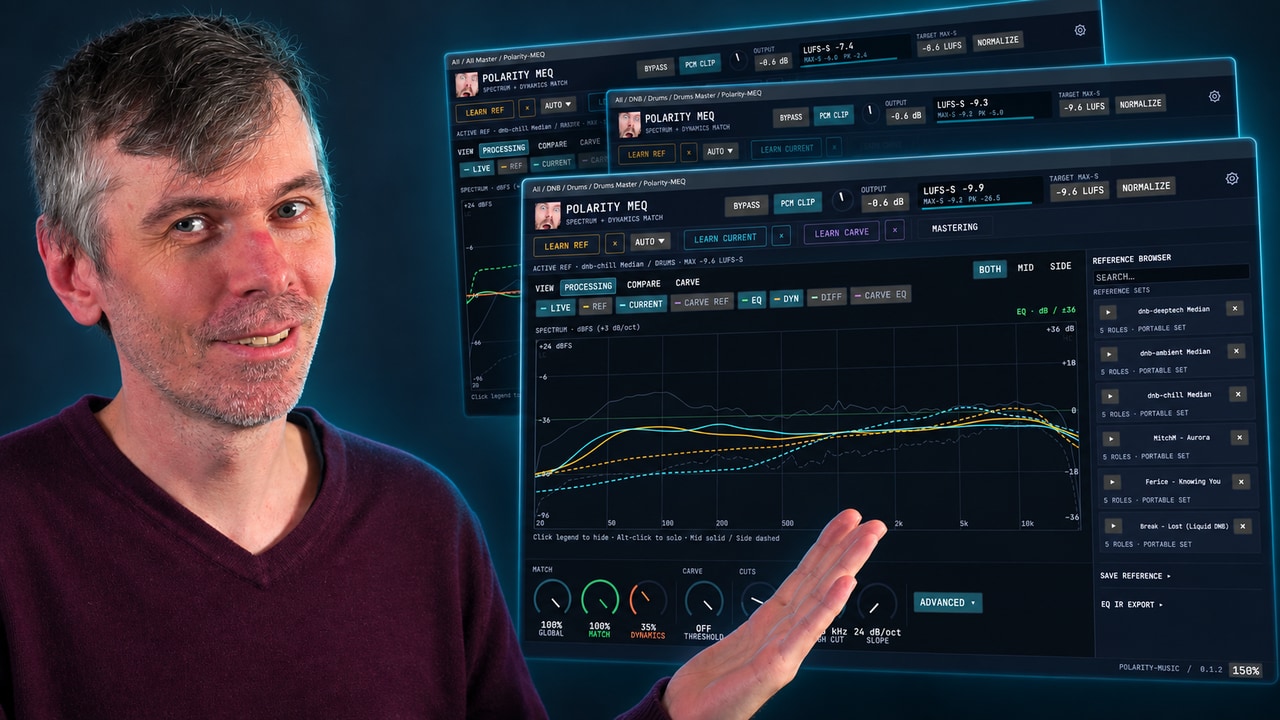
Learn how Polarity-MEQ delivers free EQ matching, loudness and dynamic matching, and sidechain carve EQ for more consistent mixes.

This video explains how to create a dynamic resonance suppressor in Bitwig Studio using native tools, focusing on audio sidechain modulators and flexible EQ or spectral devices for precise, real-time control over harsh or problematic frequencies. The presenter compares Bitwig's workflow to Ableton Live, highlighting Bitwig's superior modulation capabilities and the ability to build unlimited, customizable solutions for tasks like de-essing, noise suppression, or spectral gating. Various creative techniques are shown, from quick envelope-follower sidechaining to advanced spectral or FX grid approaches, allowing users to tailor their workflow for different sounds and preferences.

In this video, I take the opportunity to create a new tune with a Finnish vibe. Starting with a kick drum and bass, I add in a simple saw melody and some chords for depth. I also incorporate hi-hats, claps, vocals, and percussion to enhance the composition, resulting in a complete track that captures the essence of Finnish music.

In this video, I show off the new Delay+ device in Bitwig Studio 3.4.## I demonstrate how it behaves like a tape echo or delay plug in, and show off its features, like ducking, repitching, cross-feed modulation, and diffusion networks. I also show how it can be used for sound design, and give some ideas on how to use it.