Stereo
Production Techniques
Stereo is the left-right dimension of a mix. It helps sounds feel wide, spacious, separated, or immersive instead of all sitting in one narrow line down the center.
Used well, stereo can make a track feel larger and more detailed. Used badly, it can make the mix blurry, phasey, or weak when played back in mono.
What stereo is good for
- giving supporting elements more width
- separating layers that fight for attention
- making effects feel bigger than the dry source
- creating contrast between a focused center and a wider background
The key idea is contrast. If everything is wide, nothing feels wide.
Why mono still matters
Many widening tricks work by making the left and right channels slightly different. That can sound exciting, but it can also create cancellation when the mix is collapsed to mono. This is why mono compatibility still matters, especially for low end and important core elements.
In practical terms, wide highs and controlled low mids often work better than making the whole signal wide from top to bottom.
A useful beginner rule
Keep the center strong first. Then widen what supports the center. If the main idea only works because of a stereo trick, the mix is probably not as solid as it could be.
The posts below explore stereo from a practical producer perspective: widening, panning, contrast, and keeping mixes interesting without losing clarity.
Also matches: mono compatibility, mono compatible, stereo imaging, stereo image, stereo width, stereo
Posts in this topic

In this video, the creator introduces two new devices or presets for Bitwig Studio 3. The first one is called Stereo Boy, which splits an audio input into two paths. One goes through a stereo splitter, all pass devices, and a stereo merge, creating a wider stereo effect. The second path includes a delay that is modulated slowly. The parameters can be adjusted using micro knobs, and the device can be used to add a weird pitch modulation effect. The second device is called Grain Reverb, which adds different pitches to the sound using pitch shifters and filters on multiple layers. The grain rate and mix can be adjusted for each layer, creating a thick reverb sound. The cutoff and pan can also be modified. The creator demonstrates the sound of both devices and offers them for download on their GitHub repository.

In this video, I shared some tricks for Bitwig Studio on how to make signals wider and add stereo information to mono signals. One trick involved using the stereo split device to split a mono signal into left and right channels and then modulating them differently for a wider stereo effect. Another trick used the FX grid to trigger effects probabilistically, fading them out with an ADSR or sidechain. Lastly, I demonstrated how to mix white noise with a mono snare sample to make it wider and more interesting using amplitude modulation or ring modulation in the FX grid.

The Bitwig Studio tool device features two volume knobs for backward compatibility, allowing for fine control with overlapping dB ranges and the option to boost volume further using both. It provides panning and a width knob, enabling users to adjust stereo width from mono to very wide by manipulating the mid and side channels. Additionally, users can invert the polarity of left or right channels and swap stereo channels for more flexible audio manipulation.

In this video, I demonstrate a specific feature of the grid where every signal inside is a stereo signal, allowing for interesting possibilities. By using the stereo split and merge modules, I show how to split a stereo signal into two mono signals, change their pitches independently, and then recombine them. This feature can be used not only for audio signals but also for pitch, gate, and phase signals, greatly expanding the creative possibilities of the patch.

The convolution device in Bitwig Studio acts like an Instagram filter for your audio, using impulse responses to place your sounds into different acoustic spaces or through sampled devices. You can customize the effect with controls for tuning, EQ, pre-delay, envelope shaping, stereo width, and mix between dry and wet signals. This lets you easily give your sounds unique textures, from realistic room ambiances to creative effects, simply by loading different impulse responses.

The Blur device in Bitwig Studio uses All-Pass delays on both left and right channels, allowing you to control both delay time and feedback through interactive dots for creative sound shaping. The feedback parameter uniquely blends feedback gain and dry signal, with 0 percent giving only the delayed signal and 100 percent giving only the dry signal, making it possible to find sweet spots for blending effects. This setup is ideal for creating reverb and stereo widening effects, smearing or blurring the signal for rich spatial textures.

In this video, I demonstrated how to use the mid-side split container in Bitweek 4.0 to create a stereo sound. I showed how to add a different kick drum sample to the side channel to create a difference between the left and right channels, and how to use an FX grid and the math operation subtract and add to get the side and mid channels respectively. I also showed how to use a polysynth and an audio receiver to create interesting effects. I hope this inspires you to experiment and come up with new ideas!

The Bitwig Studio reverb is divided into early reflections for simulating room characteristics, late reflections for controlling the decay and frequency of the space, and an output section for blending the wet and dry signals, as well as adjusting stereo width. Unique features like wet FX and tank FX allow creative manipulation by adding effects either to the wet output or within the feedback loop, drastically shaping the reverb's sound and character. By tweaking parameters such as diffusion, room size, and feedback processing, you can achieve anything from subtle room ambiance to complex, experimental effects.

The Bitwíg Studio frequency shifter lets you move all frequencies of a sound up or down by a chosen number of hertz without affecting pitch, with additional controls for the stereo spread and wet-dry mix. It is especially useful for drums, where it can add punch, a stereo feel, or create interesting top-end layers without altering the whole sound. While the effect shines on percussive elements, its use on tonal sounds is limited but can still be creatively explored.

In this video, I'm discussing panning in Bitwig Studio. I explain how pan knobs can be a bit unnatural because they don't take into account the room environment and the direct signal from both the left and right side. I suggest using the grid to split up the signal and add attenuation, blending, delay, and a low-pass filter to simulate the room environment and create a more realistic stereo field. I also provide a free preset for viewers to try out.

In this video, I show various ways to utilize the pitch shifter device in Bitwig Studio. I demonstrate how adjusting the pitch knob and grain size can create pitch effects, delay effects, and even a phaser effect. I also explore using the pitch shifter device in combination with other devices, such as the stereo splitter and mid-side split, to create unique stereo effects. Additionally, I discuss using the pitch shifter device for reverb and the possibility of layering multiple pitch shifters for interesting results. Overall, I hope this video provides inspiration for incorporating the pitch shifter device into your own music production.

In this video, I provide updates to my Hard Clip and Auto Level presets, both of which are now available for free download with new features like LED clipping indicators and improved functionality. I've introduced options such as different clipping modes, band splitting, and a stereo link feature, while addressing phase shift issues and incorporating spectral-based solutions. Additionally, for the Auto Level preset, I added features such as an amount knob and stereo link, and I shared an experimental Auto Level Plus version for quick mastering solutions.

In this video, I attempt to recreate the WIDER 2.0 plug-in by Infected Mushroom inside Bitwig Studio. I demonstrate how the original plug-in works by creating peaks and dips in the frequency spectrum, which cancel out in mono, and then I showcase my own preset that mimics this effect, with added controls for more customization. Finally, I highlight that my preset may sound slightly better and more natural due to the included convolution reverb on the side channel.

Recreate Serum Hyper/Dimension in Bitwig Studio or VCV Rack with Chorus+, FX Grid micro-delays, panning, and modulation for wide stereo unison.

In this video, I showcase my three new presets - Berlin City, Berlin Verb and Berlin Tape - that I created for my five bug subscribers on YouTube and Patreon. I sampled noises from the streets of Berlin to analyze certain things, and I used a special method to create random multiple values in the grid with chapicef modules. I also mapped some MPE sensors to some knobs so you can use your MPE devices for this preset. With the remote controls and the snob, you can change the noise texture, the timing, the envelope, the stereo width, the pitch drift and the reverb. Berlin Tape is a tape emulation that you can bring in a lot of dirt and change the speed of the noise sample. I hope this video was helpful and I look forward to hearing your feedback.

Melda's Multi-Analyzer is a powerful and affordable plugin that lets you visually analyze the frequency content of multiple tracks in a single window, working seamlessly with Bitwig Studio. It offers clear visual features like spectrum, sonogram, collision detection, loudness, and stereo field monitoring, along with practical adjustments for smoothness, normalization, and prioritization. Despite previously disliking Melda's interfaces, I found this plugin highly effective and user-friendly, making it an excellent value, especially at its current discounted price.

In this video, I showed viewers how to create a reverb inside Bifix Studio and the Grid. I began with loading a piano sound and then I created a stereo merge and split effect with an all pass device on each side. I then introduced a long delay and connected it to the output and input. I also added a modulation, random LFO, attenuate, and peak limiter. Lastly, I showed how to duplicate the patch and add a pitch shifter and chorus for a shimmering sound.
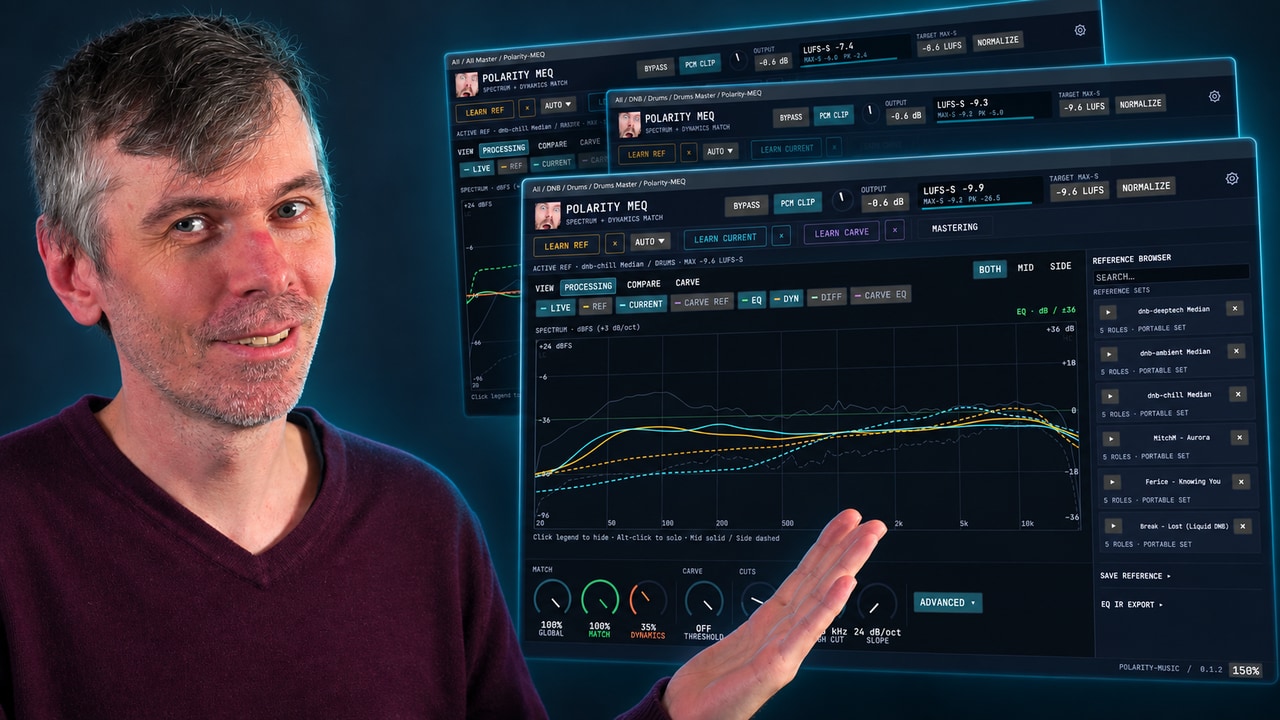
Learn how Polarity-MEQ delivers free EQ matching, loudness and dynamic matching, and sidechain carve EQ for more consistent mixes.