Mixing
Production Techniques
Mixing is the stage where separate sounds start behaving like one piece of music. You are deciding what should feel loud or quiet, wide or narrow, bright or dark, close or distant, stable or dynamic.
That can sound technical, but the basic goal is simple: every important part should be easy to hear, and the whole track should feel balanced.
What mixing is really about
A mix is rarely improved by doing more. Most of the time it gets better when you remove confusion.
- Too many sounds are fighting in the same range.
- Important elements are too dynamic or too hidden.
- Stereo effects make things bigger but also less clear.
- Low end feels strong in one place and messy in another.
Mixing is the process of solving those problems without removing the energy and emotion from the track.
What beginners should focus on first
If you are new to mixing, focus on four things before anything fancy:
- Level balance
- Frequency balance
- Stereo placement
- Peak control
That already covers a huge part of what makes a mix feel professional. Fancy chains and expensive plugins matter far less if those four basics are not in place.
Main branches on this page
- Stereo covers width, panning, and mono compatibility.
- Loudness covers perceived volume, clipping, limiting, and dynamics.
These are not the only parts of mixing, but they are two areas where many producers either overdo things or misunderstand what actually matters.
A useful mindset
Mixing is context work. A sound is not good or bad by itself. It only makes sense inside the track around it. That is why many pages on this site talk less about rules and more about decisions, tradeoffs, and listening carefully to what the full arrangement needs.
Also matches: mixing, mix
Posts in this topic
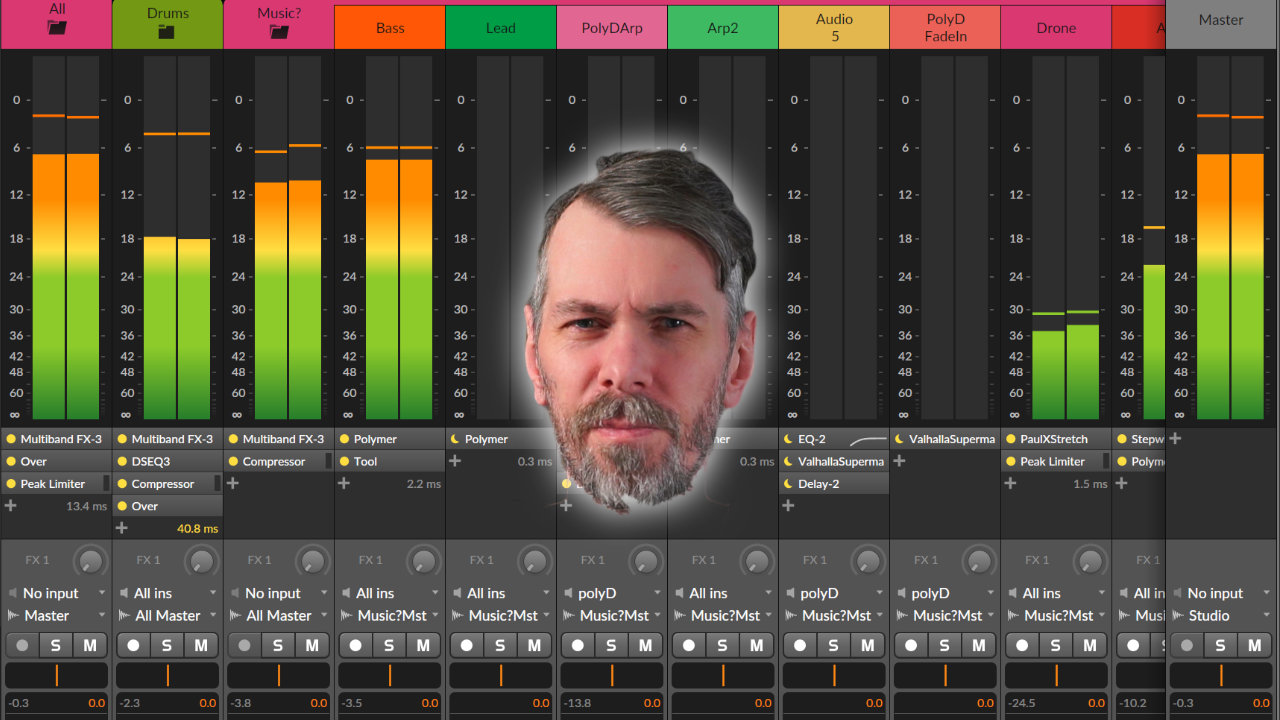
I shared tips to help ease the frustration of mixing and mastering music. I focused on simplifying the process, using reference tracks, prioritizing kick and bass, and embracing the challenges as part of the journey.

In this video, I demonstrate a unique technique in Bitwig using pre-emphasis and de-emphasis with tilt EQs to mimic multi-band limiting and achieve more balanced loudness across frequency ranges, without traditional band splitting. By tilting the analyzing signal fed into auto-levelers or limiters, you can shift how loudness is controlled across your mix, changing the tonal balance solely through volume adjustments. This approach allows for more natural and flexible mixdowns and can be applied not just to limiting but also to compression, reverb, and other effects, potentially streamlining your workflow and achieving more transparent results.

In this video, I discuss my workflow process when it comes to mixing down dance floor tunes. I stress the importance of starting with the creation process and how that influences the mixing process. I demonstrate how to use a transient shaper, a limiter, and a clip to reduce dynamics and create a punchy sound. I also discuss the importance of frequency balance and how it is influenced by the length of the samples and the BPM. Finally, I discuss how to create a hierarchy in the mix by making the kick drum the loudest part and then gradually reducing the volume of the snare and high hat.

In this video, I discussed creating an arrangement and mixing on an 8 bar loop from my previous video. I identified a few issues I wanted to address, such as the drone playing all the time, the lack of modulation on the pad, and the fact that the vocals play all the time. To solve these issues, I suggested grouping all the tracks together, cloning the first block, and creating different versions of the loop. I also discussed gain staging, using a peak limiter, and adding a bit of saturation to the kick drum. Finally, I demonstrated how to use a sampler to add a rim shot to the clap.

In this video, I show a quick tip for mixing and mastering in Bitwig Studio. Instead of constantly moving the spectrum analyzer to compare different elements, I suggest using FX or return busses. By sending different tracks to the spectrum analyzer on separate FX channels, you can easily compare and adjust the frequency distribution of various elements in your mix.

In this video, I explain how to get different sound sources from within the Bitwig Studio grid onto separate channels for mixing. I start with a generative patch with multiple sound sources mixed together, and demonstrate how to separate the percussion and funky bass onto separate channels. To do this, I use a hack that involves cutting off the percussion audio output, creating an FX layer for the rest of the sum, using a stereo split, and then utilizing modulation to transfer audio signals to separate channels. By creating separate audio tracks for each sound source, I can mix and manipulate them individually. I provide step-by-step instructions and a downloadable audio output preset for ease of use.

Learn what crest factor means in mixing and mastering, how to measure compression, and how to compare track dynamics more accurately.

In this video, I demonstrate how to use expansion to make drum samples from libraries fit better in a mix by stretching the dynamic range. Using Bitwig Studio, I highlight methods like the dynamics module, compressor plus, and transfer curve to enhance the groove and dynamics of over-compressed samples. This approach helps create a cohesive mix where all sounds blend seamlessly.

Do low cuts cause phase problems between kick and bass? This guide explains why the answer depends on context, when high-pass filters actually help, and why blanket mixing rules are usually wrong.

The Melda MMatcher EQ plugin is a powerful tool for achieving consistent frequency balance across tracks by allowing you to create and use custom reference curves, including separate processing for mid and side channels. It excels at quickly identifying mix issues and ensuring a uniform sound, especially when working with albums or EPs. The plugin can be applied not just on masters but also on individual buses like drums or bass, and you can create more reliable reference curves by averaging multiple tracks, with advanced features for fine-tuning and analyzing by stem if desired.

In this video, I discuss the EQ Three by TP Pro audio, emphasizing that it is often overlooked due to the lack of advertisements or sponsored videos. I demonstrate various ways to use the EQ, such as as a track spacer or a spectral gate. Additionally, I explain how it can be utilized as a "magic cue" or an analyzer for comparing frequency distributions between tracks.

Finally managed to drop a new Drum & Bass Mix. It's got lots of minimal wobbles, a few liquid vocal tunes, some deep stuff, and minimal neurofunk. I'm really enjoying it right now – as long as it grooves, it's all good. Here's the full tracklist with timestamps!

In this video, I create a new track from scratch in Bitwig Studio 6 beta, showcasing the new automation improvements and demonstrating my workflow for building sounds, melodies, and drums step by step. I experiment with vocals, synths, and various effects to craft an atmospheric vibe, while balancing and mixing each element live as the track evolves. The project is left unfinished, focusing on creative exploration rather than perfection, and the session will be available for download on my Patreon.
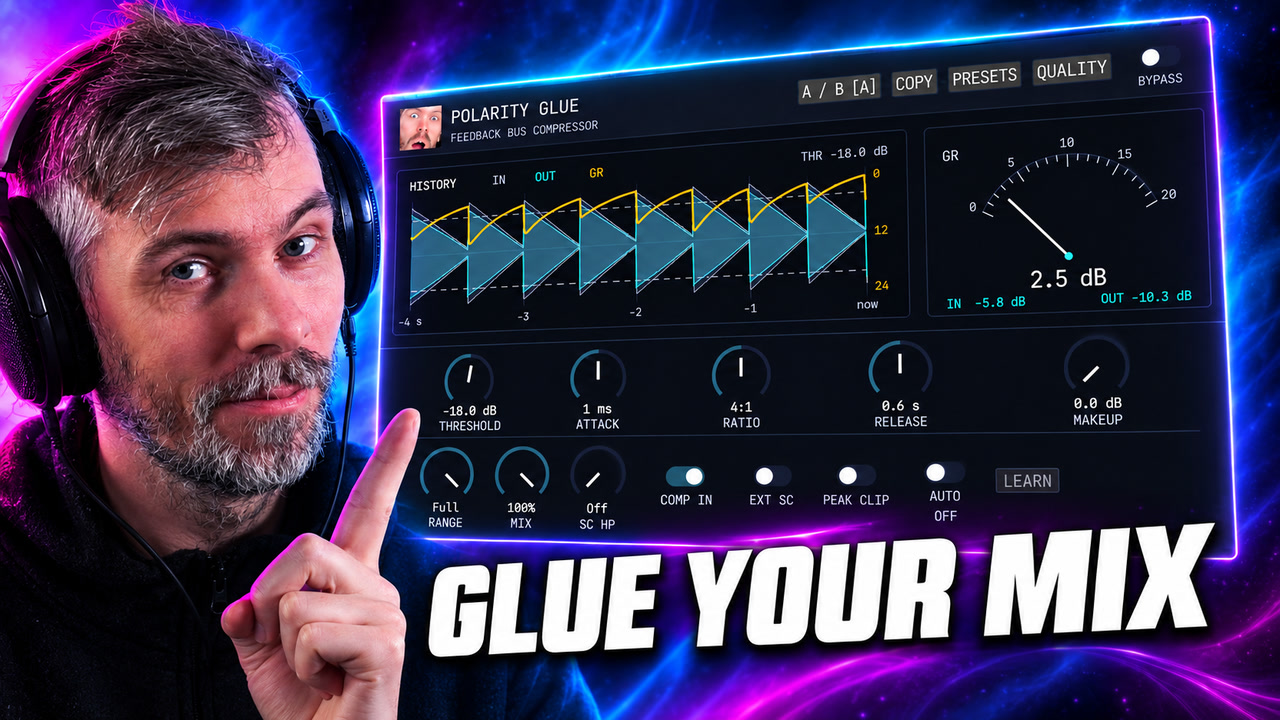
Polarity Glue is a free SSL-inspired feedback bus compressor for Windows, macOS, and Linux, with Auto Makeup, parallel mix, waveform history, sidechain control, and output clipping.

In this walkthrough, I demonstrate how to create a complete drum and bass track from scratch in Bitwig Studio, focusing on making original sounds without relying on sample packs. I show how to design bass, kick, snare, hi-hats, and percussion, while explaining techniques for modulation, sound layering, and basic mix strategies for punchy results. The process emphasizes experimentation, customization, and the development of personal taste, illustrating that strong grooves and creative sound design are more important than complex melodies.

Today I compared three spectral compressors, DSEQ3, Spectral Compressor, and Spectraft, explaining my preferences, typical use cases, and cautioning against overuse due to their potential to strip music of its character. I prefer DSEQ3 for its smart AI features, custom threshold curves, and affordability, but use Spectral Compressor mostly for spectral sidechaining and find Spectraft to be the most versatile, albeit pricey. Ultimately, I advise subtlety with these tools, emphasizing that a well-balanced mix done at the track level always sounds better than heavily processing the master.

In this video, I talk about three new plugins by Sonoble that just came out today: Pure Verb, Pure Comp, and Pure Limit. These are smaller versions of their bigger plugins, which have fewer controls. These plugins are perfect for creative people who want to dial in a few parameters and move on. I demonstrate how to use each plugin and offer some tips along the way. These plugins are a great addition to any mixing or mastering workflow, especially for those who want to simplify the process. If you're interested, check out the links in the description to try them out for yourself.

The Mix modulator in Bitwig Studio allows you to crossfade between two values, A and B, which can be set to positive or negative amounts and used to modulate parameters like cutoff. You can also enable a per voice option to send different modulation values to each voice, making the modulation polyphonic and more dynamic. Additionally, combining it with other modulators like Random adds further versatility, allowing unique and expressive sound shaping for each note played.