Posts tagged with Harmony
Here you can find all posts on the site tagged with Harmony.
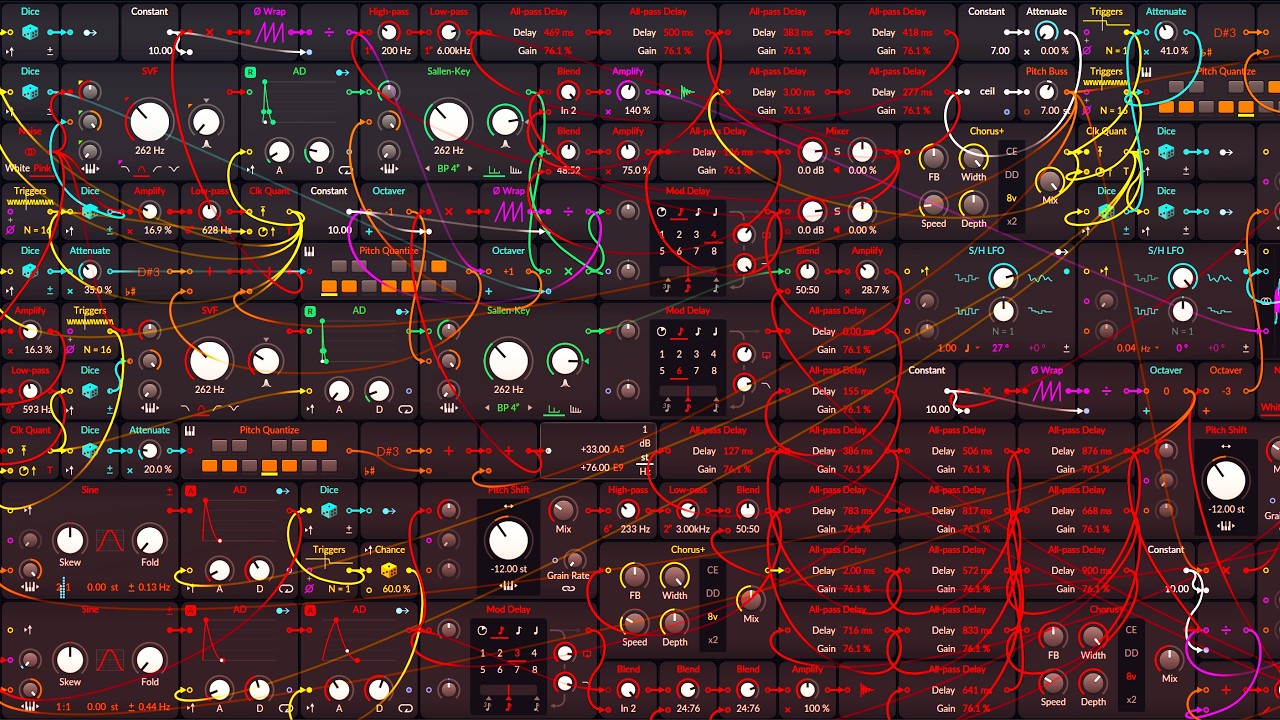
A warm generative Bitwig Poly Grid drone where randomized Sine voices move through the circle of fifths while filtered Noise adds an airy, shifting top layer.
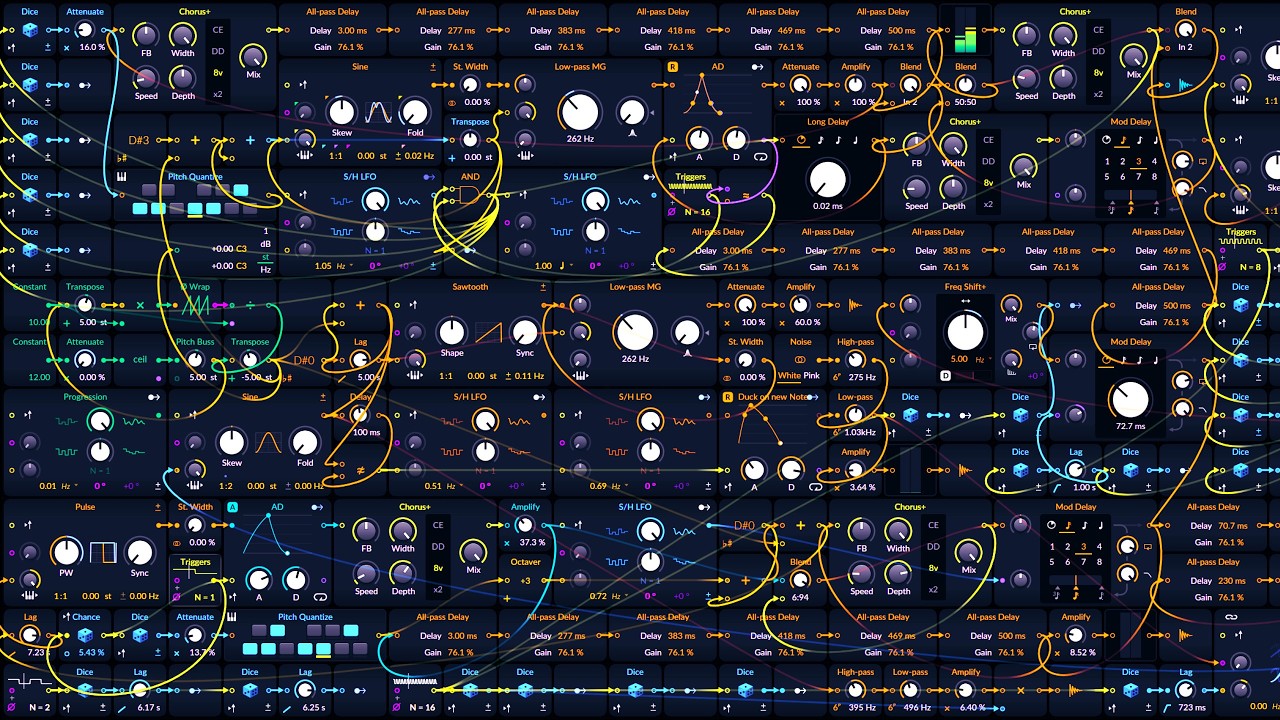
A generative Bitwig Poly Grid soundscape where modal harmony moves upward in perfect fourths while randomized tonal and noise layers drift through delay, chorus, filtering, and diffusion.

Bitwig Studio 6’s new scale highlighting feature makes it easy to visualize, create, and modulate melodies and harmonies in different scales and modes, helping both beginners and advanced users make more intentional music. The feature supports global and local scale selection, real-time automation, and integration with tools like arpeggiators and note effects, allowing users to experiment with brightness, darkness, and complexity. While primarily a highlighter rather than a full automatic transposer, it’s a valuable addition for making music theory more accessible and practical in your workflow.

How to use the scales and the Modes in a music production context.

In this video, I introduce the latest update to my melody maker script, showcasing new features that allow for more expressive and randomized sequences with just one click. I demonstrate how the updates include randomized parameters like timbre, pressure, and release velocity, as well as advanced options like motif development and rhythmic emphasis for creating more dynamic melodies. Additionally, I discuss some technical challenges with the API and share plans for upcoming updates to my other music scripts.

In this video, I introduce new features to my controller script, Retrospect, which now includes built-in functionality to correct out-of-scale notes directly, eliminating the need for a separate key filter in Bitwig. This update allows users to record the correct notes in a desired scale directly into a note clip, simplifying the process and saving time. I also provide guidance on how to download and set up the script, and welcome feedback and feature requests from viewers.

In this video, I introduced my new Chord Maker controller script for Bitwig Studio, which creates simple diatonic chord progressions in the piano roll. It allows users to choose modes, re-voice notes, and add bass or seventh notes, providing a great starting point for music creation with the ability to customize further. I also provided instructions on accessing and troubleshooting the script, inviting feedback for potential improvements.

I've fixed issues with the scale maker script related to hard-coded variables and enhanced the melody maker by adding more scales and modes that are shared between both scripts. Users can now download a separate scales file to customize or share their scales, and there's an updated feature that allows the clip name to reflect the chosen scale. Check my GitHub for the necessary files, and feel free to provide feedback or suggest further improvements.

In this video, I demonstrate how to create an unusual chord progression tool using Bitwig Studio, experimenting with note stacking, transposing, and modulation to generate interesting harmonic structures. By leveraging Bitwig's note grid and modulation features, I show how to keep the chords within a chosen scale, like D# minor, while allowing for dynamic changes in chord shapes and progressions. Finally, I provide the preset for download so viewers can explore and customize their own chord progressions.

In this video, I explore harmony theory beyond the typical diatonic framework, encouraging viewers to use the circle of fifths for a broader understanding of chord progressions. I demonstrate how to create more interesting harmonies by borrowing chords from outside the standard scale and discuss using a visual tool I've developed to facilitate this process. This approach allows for more creative freedom in music composition by enabling experimentation with different scales and chords while maintaining a tonal center.

Over the weekend, I explored an idea where I used a frequency shifter on an A minor sample to create disharmonic or horror sounds by altering frequency relationships. To maintain clarity and avoid artifacts, I emulated the frequency shifting effect using a note grid to shift pitches down manually, allowing for the creation of new harmonic relationships and microtonic scales. This approach is particularly useful for generating unique sounds for horror soundtracks or techno music, and I've shared the patch in the description for those interested in trying it out.

In today's video, I demonstrated how to create interesting harmonic ideas using Bitwig's note grid by setting up chords with a pedal tone and fifths, making it simple to form complex chords and EDM sounds. I also added elements like an arpeggiator, reverb, and delay to enhance the sound, and showed how to manage different channels for more intricate compositions. This technique allows for quick and easy creation of harmonies without the need for complex chord progressions.

Here you can select notes on your piano keyboard, and it'll show you the corresponding scales. So if you have a melody or a chord progression, you can use this to find out which scales include those notes.

In yesterday's video, I created a dynamic global transpositioning tool for Bitwig. In today's video, I created a global chord track using a synthesizer and a note clip. By using the note grid and the global chord track, I was able to automatically correct the pitch of my piano solo and create a bass line that followed the chord progression.

Welcome to Interactive Piano Chords! This web app allows you to explore various piano chords, visualize them on a virtual keyboard, and even hear how they sound. Click on a chord from the list to highlight its notes on the keyboard and play its sound. You can also see how many notes each chord shares with the currently highlighted chord. Enjoy your musical journey!

In this video, I'm going to explain how I recreated the Eurorack module by Eventide called Misha in Bitwig Studio. I'll explain how it works, how to download the patch, and how to recreate it from this video. I'll also demonstrate how to use the keyboard, trigger buttons, and sequencer to control it. Finally, I'll show you how to transpose and use the key filter to create different scales. So, stay tuned and I'll show you how to make your own Misha clone!

In this video, I share some tips and ideas on how to use the new features in Bitwig Studio 3.2. I show how to create a bassline using the new arpeggiator and expression modulator, how to create layered instruments with instrument selectors and round-robin, and how to create evolving chords with note FX selector, arpeggiator, and diatonic transposer. I also demonstrate how to create sounds with Poly-Grid, create a reverb effect that only activates when the key is released, and how to create a strumming effect with note delay. These new features offer a lot of possibilities for sound design and creating patterns and chord structures. Using my code "polarity" in the shop can save you 10% on the price while supporting my channel.

In this video, I talk about a diatonic transposer that can be used in Bitwig to create chord progressions. By using the diatonic transposer, you can correct wrong notes to the right notes of a scale, making it easier to create chord progressions that stay within a specific scale. I demonstrate how to use the diatonic transposer in Bitwig by choosing a scale and mode, and then using the multi-note function to duplicate the notes to different keys. This allows you to easily find starting chord progressions. I also show how to use the diatonic transposer with an arpeggiator to experiment with chord changes, and how to use it with a bassline by using the note receiver and the arpeggiator. Additionally, I introduce the plugin "Cthulu" which allows you to choose specific notes from a chord to create melody lines. I explain that while diatonic chords can be a good starting point, it's important to break out of the diatonic scale scheme at times to add variation and interest to your compositions. I hope this tutorial provides some ideas for creating interesting melody lines and chord progressions, and I encourage viewers to comment with any questions or tutorial requests.

In this video, I show you how to create a step sequencer that generates a melody on a click and in scale. I start by setting up a polygrid and creating a clock using a scaler. Then, I use a counter to create the step sequencer and apply some math to get clean integer values for each step. I use a dice to generate random notes and a comparing module to trigger the steps. I also use a pitch scaler to narrow down the range of the notes and a pitch quantize module to further refine the melody. Finally, I demonstrate how to use logic operators like smaller and bigger to manipulate the signals. Overall, it's a basic setup, but you can customize and expand on it as you wish.
More tags to choose from: